
Quick answer
Repurpose a blog post by choosing a strong core article, extracting its main idea, key points, checklist, examples and questions into a content bank, then turning those into formats such as social posts, a carousel, an email, audio, video and a lead magnet. Adapt each for its channel and spread them over a month.
- Rewrite each format with its own hook and call to action, and schedule pieces across weeks rather than day one.
- Carry every statistic and its source into each new format, and check names and numbers after any AI editing.
- Provide captions or transcripts for video and audio, and disclose AI-generated voices where they might be mistaken for a person.
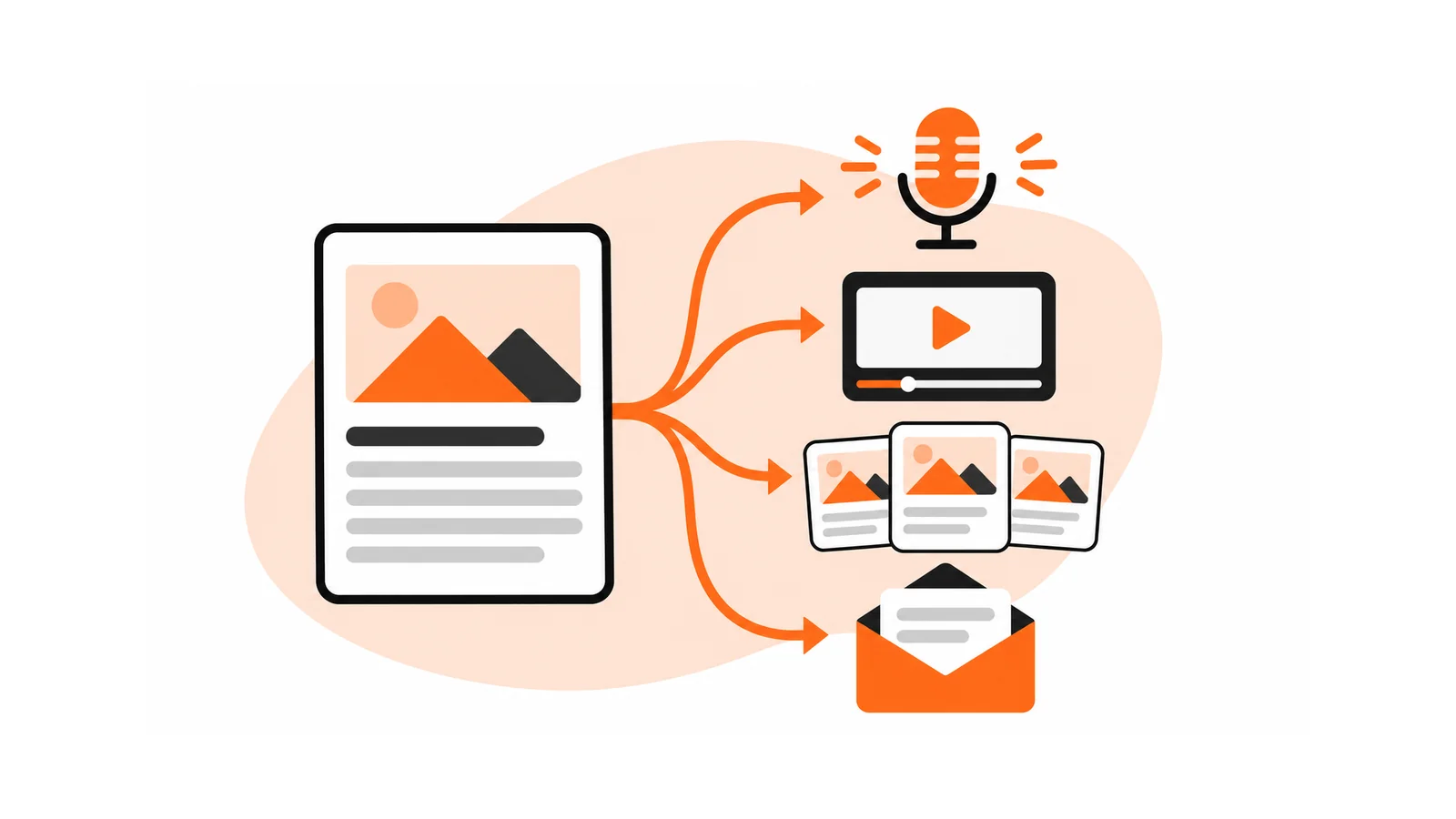
Most small businesses do not have a content shortage. They have a content waste problem. One strong article takes hours to produce, gets a few days of attention and then sits on the website. Repurposing turns the same idea into several formats so each piece of research and thinking reaches more people.
This guide builds a repeatable workflow, a tool-agnostic checklist and a set of quality controls. It is a crowded topic, so the aim is practical, not clever.
Why repurpose
- People consume differently. Some read, some listen on the commute, some watch short clips.
- Reach grows without new ideas. The thinking is done once.
- Messages need repetition. Most people need to see something several times before they act.
- It supports search and AI visibility. A well-structured article that answers real questions is also what search and AI systems draw on. See AEO and GEO for small businesses.
The newsletter issue Your Blog Just Became a Podcast: How Gemini Is Redefining Content Repurposing shows one example: turning a blog post into audio using an AI tool. The method below goes wider.
The one-to-many workflow
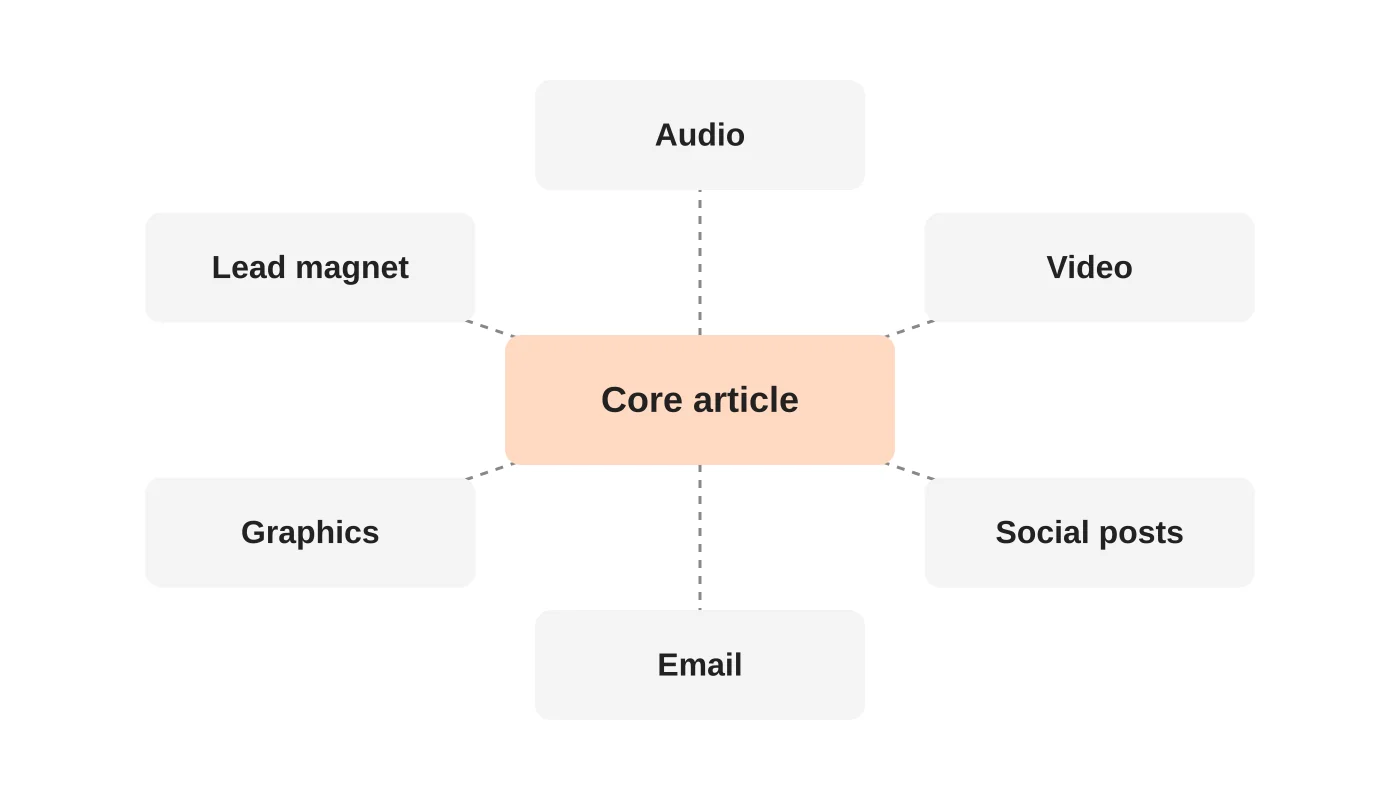
Step 1: Start with a strong core piece
Pick an article that already answers a real customer question and performs reasonably well. Repurposing a weak piece multiplies a weak message.
Step 2: Extract the building blocks
Read the article and pull out:
- The main idea in one sentence.
- Three to seven key points.
- Any checklist, steps or framework.
- Statistics or examples, with their sources.
- Common questions and short answers.
- A strong quotation or opinion of your own.
Put these in a simple document called a content bank.
Step 3: Turn the blocks into formats
| Format | How to build it | Typical length |
|---|---|---|
| Short social posts | One idea per post, using the key points and questions | 3 to 8 posts |
| Carousel or slide graphic | One slide per step or point | 6 to 10 slides |
| A short summary with a link to the full article | 150 to 300 words | |
| Audio or podcast episode | Read or discuss the article, or turn the outline into a conversation | 5 to 15 minutes |
| Short video | Present the main idea and one example to camera or with slides | 60 to 90 seconds |
| Longer video | Walk through the checklist or framework on screen | 5 to 10 minutes |
| Lead magnet | Turn the checklist or template into a downloadable | 1 to 2 pages |
| FAQ entries | Reuse questions and answers on service pages | 3 to 5 |
Step 4: Adapt, do not just copy
Each format needs its own opening and its own call to action. A social post needs a hook in the first line, an email needs a clear subject and a video needs a strong opening in the first few seconds. Rewrite for the channel.
Step 5: Schedule over time
Spread the pieces across weeks. Do not publish everything on day one.
Related reading: Organic Posts, Boosted Posts or Ads Manager? Choose the Right Social Campaign.
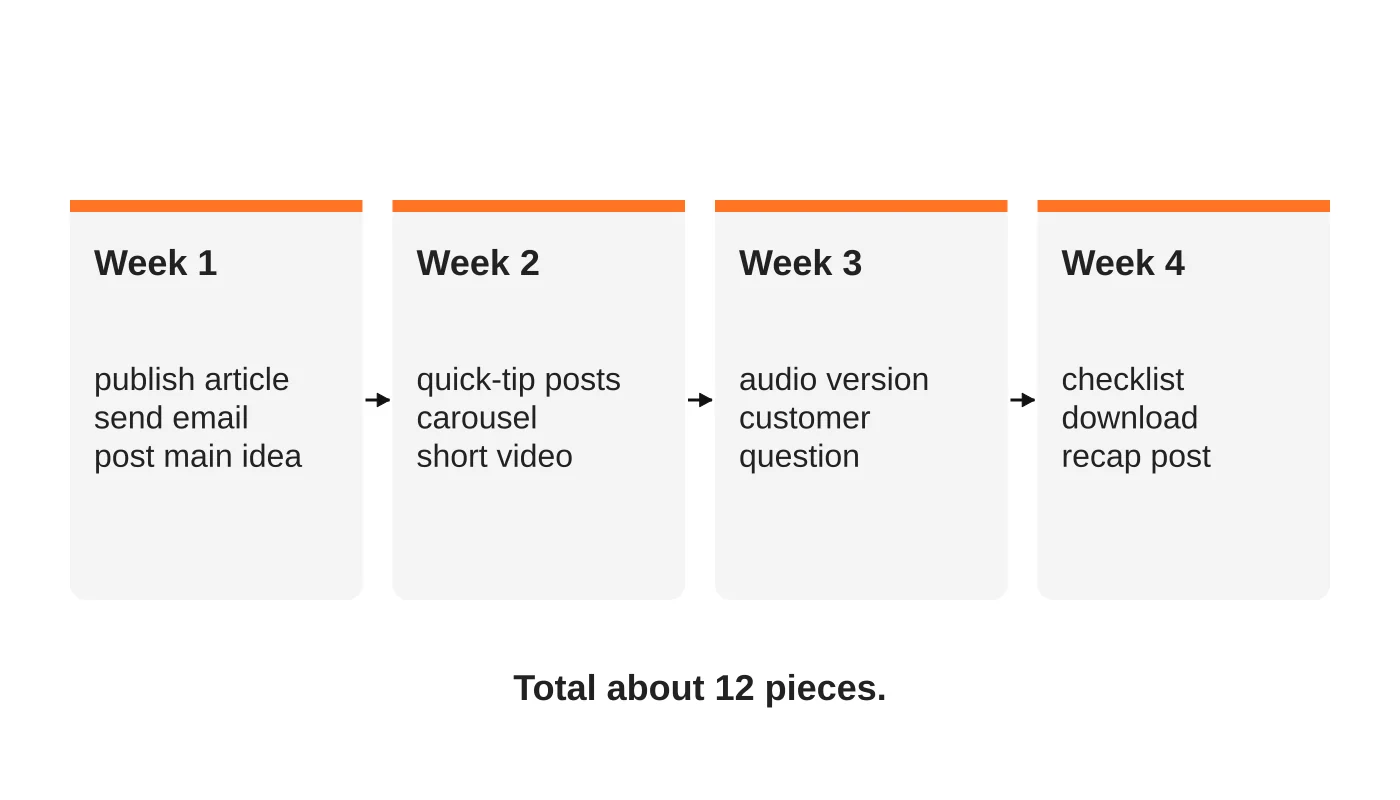
A month from one post
| Week | Pieces |
|---|---|
| 1 | Publish the article. Send the email. Post the main idea on social. |
| 2 | Post two quick-tip posts. Share the carousel. Publish the short video. |
| 3 | Release the audio version. Share a customer question and your answer. |
| 4 | Offer the checklist as a download. Post a recap and link back to the article. |
That is about twelve pieces from one core article, with no new research.
To keep content coming without constant filming, plan one video shoot into a month of short-form content.
Tools by step
Tools change quickly, so choose by what you need, not by brand.
- Transcription and summarising: speech-to-text and AI summarisers for turning a recording into text, or text into a summary.
- Audio: a recording app and a simple editor, or a text-to-speech tool if you do not want to record your own voice. Always disclose synthetic voices if they might be mistaken for a person.
- Video: a screen recorder, slide software and a simple editor.
- Graphics: a template-based design tool for carousels and quote cards.
- Scheduling: a social media scheduler or your email platform.
- AI assistant: useful for drafting hooks, shortening copy and suggesting titles, with your review.
For general guidance on content creation, see our guide to social media content creation and master social media marketing strategies. If you want to plan a full calendar, read how to plan 90 days of content.
Quality control checklist
- [ ] The core article is accurate and up to date.
- [ ] Every statistic or claim carries its source into each new format.
- [ ] Each piece has its own hook and call to action.
- [ ] Spelling, names and numbers are checked after any AI editing.
- [ ] AI-generated voice or images are disclosed where it matters, and you have rights to anything you use.
- [ ] Captions or transcripts are provided for video and audio, for accessibility.
- [ ] Links point to the right page.
- [ ] Pieces are spread over time and do not repeat word for word.
- [ ] You review performance and keep the formats that work.
Optional: local-language versions
If your audience speaks Bisaya or Tagalog, consider short posts or audio summaries in those languages. Use fluent speakers to review them, and keep technical terms consistent with your English content.
Frequently asked questions
Is repurposing duplicate content?
Reusing the idea in different formats is not a problem. Avoid pasting the same text across several pages on your own site, and give each format its own wording.
How many formats should I use?
Start with two or three that suit your audience, such as email and short social posts, then add more as the process becomes routine.
Do I need expensive tools?
No. A phone, a free editor and a scheduler cover most needs.
Can AI do the repurposing for me?
It can do much of the first draft. A person should review, add examples and approve.
How often should I repurpose?
For every core article you plan to promote, which might be monthly or fortnightly.
From the Wired for Growth newsletter
This workflow builds on Your Blog Just Became a Podcast: How Gemini Is Redefining Content Repurposing from Duarne Bernhagen’s LinkedIn newsletter, Wired for Growth, which turns a blog into audio. A related issue, The AI-Powered Marketing Calendar: 90 Days of Content in One Sitting, covers planning 90 days of content.
Get a content package
Web Design Davao’s content and social media marketing service can build and run a repurposing workflow for you. Ask about a content package.


