

Quick answer
Start seasonal campaigns before the booking rush by working backwards from when your customers decide. Settle offers and capacity first, build the landing page before promoting it, keep dates identical across channels, check enquiries daily during the campaign, and close it when the offer ends with a written review for next season.
- Use your own enquiry history, not assumptions, to find when customers decide.
- Define each offer with dates, inclusions, conditions and an end, and never announce discounts or perks you have not approved.
- Take down expired pages, review enquiries, bookings, cancellations and feedback, and write down what to change next season.
Resorts, schools and event venues have demand peaks. A campaign that starts when the rush begins is too late: pages are unfinished, offers are unclear and staff are busy. This guide shows how to work backwards from your demand period and plan pages, offers, channels and closure.
The calendar uses hypothetical lead times. Set your own from your booking or enrolment history. No campaign result is promised.
Step 1: work backwards from demand
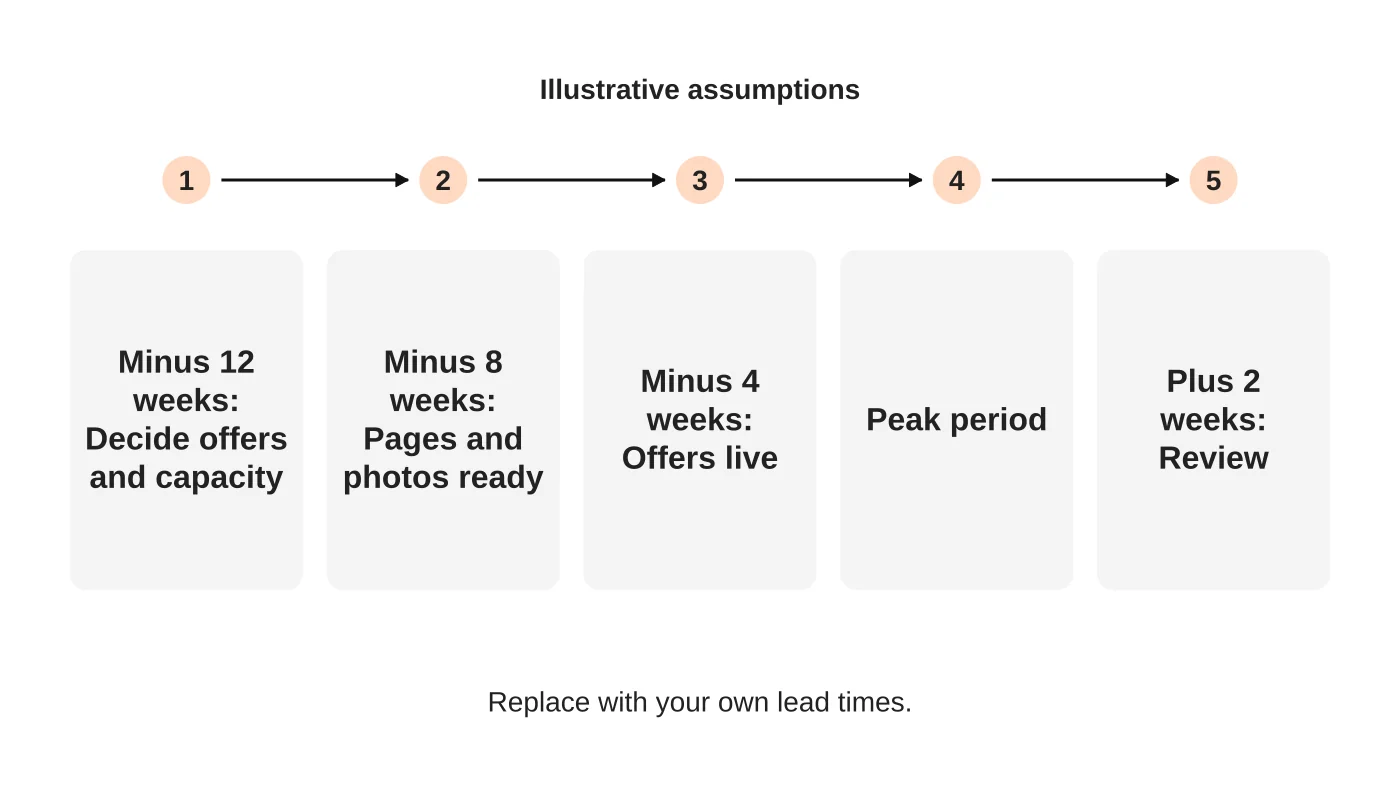
Find the period when you need to fill capacity: school holidays, enrolment season, wedding months or festival weeks. Then note when your customers decide. A family may book a holiday months ahead. A parent may enquire about admissions a year ahead. Use your enquiry history, not assumptions.
Step 2: decide offers and capacity
Before any promotion, decide what you can deliver: rooms, seats, dates and staff. Define the offer, the dates it applies and when it ends. Offers without an end or a capacity cause disappointment and rushed decisions. Do not announce discounts or perks you have not approved.
Step 3: prepare pages and assets
A campaign points to a page. Build it first: clear dates, inclusions, conditions, photos and a simple enquiry route. For resorts, see the resort website checklist. For group business, see resort group booking pages. Test the mobile path before you promote.
Step 4: coordinate channels
Each channel has a job: your website explains, search brings guests who are looking, email reaches past guests and social media shows the place. Keep the message and dates identical everywhere. Build content in advance. See a 90-day content plan and the resort marketing guide.
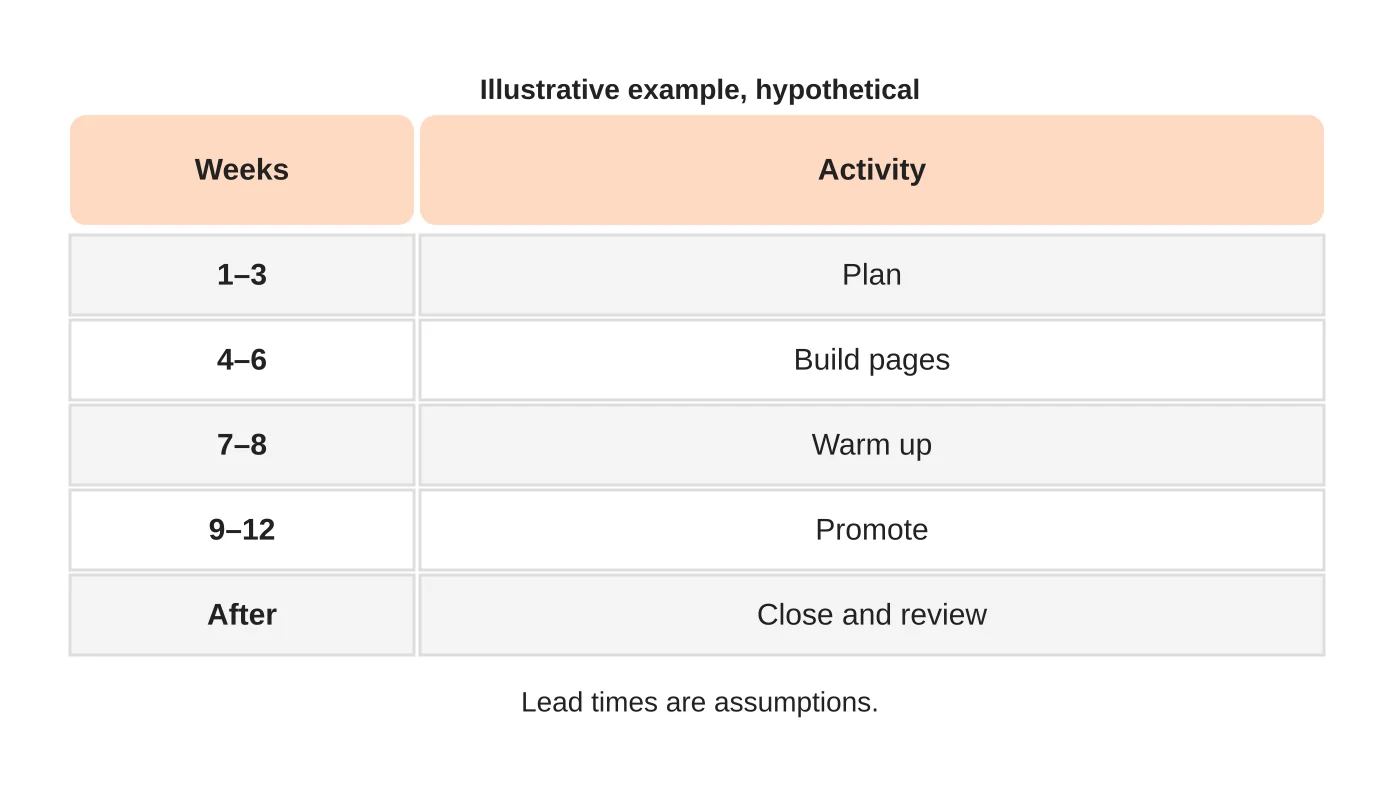
Step 5: run and watch
During the campaign, check enquiries daily and answer fast. Track enquiries by source and type, and keep a list of questions you cannot answer, because they show page gaps. Pause or adjust when capacity fills.
Step 6: close and review
End the campaign when the offer ends. Take down expired pages or mark them clearly. Review enquiries, bookings or enrolments, cancellations and feedback. Write down what to change next season.
Schools: add admissions details
Show who the programme is for, dates, requirements and how to apply. Be clear about fees and policies, or how to get them. See school admissions pages.
Frequently asked questions
How early should I start?
Work back from when your customers decide. Your history will tell you.
Should I run ads?
Only if your page and enquiry path are ready. See a Google Ads landing page checklist.
What if demand is lower than expected?
Review the offer, page and timing before spending more.
Can I reuse last year’s page?
Update every date, price and policy first.
Sources
Plan your season
Web Design Davao’s digital marketing team can discuss a seasonal plan that fits your capacity. Get in touch.


