

Quick answer
Maintain a detailing website with a monthly checklist: update package prices and availability, compress and review gallery images, test the booking and confirmation flow on a phone and a computer, confirm backups run and can be restored, and keep a change log. A named person should own it, with a stand-in.
- Update the website, listing and social links together when prices change, and remove old offers.
- Compress gallery images for mobile, remove weak or duplicate photos and confirm you still have permission for each.
- Make a test enquiry and booking, check the notification reaches the right person, and fix any failure straight away.
Galleries grow heavy, packages change and booking forms can break quietly. A monthly routine catches problems before customers do. This guide gives a checklist.
1. Update prices and availability
Check package descriptions, prices and the availability shown against reality. Remove old offers. If prices changed, update the website, listing and social links together.
2. Compress and review gallery images
Compress images so pages load quickly on mobile, remove weak or duplicate photos and confirm you still have permission for each. Use descriptive alt text for key images.
3. Test booking and confirmation flows
Make a test enquiry and booking on a phone and a computer. Check the notification reaches the right person and the customer receives a clear confirmation. Fix any failure straight away.
4. Keep backups and change records
Confirm that backups run and can be restored, and keep a simple log of changes, who made them and when. Update software on the schedule your web provider recommends.
5. Review performance
Check which pages bring enquiries and which packages sell. Adjust accordingly. See the detailing marketing guide and a detailing content plan.
Monthly detailing website checklist
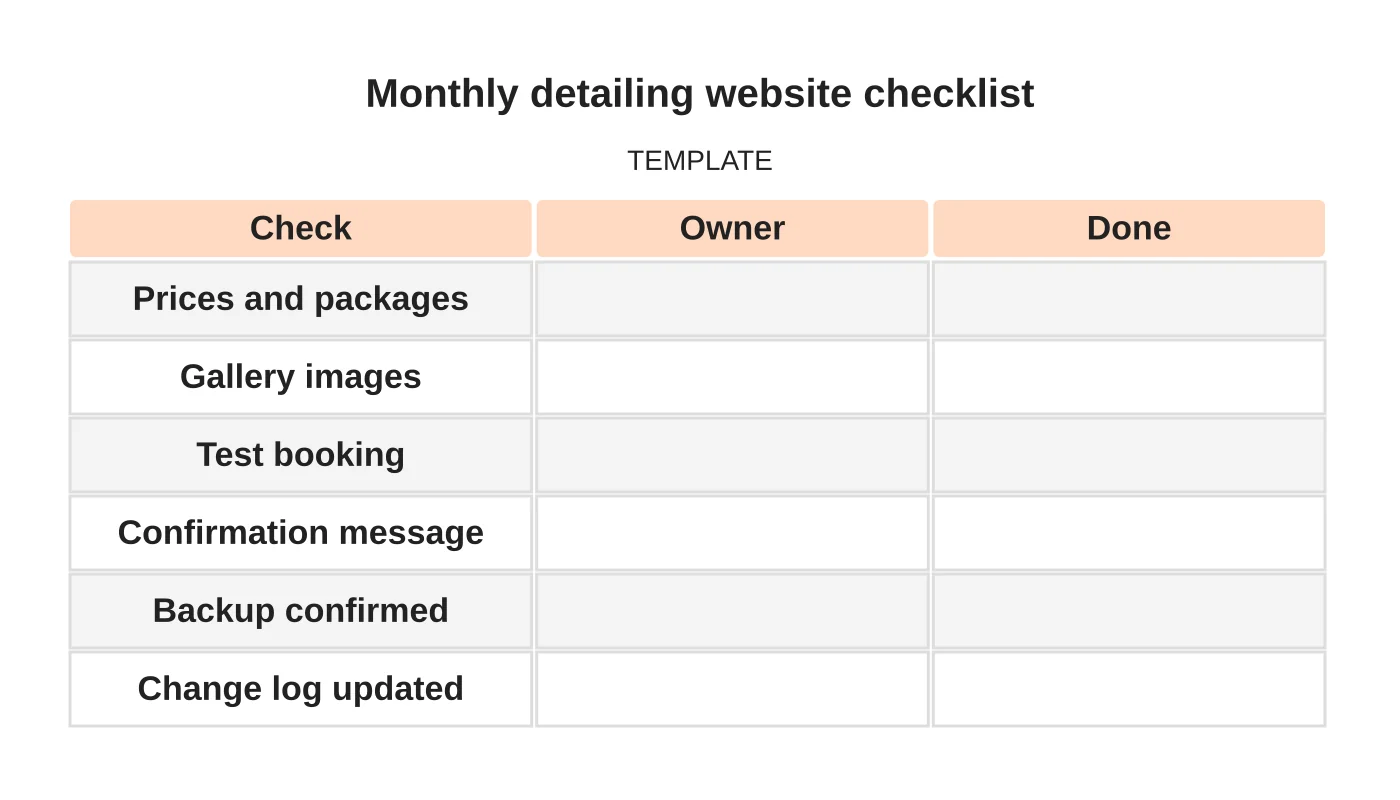
| Check | Owner | Done |
|---|---|---|
| Prices and packages | ||
| Gallery images | ||
| Test booking | ||
| Confirmation message | ||
| Backup confirmed | ||
| Change log updated |
Related reading: How to Present Detailing Packages and Before-and-After Photos on Your Website.
Common mistakes
- Uncompressed galleries that slow pages.
- Old prices left online.
- Untested bookings.
- No backups.
- No record of changes.
Questions detailers ask
How often should I check? Monthly, and after any change to packages or the website.
Who should do it? A named person, with a backup.
Next step
Discuss ongoing website checks, updates and support responsibilities with Web Design Davao. Read about our website maintenance service or contact us.
Frequently asked questions
How often should a detailing website be checked?
Monthly, and after any change to packages or the website. Each check covers prices and packages, gallery images, a test booking, the confirmation message, backups and the change log, with a named person responsible.
How do I test a detailing booking form?
Make a test enquiry and booking on both a phone and a computer. Check that the notification reaches the right person and that the customer receives a clear confirmation. If anything fails, fix it straight away.
What should I do about heavy photo galleries?
Compress images so pages load quickly on mobile, remove weak or duplicate photos and confirm you still have permission for each one. Use descriptive alt text for key images, and keep backups and a simple change log.
Sources and notes
Last updated 21 November 2026. This guide is general information based on Web Design Davao’s web design and digital marketing practice. It cites no statistics and makes no promise about rankings, enquiries or contracts. Web Design Davao is not licensed or certified in this industry, so check technical, safety, legal and regulatory matters with a suitably qualified professional. Examples are templates or illustrations, not client results.


