

Quick answer
Before running paid ads, check that each ad goes to a page matching its promise, the page loads quickly on a phone, forms work and reach the right person, tracking records the conversion, and your host and the office can cope. Decide who monitors and who can pause ads, and start with a modest budget.
- Send each ad to a page that matches what it promised, not every ad to the home page.
- Submit a test enquiry and confirm it reaches the right person with an acknowledgement before spending anything.
- If a form fails, pause spend first, then fix it; review cost per qualified enquiry, not only clicks.
Paid ads send traffic to a page, so a weak page, a slow site or a broken form wastes the budget. A readiness check before launch helps. This guide gives a checklist. It makes no result promise, and advertising platforms change their rules, so check current official guidance.
1. Align page and campaign intent
Each ad goes to a page that matches what it promised. If the ad says “emergency repairs”, the page should say so and show how to act. Do not send every ad to the home page. Keep claims consistent and supportable.
2. Test performance and forms
Test the page on a phone over a normal mobile connection. Check that it loads quickly, the key action is visible and forms work. Submit a test enquiry and confirm it reaches the right person with an acknowledgement. Check tracking records the conversion you care about.
3. Check capacity and third-party dependencies
Ask your host about expected traffic and limits. Check any booking, payment or chat tools you depend on, and what happens if they fail. Make sure the office can handle the extra enquiries; otherwise delay the campaign.
Related reading: Supporting Course Launches: Hosting, Traffic Spikes and Student Access Dependencies.
4. Define monitoring and incident ownership
Decide who watches the site and campaign during the first days, who can pause ads and who fixes the website. Agree what to do if a form fails: pause spend first, then fix.
5. Start small and review
Begin with a modest budget. Review enquiry quality and cost per qualified enquiry, not only clicks. See the service-business workflow guide and changing agencies.
Campaign launch readiness checklist
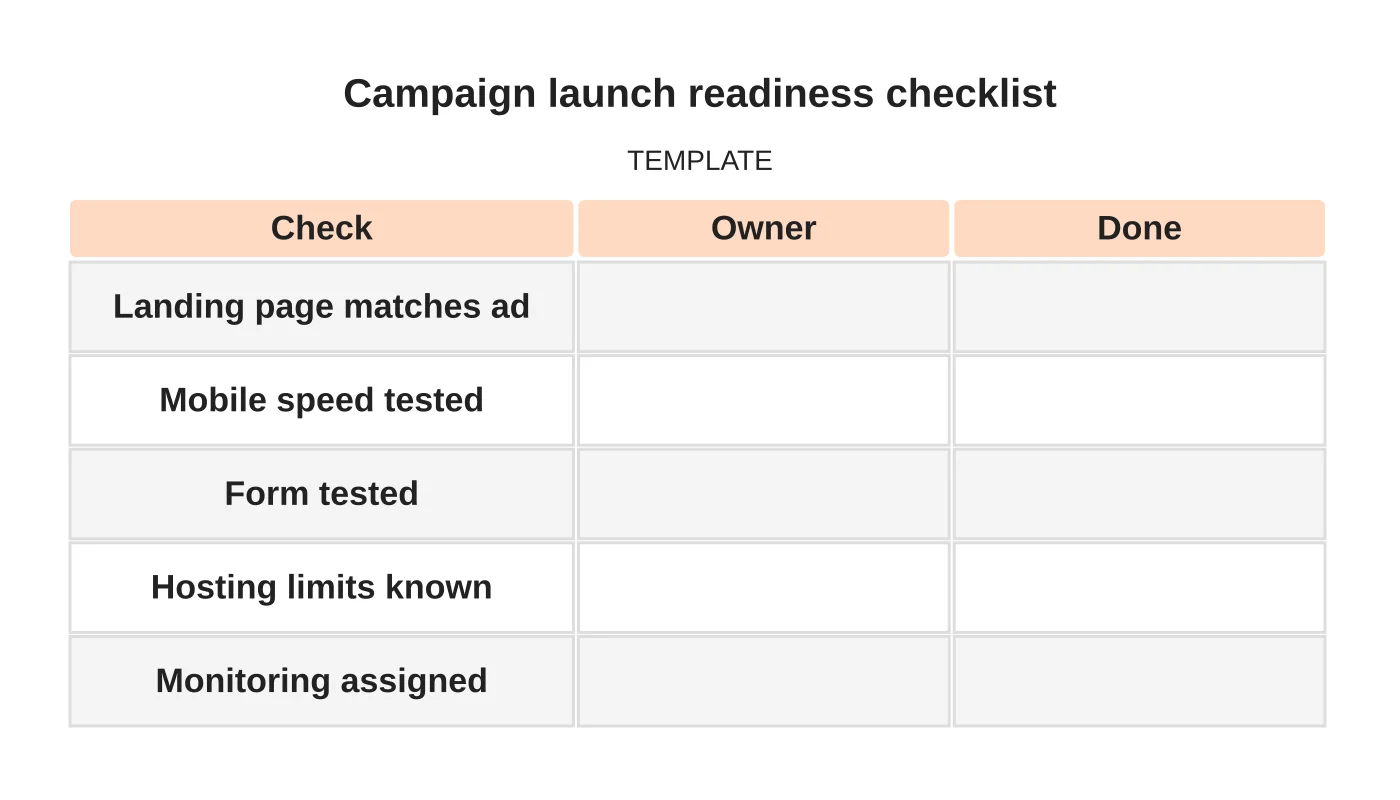
| Check | Owner | Done |
|---|---|---|
| Landing page matches ad | ||
| Mobile speed tested | ||
| Form tested | ||
| Hosting limits known | ||
| Monitoring assigned |
Common mistakes
- Sending ads to the home page.
- Launching before testing forms.
- No one assigned to monitor.
- Scaling spend before checking quality.
- Ignoring the office’s capacity.
Questions owners ask
How much should I spend first? An amount you can afford to lose while you learn.
How long before judging? Allow enough time for a meaningful number of enquiries, not days.
Next step
Request a review of your website hosting, dependencies and continuity requirements. Read about our secure hosting service or contact us.
Frequently asked questions
Why check my website before running paid ads?
Paid ads send traffic to a page, so a weak page, a slow site or a broken form wastes the budget. A readiness check before launch catches those problems before the budget is spent.
What should I test on the landing page before launching ads?
Test the page on a phone over a normal mobile connection, and check it loads quickly and the key action is visible. Submit a test enquiry, confirm it reaches the right person with an acknowledgement, and check tracking records the conversion you care about.
How much should I spend when starting paid ads?
Begin with a modest budget, an amount you can afford to lose while you learn. Allow enough time for a meaningful number of enquiries before judging, not just days, and review enquiry quality and cost per qualified enquiry rather than clicks alone.
Sources and notes
Last updated 21 November 2026. This guide is general information based on Web Design Davao’s web design and digital marketing practice. It cites no statistics and makes no promise about rankings, enquiries or contracts. Web Design Davao is not licensed or certified in this industry, so check technical, safety, legal and regulatory matters with a suitably qualified professional. Examples are templates or illustrations, not client results.
Related guide: Website Traffic Spikes from Offline Campaigns: Questions to Ask Your Host


