

Quick answer
A monthly website maintenance report should show what was done and how you know it worked: each change with versions and dates, the checks run afterwards and their results, the latest backup restore test, unresolved issues with risk and owner, and next actions with dates. A report saying only ‘all good’ tells you little.
- List each update from version to version with date and approver, plus post-update checks of forms, checkout and uptime.
- Ask for the latest restore test: when, what was restored and how long it took.
- Be wary of reports with no open items ever, dashboard screenshots without explanation, or vague wording such as optimised.
A monthly report that says “all good” tells you little. A useful report shows what was done, how you know it worked and what remains open. If you are evaluating a maintenance retainer, the report is how you judge whether work happens.
This guide lists what a report should show, with a fictional sample. The maintenance plan guide explains inclusions; this one is about evidence. See also the security audit checklist.
Step 1: show the changes and checks
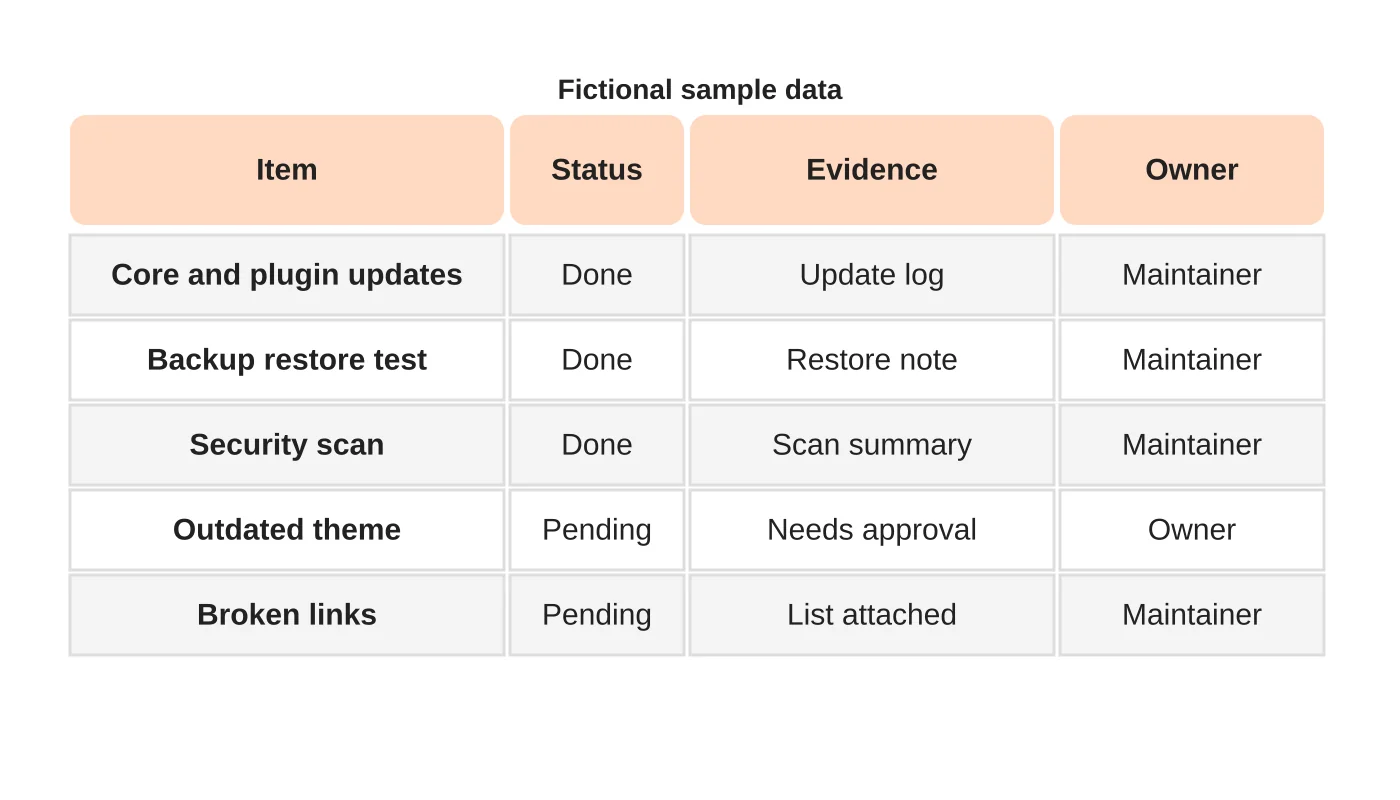
The report should list each change: what updated, from which version to which, on which date and who approved it. It should list the checks run after, such as forms, checkout and uptime, and their results. A list of activities without results is not evidence.
Step 2: record restore evidence
Backups only matter if you can restore them. Ask for a note of the latest restore test: when, what was restored, how long it took and what was checked. If restores are not tested, the report should say so. See a safe WordPress update workflow for how testing fits in.
Step 3: list unresolved issues
A good report separates done from pending. Include open risks: outdated components, unsupported plugins, warnings, slow pages and items waiting on your approval. A report with no open items every month deserves a question. For each open item, give the risk, the recommended action and who decides.
Step 4: assign next actions
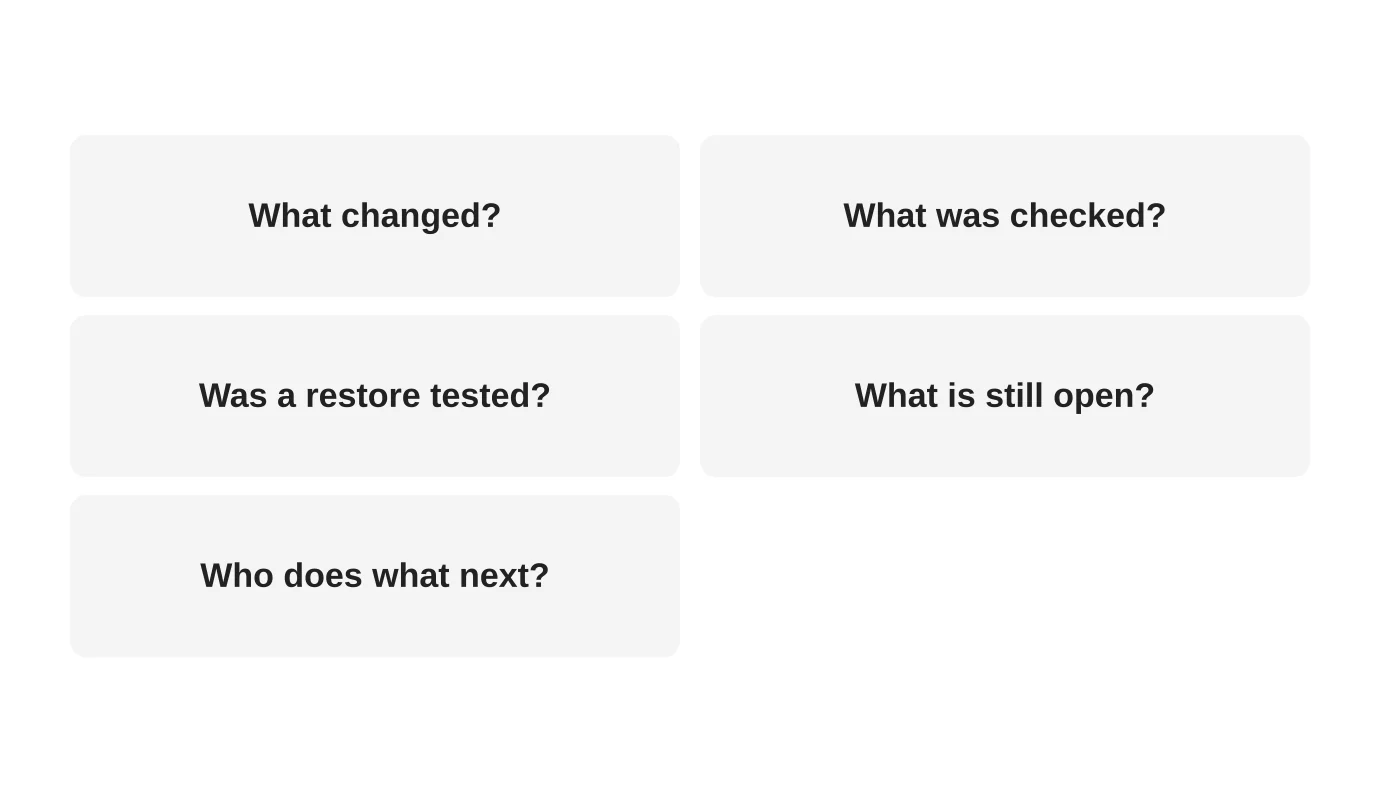
End with a list of actions for next month, each with an owner and date. Include decisions needed from you. If something is out of scope, say so and say what it would take. Compare this with what was agreed in the plan.
Step 5: keep reports comparable
Use the same layout each month so you can see trends. Keep reports in a shared folder. Review them quarterly with the provider. For incidents, see who responds when your website breaks.
Red flags
- Only screenshots of a dashboard with no explanation.
- No mention of restore tests.
- No open items, ever.
- Vague wording such as “optimised” with no detail.
Frequently asked questions
How long should a report be?
Short enough to read, detailed enough to verify.
Should I get raw logs?
Ask for a summary, with detail available on request.
Who should read it?
The person accountable for the site, with someone who understands the technical content.
Can a report prove my site is secure?
No. It shows what was done and checked, not a guarantee.
Sources
Ask for evidence
Web Design Davao’s website maintenance team can discuss ongoing website care and clear support responsibilities. Get in touch.


