
Quick answer
Local SEO for a multi-branch business starts with confirming each branch is an eligible location, then keeping one branch register as the source of truth for names, addresses, hours and owners. Give each branch a specific page, assign profile access to more than one trusted owner, check for duplicates, and measure enquiries by branch.
- Update the register first, then update profiles and pages from it on a set schedule.
- Do not copy one page and swap the place name; explain what is different at each branch.
- Keep at least two trusted owners at business level so profile access survives staff changes.
A business with several branches has several customer-facing locations, each with its own details. Managing them badly leads to wrong hours, duplicate listings and branch pages that all say the same thing. This guide covers who owns what, how to build accurate branch pages and how to handle changes.
It applies to multi-site clinics, retailers and service providers. Verify Google’s current eligibility rules before you act. The register is synthetic.
Step 1: confirm eligible locations
Not every place you work counts as a location. Google’s guidelines describe which businesses are eligible for a profile, for example places where customers meet staff in person. Check them. Do not create profiles for service areas that are not real locations, and do not use virtual offices.
Step 2: build a branch register
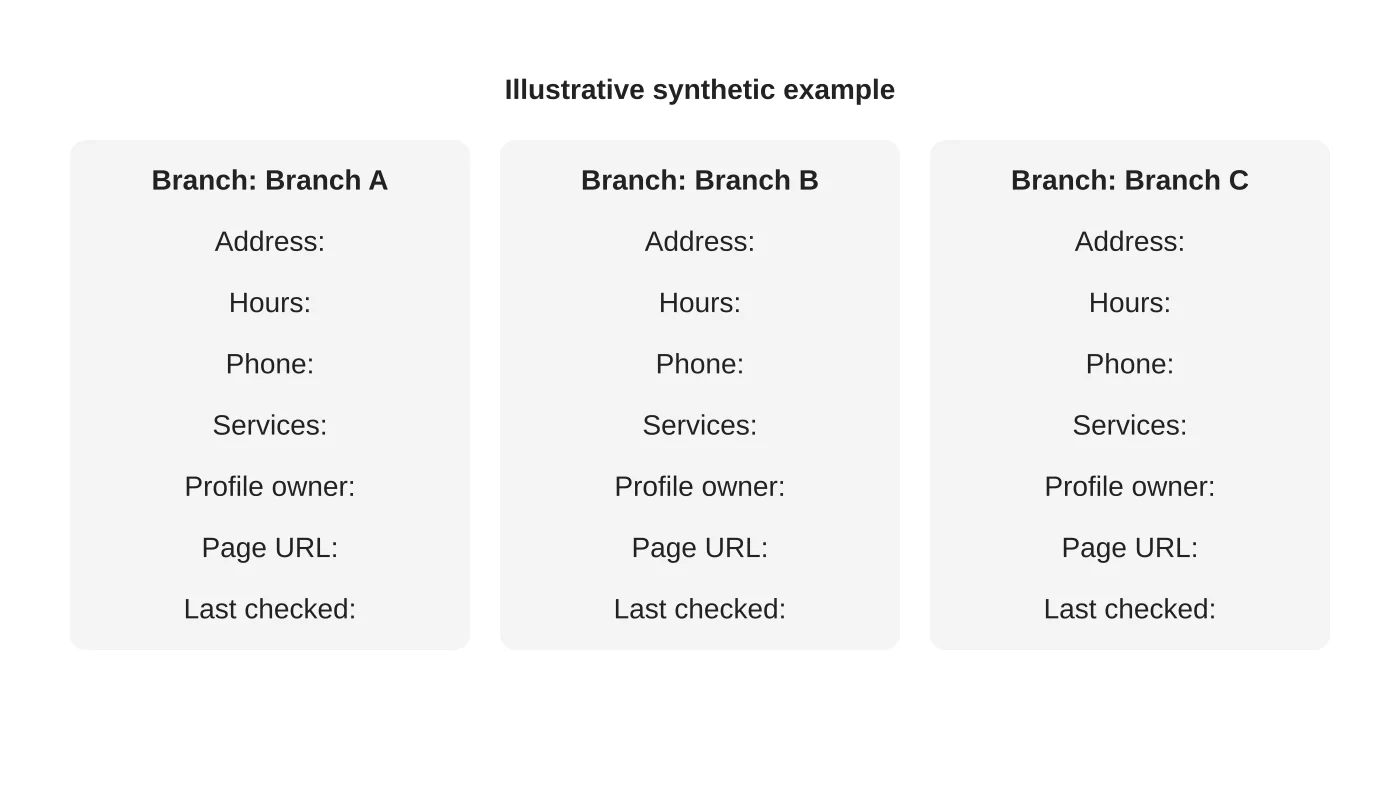
Keep one sheet that holds the facts for each branch: legal and display name, address, phone, hours, services, profile link, page URL, owner and the date last checked. Treat it as the source of truth. Update it first, then update profiles and pages from it.
Step 3: assign profile access
For each branch decide who can manage the profile: the branch manager, head office or an agency. Keep at least two trusted owners at the business level so access survives staff changes. Use business accounts, not personal ones. Document who can add or remove people. See the Business Profile guide for Davao.
Step 4: create accurate branch pages
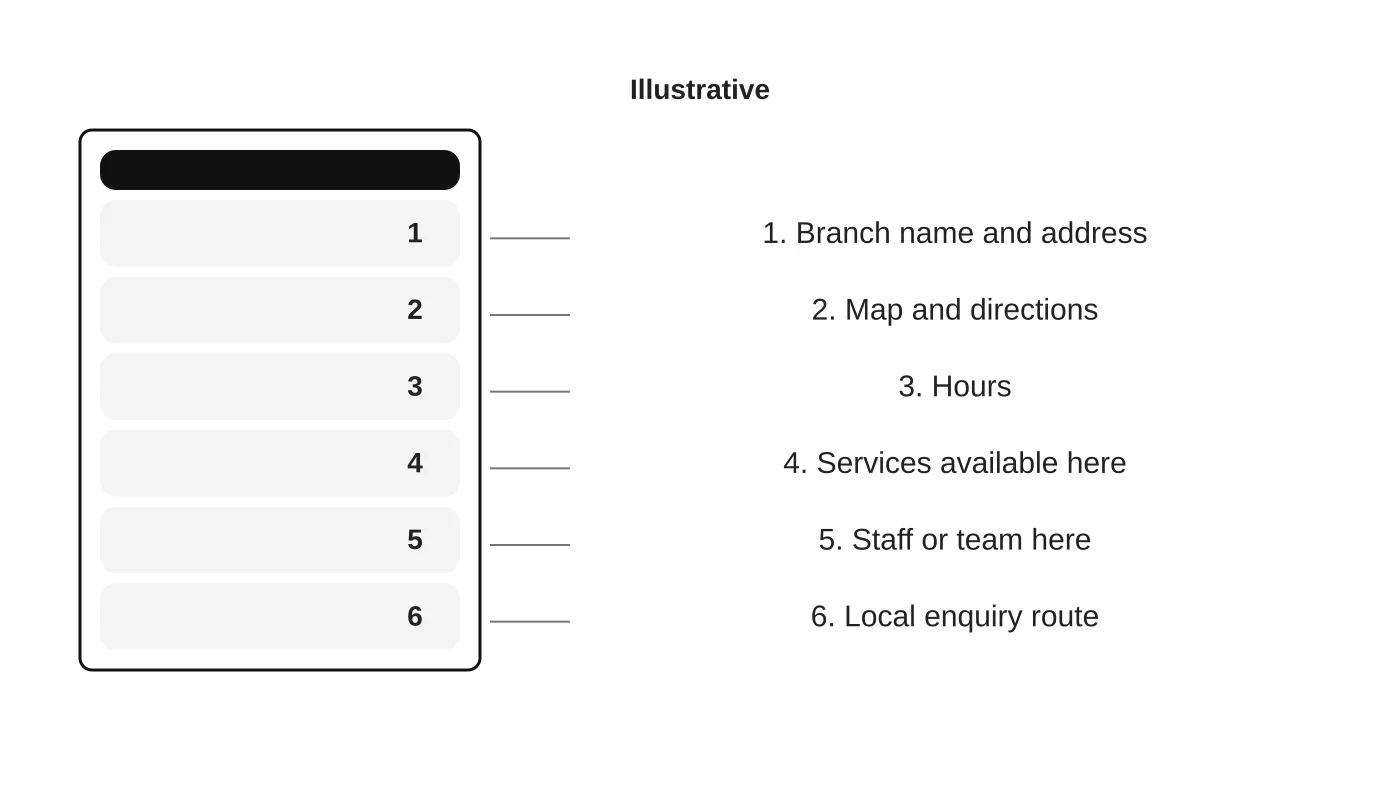
Each branch page should have something specific: the address, map and directions, hours, services offered there, the team and a local enquiry route. Do not copy one page and swap the place name. If branches offer the same service, explain what is different at each, or link to one shared service page. See the local SEO structure guide.
Related reading: Keeping Branch Information Accurate Across Websites and Business Profiles.
Step 5: manage changes and duplicates
- Changes: Opening hours, holidays, moves and closures should flow from the register to the profile and page on a set schedule.
- Duplicates: Search for each branch name and address and look for duplicate or outdated listings. Handle them using the platform’s own tools.
- Closed branches: Mark them closed on the profile and redirect or update the page.
- Reviews: Reply to each branch’s reviews from the right account.
See local citations and backlinks for directory consistency.
Step 6: measure by branch
Track enquiries, calls and direction requests per branch, and compare over time. Avoid ranking comparisons across branches without context, as results vary by location.
Frequently asked questions
Do I need a page for every branch?
If each is a real location where customers visit, yes. Keep each page specific.
Can head office manage everything?
It can, but branch staff know local changes. Agree who updates what.
What about franchises?
Ownership and brand rules differ. Check your agreements.
How often should I audit?
Quarterly, and after any change.
Sources
- Creating helpful, reliable, people-first content, Google Search Central
- Guidelines for representing your business on Google, Google Business Profile Help
Review your branch setup
Web Design Davao’s digital marketing team can discuss a branch register and local page plan. Get in touch.


