

Quick answer
Keep manufacturing website content current by giving every downloadable file and technical page a named owner, recording the version and last review date, removing superseded downloads, and checking capability and quality claims against current certificates and records. Review quarterly and immediately after changes to equipment, processes or certifications.
- Keep one current version of each document, show its revision and date, and check no page links to old copies.
- Each quarter, submit a test RFQ, download key documents and check restricted files are visible only to the right people.
- If a certification lapses, changes scope or is suspended, update the website promptly.
Old datasheets and expired certificates mislead buyers and create risk. Keeping technical content current is a process with owners and dates, not a one-off project. This guide gives a register and routine for a manufacturer’s website and downloadable documents.
1. Assign document owners
Each downloadable file and each page of technical content has an owner who is responsible for its accuracy. Typical owners are the quality manager for certificates and quality documents, an engineer for datasheets and capability descriptions, and marketing for the page wording. Record owner, date of last review and next review.
2. Track versions and superseded downloads
Keep one current version of each document. Put the revision and date on it. When you issue a new version, remove the old one from the site and check that no page still links to it. If customers might hold old copies, consider stating the current revision on the page. Avoid having several files with similar names.
3. Review capability and quality claims
Review capability statements against what the business can do today, such as equipment, processes and capacity. Review quality claims against current certificates and records. If a certification lapses, changes scope or is suspended, update the website promptly.
4. Test enquiry and file-access paths
Each quarter, submit a test RFQ, download each key document and check that links open the right current file. Check that restricted documents are accessible only to those who should see them. Record results and fix problems at once.
5. Plan reviews around changes
Trigger a review whenever you add equipment, change a process, receive or lose a certification or update a datasheet. See the manufacturing website guide and B2B SEO for manufacturers.
Technical content maintenance register
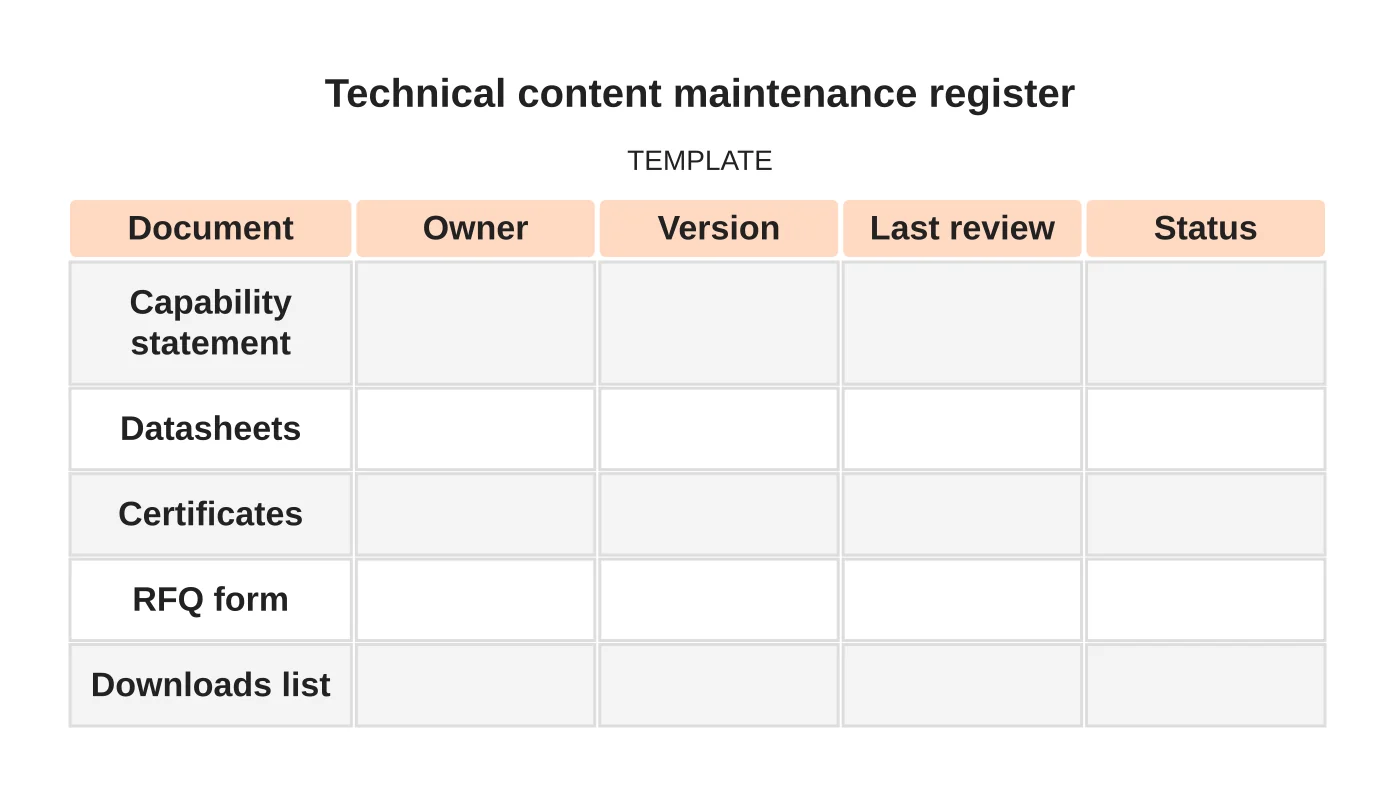
| Document | Owner | Version | Last review | Status |
|---|---|---|---|---|
| Capability statement | ||||
| Datasheets | ||||
| Certificates | ||||
| RFQ form | ||||
| Downloads list |
Common mistakes
- Several versions of a datasheet online.
- Certificates left online after they lapse.
- No owner for documents.
- Updating the site but not the downloads.
- Untested RFQ forms.
Related reading: Manufacturing RFQ Forms: Collecting Specifications Without Creating Friction.
Questions manufacturers ask
How often should we review? Quarterly for the register, and at once after any change to equipment, process or certification.
Who should have access? A small named group, reviewed when staff change.
Next step
Discuss ongoing website checks, updates and support responsibilities with Web Design Davao. Read about our website maintenance service or contact us.
Frequently asked questions
Who should own manufacturing website documents?
Each downloadable file and technical page needs an owner responsible for accuracy. Typical owners are the quality manager for certificates and quality documents, an engineer for datasheets and capability descriptions, and marketing for page wording. Record owner, last review and next review.
How often should we review technical content?
Review the register quarterly, and at once after any change to equipment, process or certification. Triggers include adding equipment, changing a process, receiving or losing a certification, or updating a datasheet.
What should we do with superseded datasheets?
Remove the old version from the site when you issue a new one, and check that no page still links to it. If customers might hold old copies, consider stating the current revision on the page, and avoid several similarly named files.
Sources and notes
Last updated 21 November 2026. This guide is general information based on Web Design Davao’s web design and digital marketing practice. It cites no statistics and makes no promise about rankings, enquiries or contracts. Web Design Davao is not licensed or certified in this industry, so check technical, safety, legal and regulatory matters with a suitably qualified professional. Examples are templates or illustrations, not client results.


