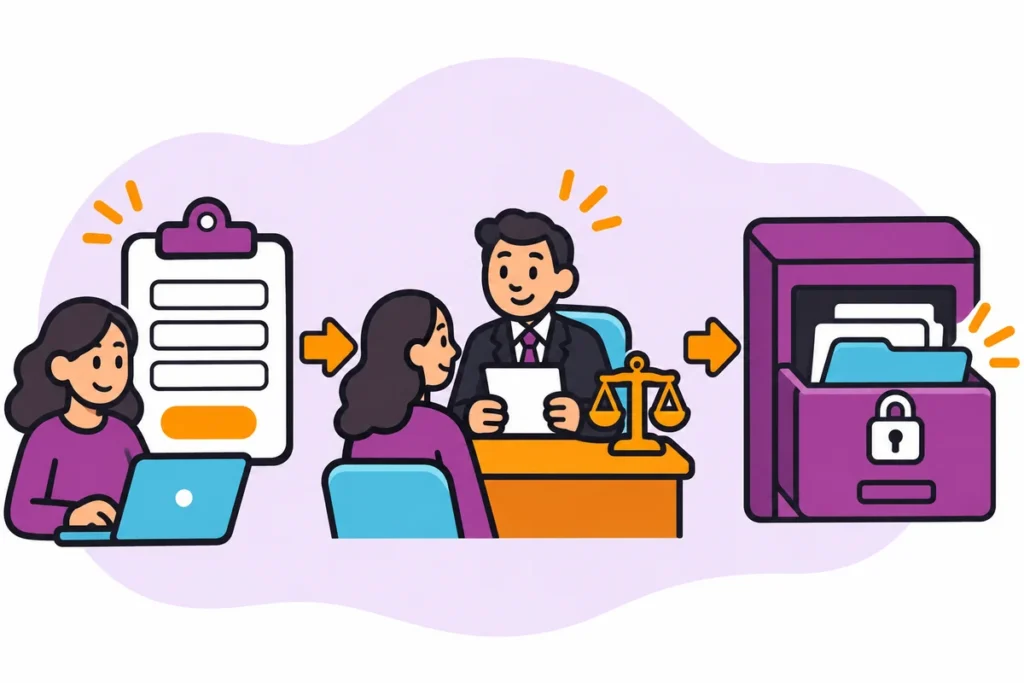
Quick answer
A good thank-you page confirms what was received, names who will reply and gives an honest response window, then offers optional preparation. It should also give a fallback contact for anyone who has not heard back. Only state a window the team has agreed and can meet, and avoid asking for sensitive information.
- Confirm what was received and the type of request, so people know the right form was submitted.
- Name who responds and give a window your team has agreed, noting when it starts if you are closed.
- Check the page works on a phone and that analytics can count visits to it.
After a form submission many sites only say ‘thanks’. A better thank-you page confirms receipt, says who responds and when, and offers optional preparation. This is for service business managers who want customers to know what happens next. It is written for service business marketing managers and ends with the decision, owner and next step to record.
An illustrative scenario
This is a hypothetical example, not a Web Design Davao client case.
Situation. A submitted form confirms success but leaves the customer unsure when or how anyone will respond.
What happens. A service company’s thank-you page said only ‘Thanks, we have your message’. Customers rang to ask what would happen. The company rewrote it to confirm what was received, name the team who will reply, give a window the team can meet and list two optional things the customer could prepare. It added a phone number for anyone who has not heard back.
Confirm receipt
Confirm what was received and that the customer does not need to do anything else for the enquiry to proceed. Use the receipt message field. Mention the type of request so people know the right form was submitted. Keep it short, in plain words, and consistent in tone with the site. If the form can fail silently, test it before relying on the page; see the guide on testing contact forms.
Explain response ownership
Name who responds, such as the sales team or the office coordinator, and give an honest window. Use the response owner and expected window fields. Only state a window your team has agreed and can meet, and say when it starts if you are closed. Add a fallback contact for people who have not heard back, so a missed enquiry has a second chance to be found.
Request optional preparation
Offer optional preparation that will make the first conversation more useful, such as a recent invoice or a photo, and label it optional. Use the optional preparation field. Avoid asking for sensitive information on this page. Check that the page works on a phone and that your analytics can count visits to it, so you can see how many enquiries arrive.
Thank-you page content model
Use this at the point described above. The workflow owner completes it and a named reviewer checks it. A completed row shows that the information, owner and next step are recorded; it does not prove the outcome. Keep it somewhere the team can edit, and keep it free of passwords, tokens and real client records.
Blank copy
| Receipt message | Response owner | Expected window | Optional preparation | Fallback contact |
|---|---|---|---|---|
Illustrative completed row (hypothetical)
| Receipt message | Response owner | Expected window | Optional preparation | Fallback contact |
|---|---|---|---|---|
| ‘We have received your enquiry’ | Sales coordinator | Within the window the team has agreed | Have a recent invoice or photo ready (optional) | Phone the office if no reply |
Working through the completed row
The row states the receipt message, the sales coordinator as responder, a window the team has agreed, an optional preparation item and a phone fallback. The customer knows what happened, who acts and what to do if nobody replies.
Common mistakes
- Saying ‘thanks’ and nothing else.
- Promising a time nobody has agreed.
- Asking for sensitive information on the thank-you page.
Questions to settle before you rely on it
- Who actually responds to new enquiries, and in what time?
- What can the customer prepare while waiting?
- What happens if nobody replies in the stated window?
How you know it is complete
The model is complete when receipt, owner, window, optional preparation and fallback are all written and tested. Record who reviewed it and the date.
Where you may not have the answer
Enquiries arrive outside business hours. Say when the reply window starts, using the business’s local time, so the customer is not left guessing. The handoff, not a guess, is the correct next step.
Your next action
Open your current thank-you page and check it answers who, when and what next.
Ask Web Design Davao to review this workflow and scope the website or marketing support required. Website design & development arrangements are agreed individually; nothing here assumes a particular service, role or timing is already available.
How Web Design Davao works
- Enquiries are generally answered within four hours during support hours (Monday to Friday, business hours), with after-hours help for emergency requests. Scope is agreed individually.
Frequently asked questions
What should a thank-you page say?
Confirm what was received and that the customer does not need to do anything else for the enquiry to proceed. Mention the type of request, keep the wording short and plain, and match the tone of the rest of the site.
Should a thank-you page promise a reply time?
Only promise a window your team has agreed and can meet. Name who responds, such as the sales team or office coordinator, and say when the window starts if you are closed. Add a fallback contact so a missed enquiry has a second chance to be found.
What optional preparation can customers do while waiting?
Offer something that makes the first conversation more useful, such as a recent invoice or a photo, and label it optional. Avoid asking for sensitive information on this page, and check that it works on a phone.