
Quick answer
Decide which languages to offer from your own enquiry logs, messages and booking questions, not from guesses. Translate the pages that help someone decide and enquire, have a fluent speaker review every translation, offer a visible language selector instead of automatic redirects, and only keep languages you can update when prices or policies change.
- Translate home, key services or rooms, contact and essential policies, and leave out pages you cannot keep current.
- Link each page to its translated equivalent, name each language in its own language and keep one address per version.
- Avoid near-identical doorway pages that change only the language or place name, and check who can reply in each language.
A business in Davao may serve guests who read English, Filipino and Cebuano, and overseas visitors who read other languages. Translating the whole site is rarely the right first move. This guide helps you decide which languages to offer, which pages to translate and how to keep them current.
It makes no claim about rankings. Check current multilingual guidance before building.
Start with the audience
For each audience, write down: the language they use when they enquire, the pages they need and whether they search in that language. Use your own enquiry log, messages and booking questions. Do not guess from the language of a neighbourhood.
Choose pages, not the whole site
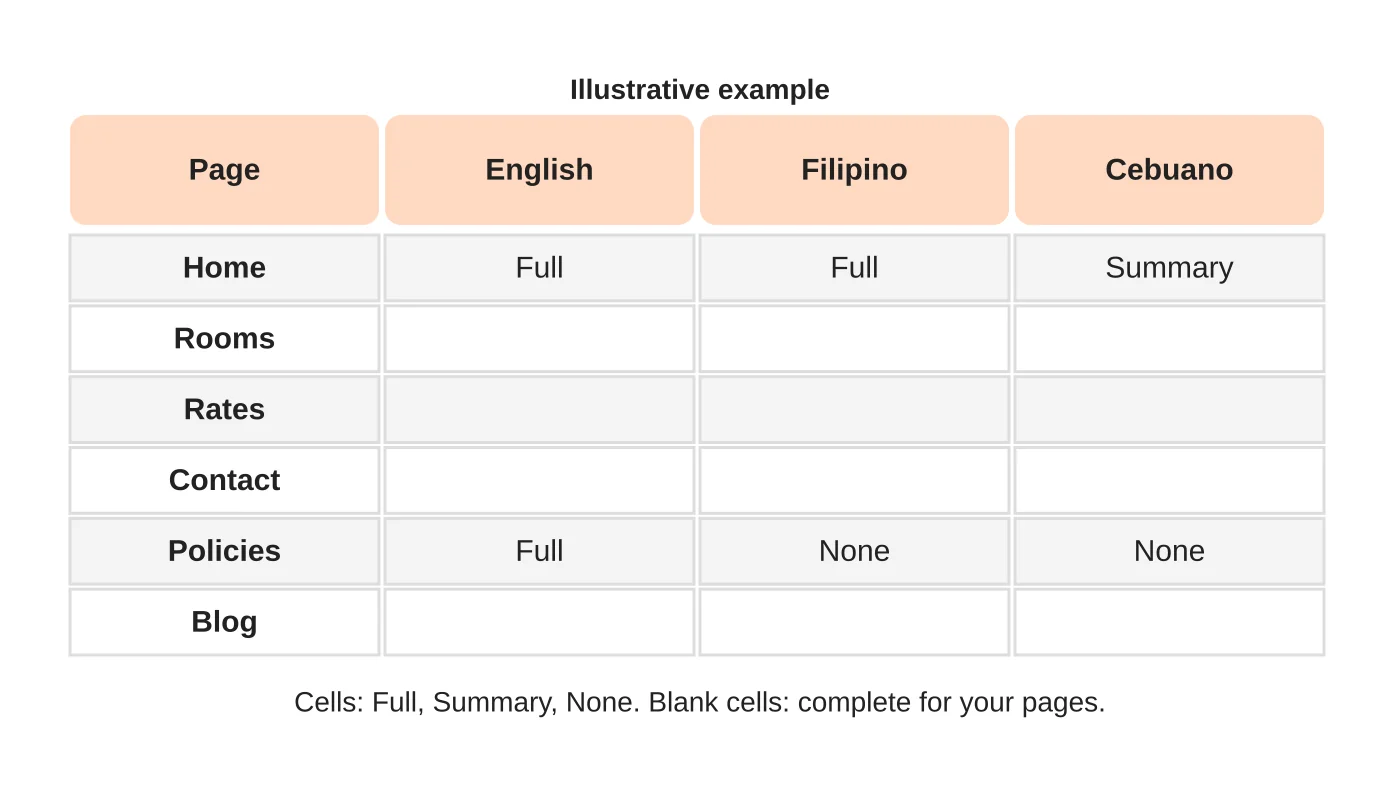
The matrix is a worksheet. For each page, decide whether to translate it fully, summarise it or leave it in one language. Translate the pages that help someone decide and enquire: home, key services or rooms, contact, and policies they must understand. Leave out pages you cannot keep current.
Have a fluent speaker review every translation. Machine translation can help a first draft but can mislead on prices, policies and medical or legal terms. Do not publish machine output unreviewed.
Design the language navigation
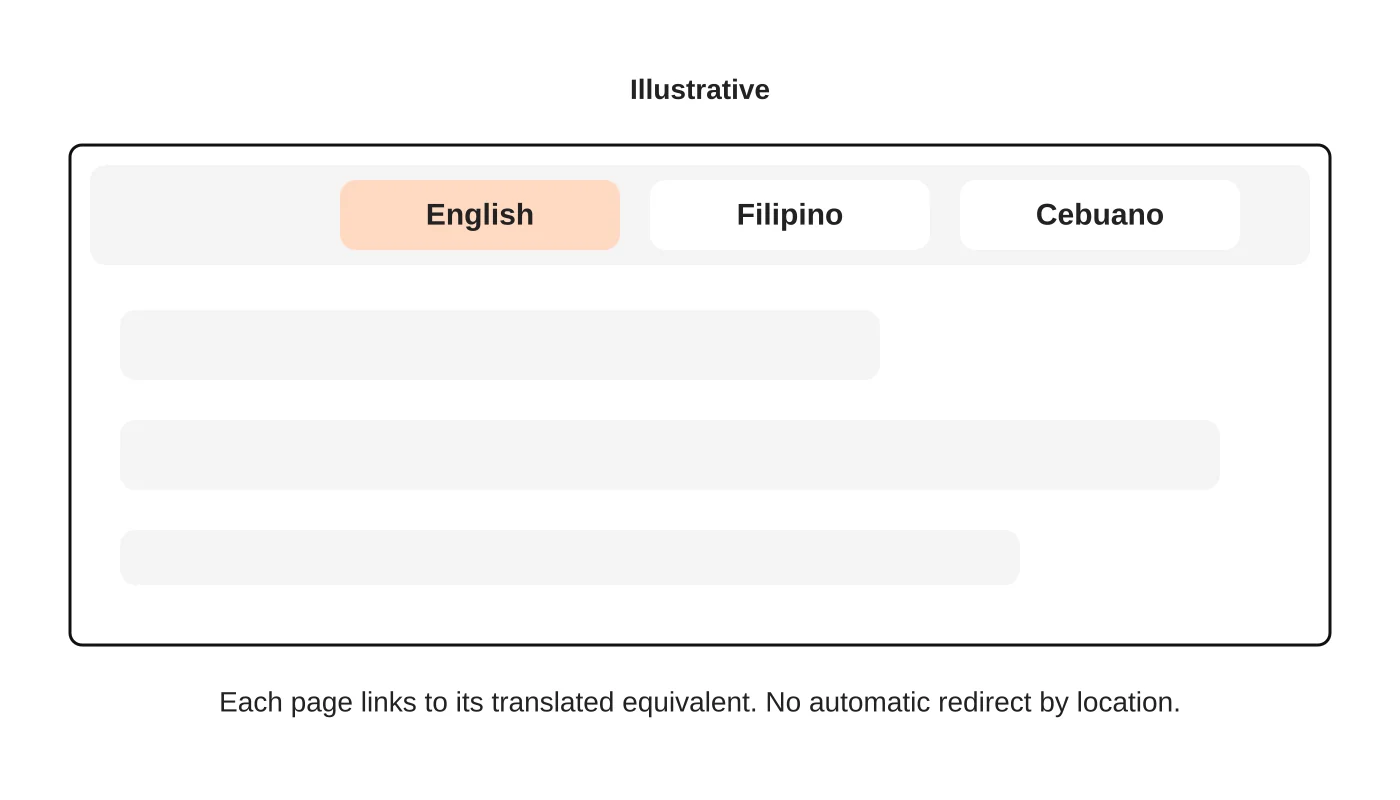
- Offer a visible language selector, with each language in its own name.
- Link each page to its translated equivalent, not just to the home page.
- Do not redirect visitors automatically by location. Let them choose.
- Keep one address per language version.
Google documents how to tell search engines about localised versions. See its guidance on localised versions of pages.
Avoid doorway pages
Do not create dozens of near-identical pages that change only the language or place name to catch searches. Each version should help a real reader. See the local SEO structure guide for the same principle applied to areas.
If your business offers a long list of services, see how to organise a multi-service website so visitors can find the right one.
Assign translation and review
Decide who updates each language when a price, policy or service changes. A translated page that is out of date is worse than none. Add the language versions to your update checklist. See website positioning for keeping the message consistent, and what to know before you begin for planning the build.
Check forms and replies
If your form accepts enquiries in Filipino or Cebuano, make sure someone can reply in that language. Otherwise state the languages you answer in.
Frequently asked questions
Do I need Cebuano if I already have English?
Only if your audience enquires or searches in Cebuano and you can support it.
Can I use an automatic translation plug-in?
It may help visitors, but accuracy varies and you lose control of wording. Review it carefully.
Should the site pick the language automatically?
No. Let the visitor choose.
How many languages are too many?
More than you can review and maintain.
Sources
- Creating helpful, reliable, people-first content, Google Search Central
- Managing multi-regional and multilingual sites, Google Search Central
Plan your language approach
Web Design Davao’s web design team can discuss which languages and pages your site needs. Get in touch.
Related guide: How to Plan English and Filipino Website Content Without Duplicating Every Page


