
Quick answer
Organise a many-service website by grouping services around what buyers want to do, not your org chart. List every service, have three to five people sort cards into groups they would expect, test labels in customers’ own words, then connect overview pages to detail pages and limit the main menu to the groups.
- Ask the front desk or sales team for services they sell that the website omits before you edit the list.
- Avoid internal jargon and vague words such as solutions; give testers tasks and note where they hesitate.
- Name an owner for each group, set review dates and retire services you no longer offer.
A business with many services often shows every one in the top menu. Visitors then have to guess which label applies to them. This guide gives a short exercise to group services around what buyers want to do, then connect the overview and detail pages.
It suits professional firms, clinics and logistics companies. The examples are fictional and make no claim about results.
Step 1: inventory your services
List every service, product or offer, one per line, using the words you use internally. Add how often each is requested and whether it has its own page. Do not edit yet. Ask the front desk or sales team to add the services they sell that the website omits. Check the existing structure advice in why website structure turns visitors into leads first, so you do not repeat it.
Step 2: group around buyer tasks
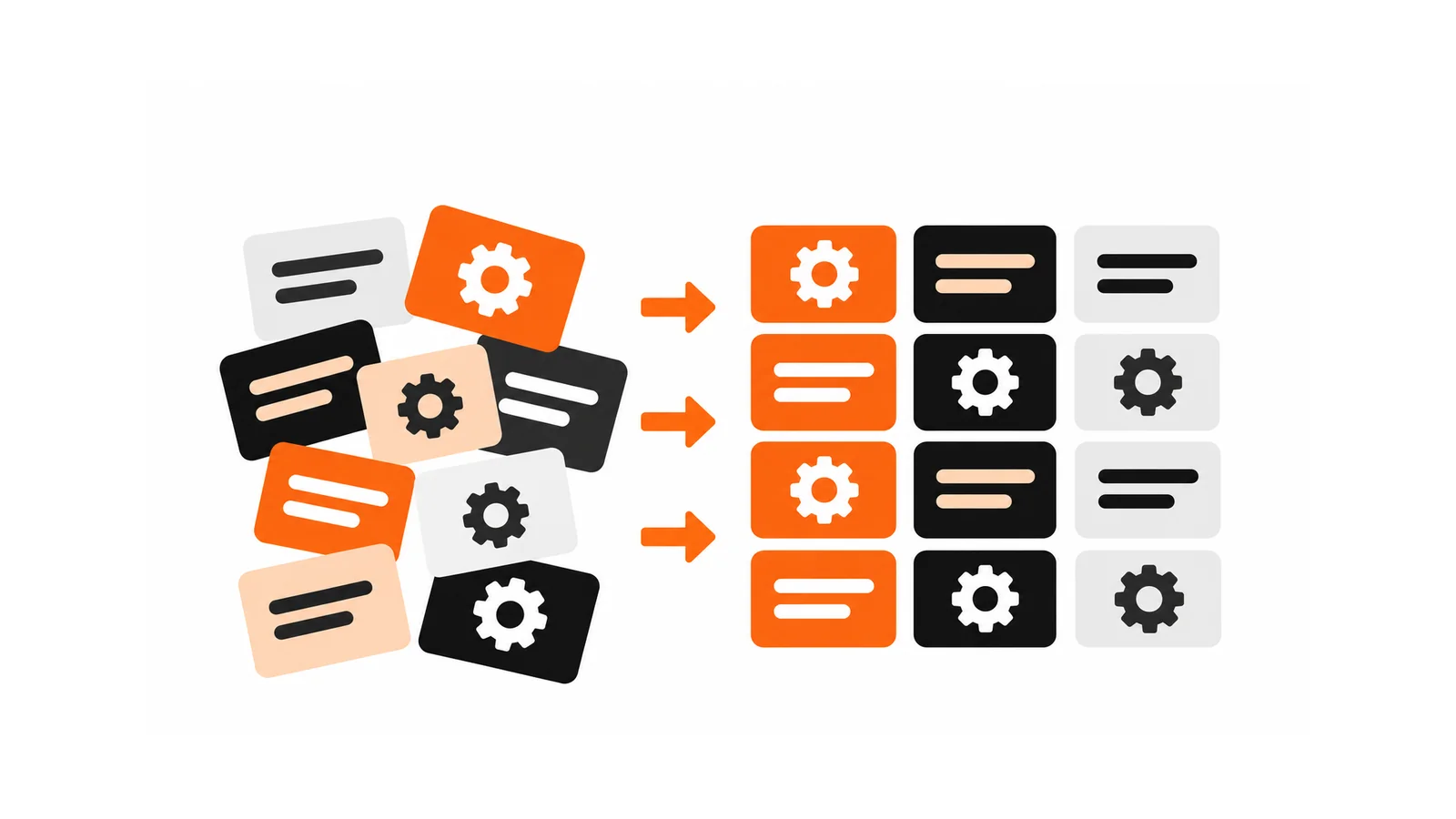
Buyers think in tasks (“I need to set up”, “something is broken”, “I want ongoing help”), not in your org chart. Write each service on a card. Ask three to five people, ideally customers or colleagues who do not design the site, to sort the cards into groups they would expect and name each group.
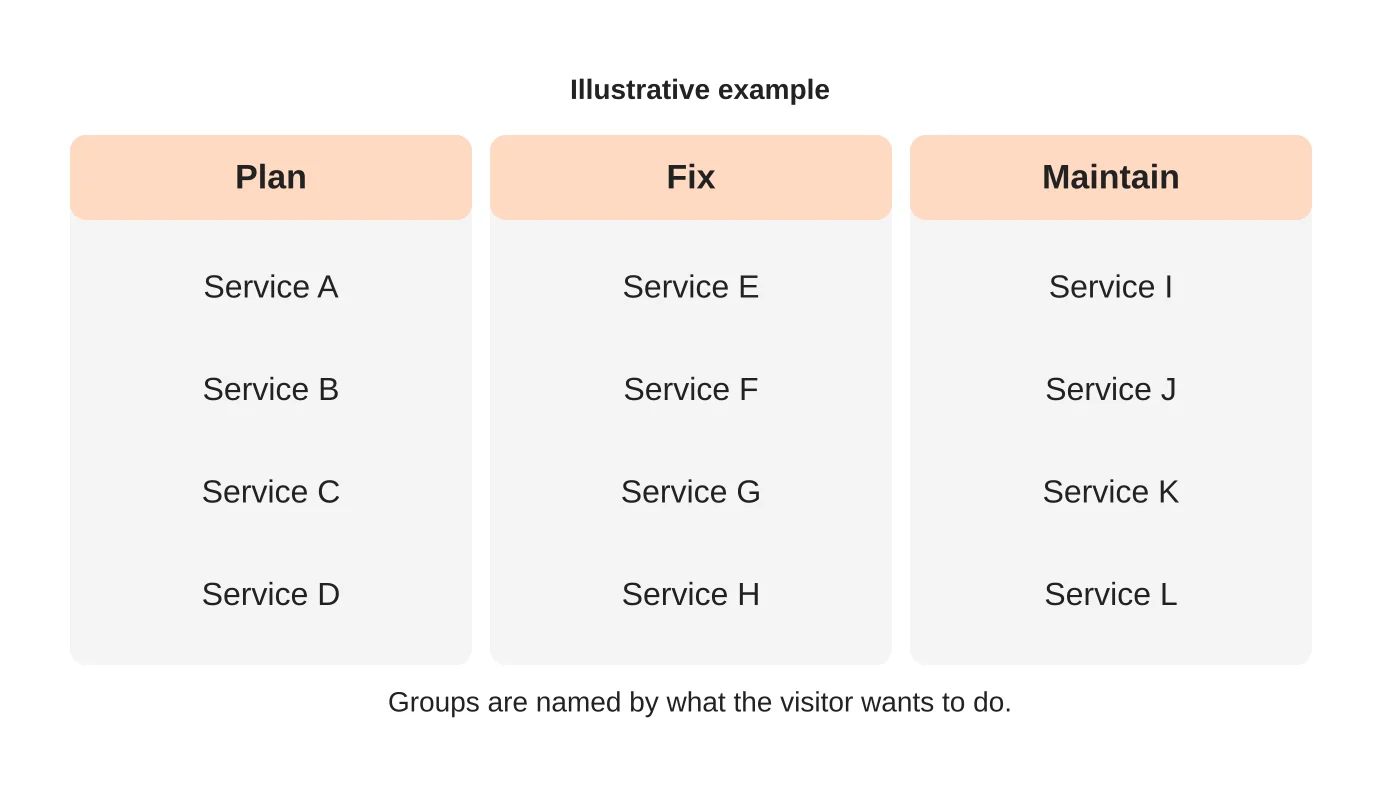
Keep the groups that most people agree on. Where people split on a card, the service may need two entry points or a clearer name.
Step 3: test the labels
Names matter more than layout. Show a label and ask “what would you expect to find here?” If answers vary, change the label. Avoid internal jargon and vague words such as “solutions”. Use the words customers use in enquiries.
Then give testers three tasks, such as “find out whether we do X” and “ask for a quote for Y”, and watch where they go first. Record where they hesitate.
Step 4: connect overview and detail pages
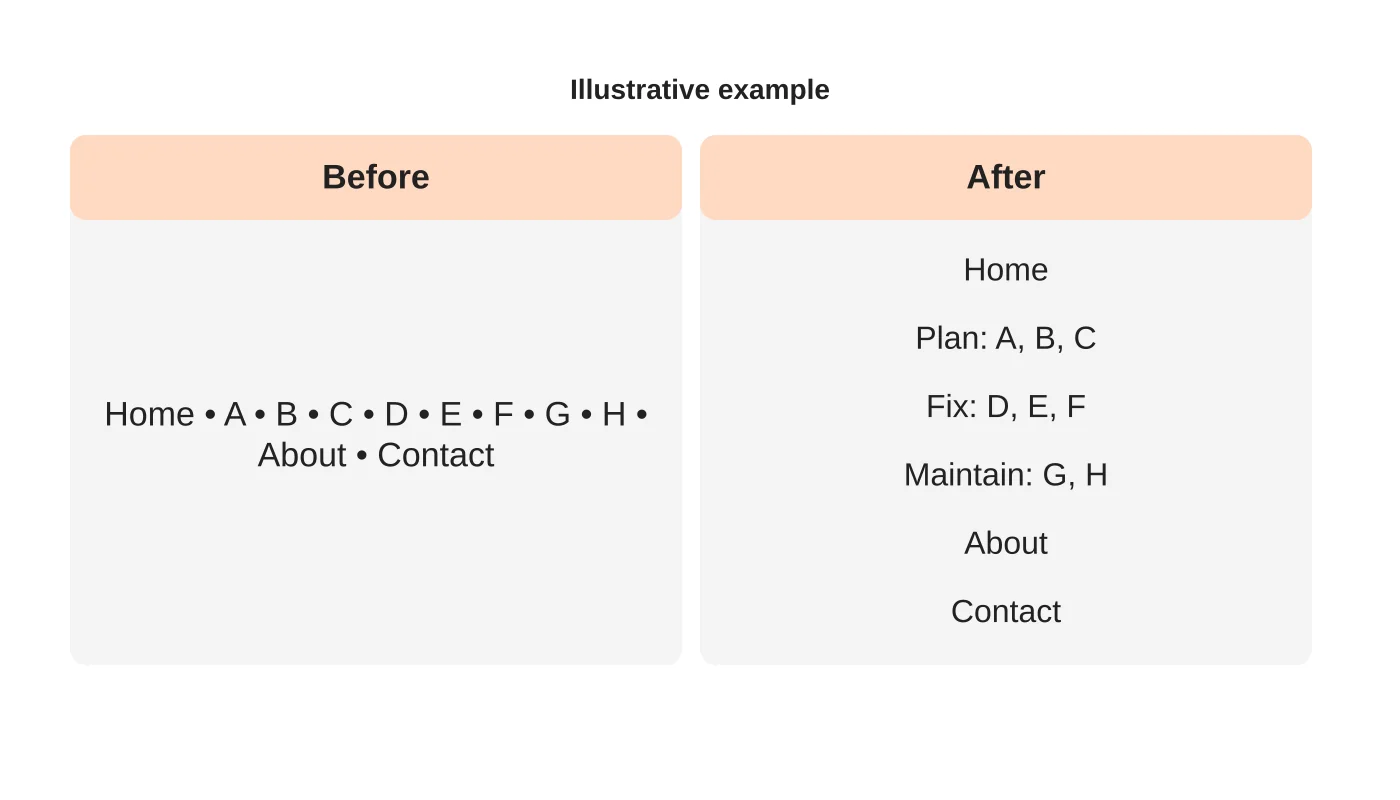
An overview page explains each group and links to its detail pages. Each detail page links back to the overview and to two or three related services. Limit the main menu to the groups, with detail pages under them.
Check the rest of the build against what to know before you start website development.
Step 5: keep it maintainable
Write down who owns each group and when it is reviewed. Retire services you no longer offer. See the content audit for deciding what to merge. Clinic owners can see how this applies in clinic service page structure.
Frequently asked questions
How many items should a menu have?
As few as lets visitors choose confidently. Test rather than count.
Can I use a mega menu?
Yes, if labels are clear and it works on a phone and with a keyboard.
Should every service have a page?
Only where you can say something useful and keep it current.
Do I need testers?
Five informal testers will reveal most label problems.
Sources
Plan your site structure
Web Design Davao’s web design team can discuss the structure your services need. Get in touch.


