
Quick answer
To move from a Facebook Page to a first website, start with five pages: home, services, about, contact and a privacy notice. Reuse only assets you own or may use, link the Page and site both ways, decide who answers the form inbox, test on a phone and make sure the owner holds every login.
- Keep Facebook for updates and conversation, and let the website carry stable facts such as services, location and contact details.
- Keep name, address and hours identical on the Page and website, and add a form alongside message buttons.
- Do not reuse customer photos or comments without asking, and rewrite old posts into short, clear pages.
Many owner-operated businesses in Davao run on a Facebook Page. It works until customers ask for details they cannot find, a post disappears under newer ones or a partner wants something more formal. This plan covers the move to a first website without losing the enquiries your page already brings in.
The checklist uses a fictional business. It makes no claim about results.
Why a website, and why not drop Facebook
A website gives you a stable place for services, location and contact details that you control. Your Page is where many customers already talk to you. Keep both, and give each a job. For the wider reasons, see six reasons your business needs an online presence and taking the first steps toward a business website.
Step 1: choose the minimum site
Start small. Most first sites need five pages.
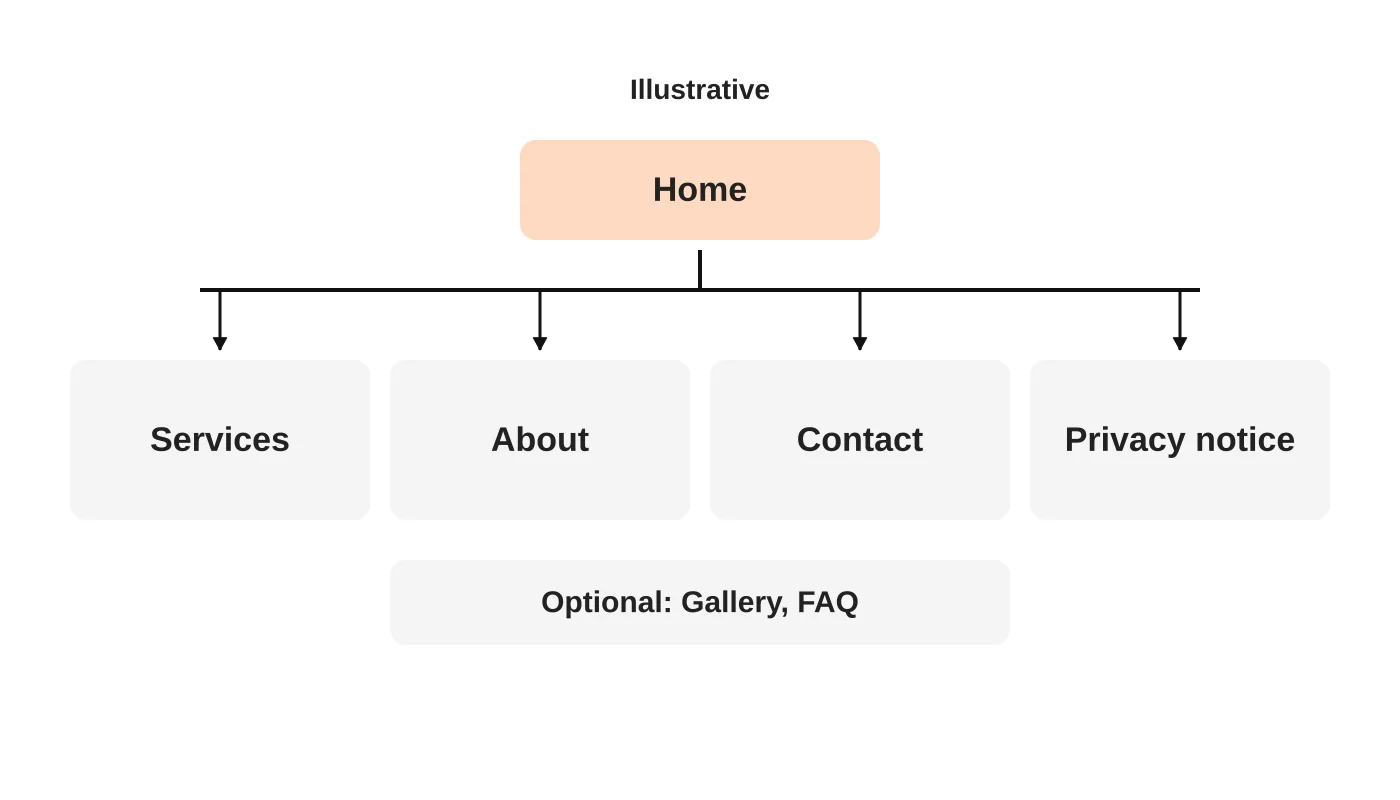
- Home: what you do, for whom, where, and how to contact you.
- Services: each main service in plain words.
- About: who you are, with real photos.
- Contact: phone, message links, address, hours and a form.
- Privacy notice, linked near the form.
Add a gallery or FAQ only when you have real content. You can grow later.
Step 2: reuse approved assets
Collect what your Page already has: logo, photos, service descriptions and the questions customers ask in messages. Reuse only what you own or have permission to use. Do not reuse customer photos or comments without asking. Rewrite posts into short, clear pages rather than pasting them.
Step 3: connect Facebook and the website
- Put your website on your Page’s contact details and link it from the intro.
- Put a link to your Page on the website.
- Keep your name, address and hours identical in both.
- Keep message buttons, but add a form so enquiries are not only in a chat that one person checks.
Step 4: decide who replies
Before launch, decide who checks the form inbox and how fast. Use a simple template. If your Page messages are handled by one person, add a second person for cover. See connecting your website to a CRM later, when volume grows.
Step 5: test and hand over
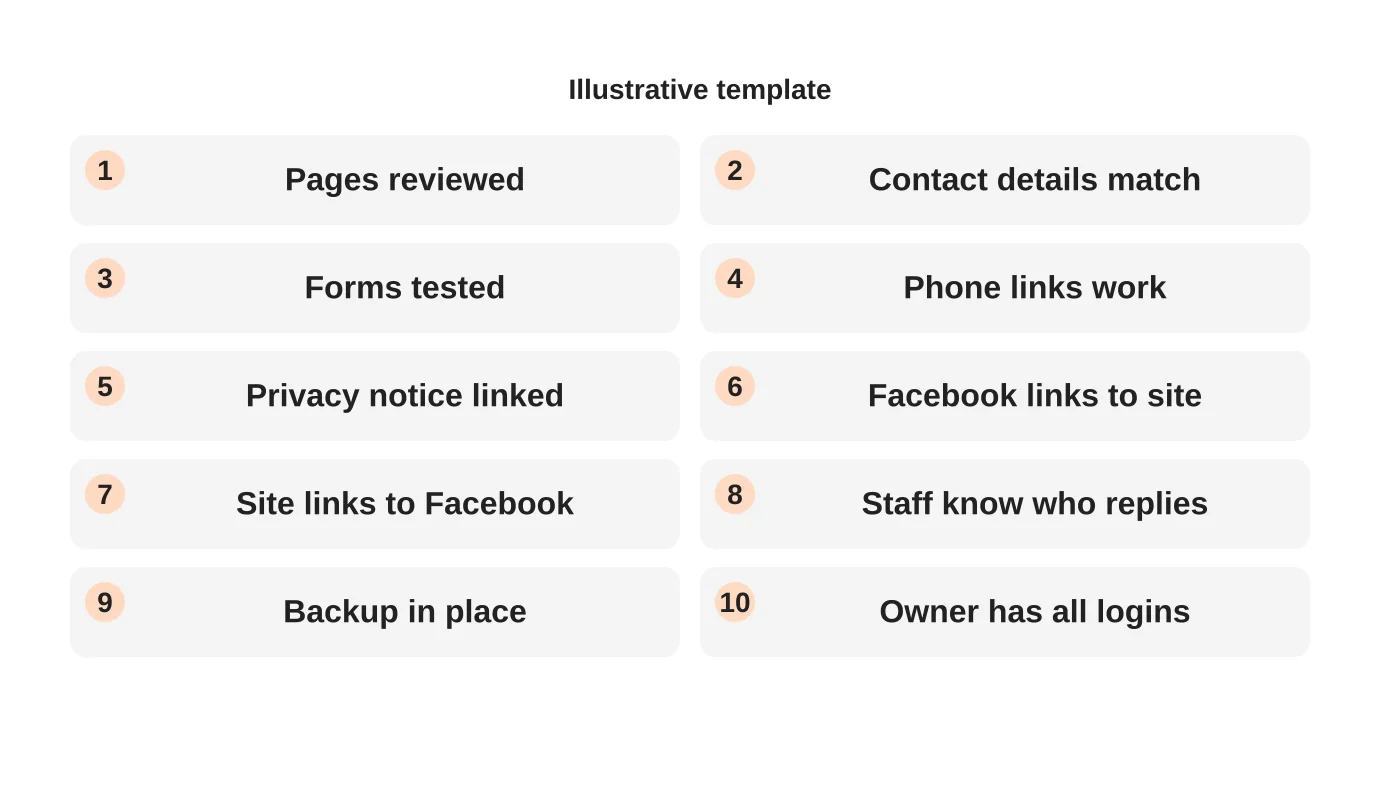
Test on a phone. Submit a test enquiry. Check that links work and the privacy notice is linked. Make sure the owner holds every login, including domain and hosting, and that a backup exists. See what a maintenance plan should include.
After launch
Review enquiries monthly. Ask new customers how they found you. Add pages only for questions you hear often.
Frequently asked questions
Do I need a domain name?
Yes. Choose one you own. See ten ways to choose a domain name.
Should I stop posting on Facebook?
No. Use it for updates and conversation and let the website carry the stable facts.
Can I build it myself?
For a simple site, possibly. Decide by the time you can keep up with updates.
How do I avoid losing followers?
Keep announcing the site on the Page and link it in posts.
Sources
Plan your first website
Web Design Davao’s web design team can discuss a first website that fits your business. Get in touch.


