
Quick answer
Resorts can answer booking questions before guests message by collecting the questions that repeat in messages, comments, calls and reviews, then posting recurring formats such as what is included, how to get here, is it good for groups and this month’s packages. Show real photos, state what is extra and keep package posts current.
- Read a month of messages, comments, calls and reviews, list repeated questions and rank them by how often they appear.
- Verify transport details, mention deposits and cancellation conditions or link to them, and remove ended offers.
- Show groups a sample day, a function space and how to request a quote, pointing to your group enquiry page.
Guests often message a resort with the same questions: what is included, how do we get there, is it good for children, can you host a group. Social content that answers those questions before they ask saves staff time and helps guests decide. This guide sets out recurring formats and a fictional 12-post example.
The resort in the example is fictional. Replace every detail with verified facts. For channel strategy see a 90-day content plan, and for the resort’s wider marketing see the resort marketing guide.
Step 1: collect repeated questions
Read your messages, comments, calls and reviews for a month. List the questions that repeat and the objections that stop bookings, such as distance, price clarity, weather or suitability for children. Rank them by how often they appear.
Step 2: choose recurring formats
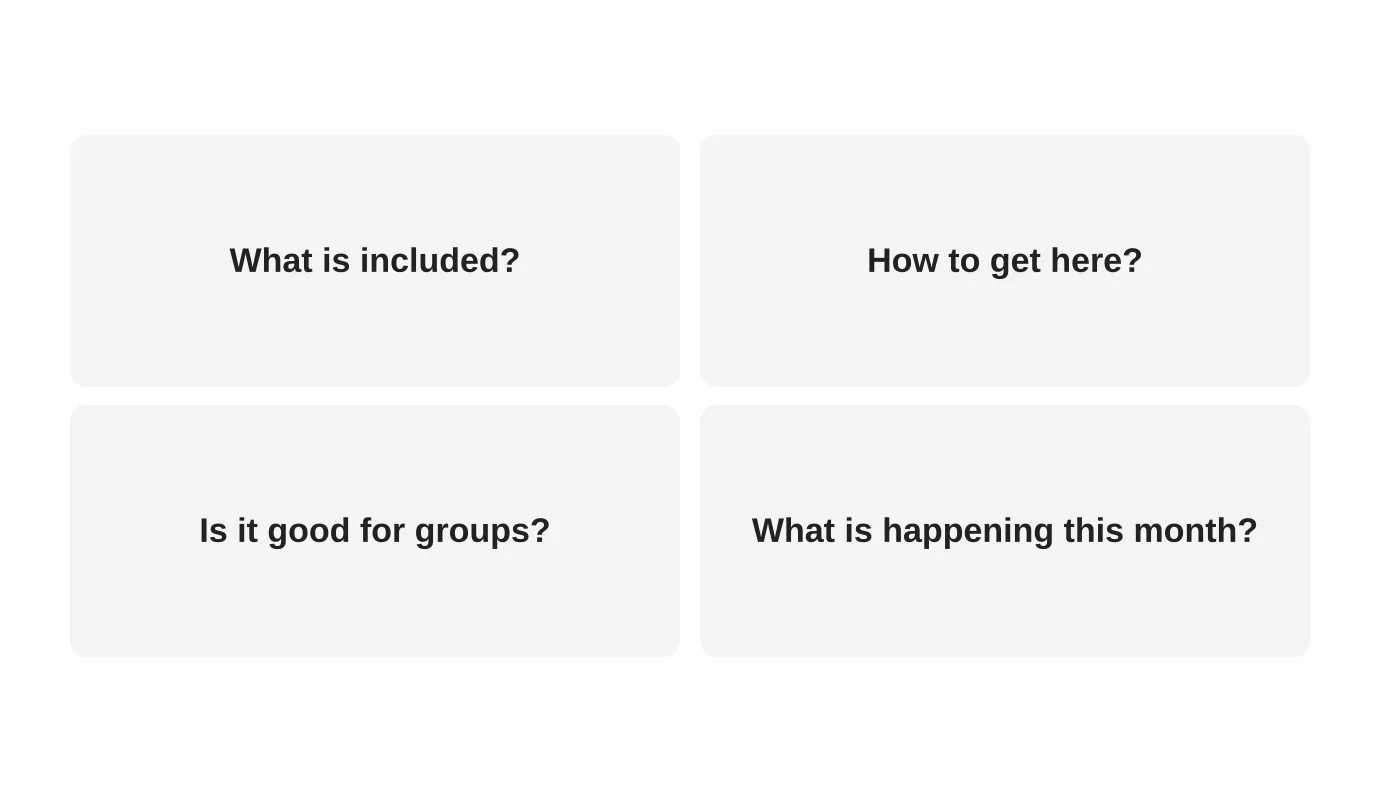
Use a few formats you can keep up:
- What is included: show a room, a meal or an activity and say what is part of the rate.
- How to get here: a short route with real transport details. Verify them.
- Is it good for groups: show spaces, capacity and how events work. See resort group booking pages.
- This month: current packages and dates, with an end date.
Step 3: show inclusions and access honestly
Photos and clips should show the real place. State what is extra. Mention conditions such as deposits and cancellation, or link to them. Do not post prices or offers that are not current. Review old posts and update or remove them. See the resort website checklist so your posts lead to a page that confirms the details.
Step 4: feature group needs
Groups ask about capacity, food, schedules and what they can bring. Show a sample day, a function space and the process for requesting a quote. Point them to your group enquiry page.
Step 5: a fictional 12-post example
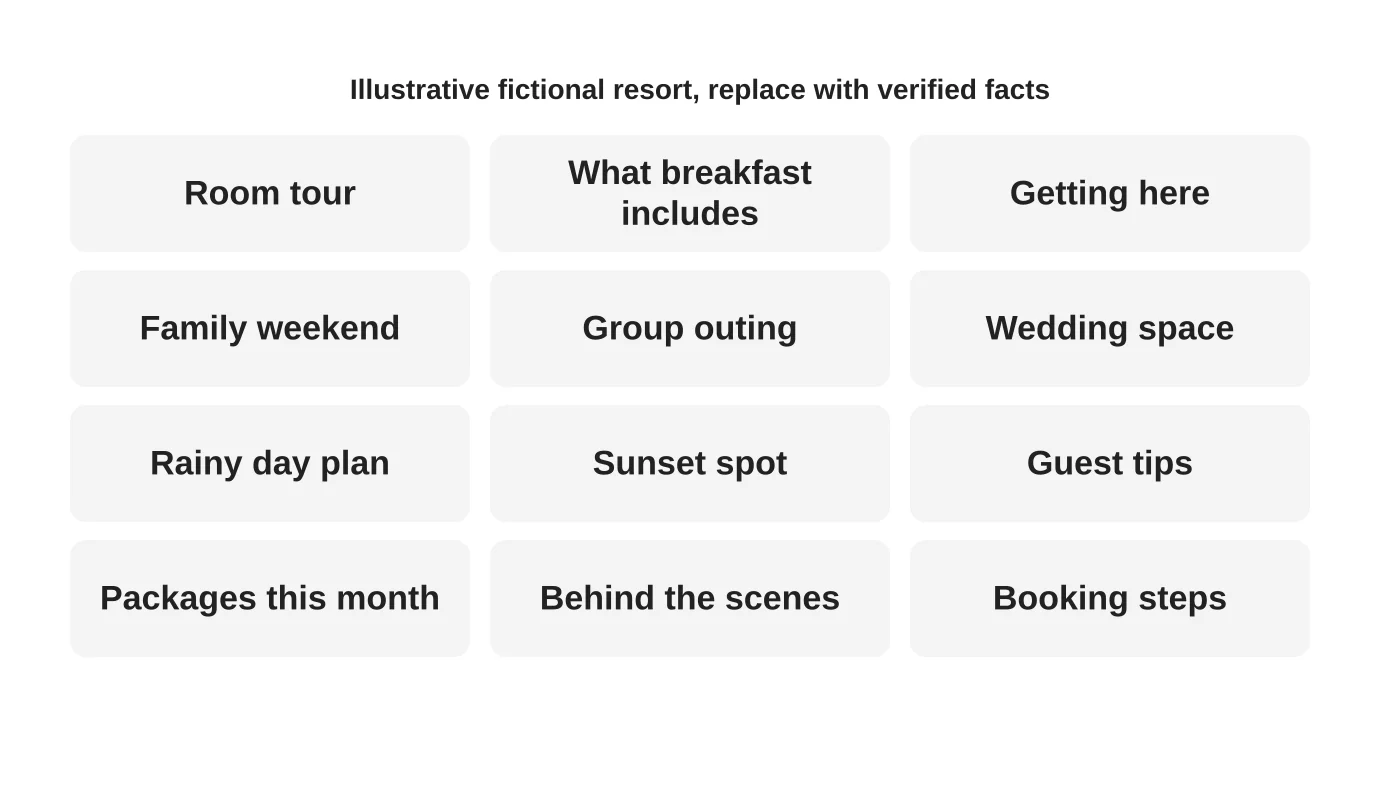
The grid is a content outline for a fictional resort. For each slot, write the question it answers, the format and the page it links to. Verify every fact before posting. Reuse content across channels if you can. See planning one shoot into a month of clips.
Step 6: connect posts to current packages
Every post should lead somewhere: a page, a form or a message. Keep package posts accurate and time-limited. Remove or mark ended offers. Coordinate with seasonal campaigns. See seasonal campaign planning.
Step 7: handle the replies
Decide who answers messages and how fast. Use answers to build the next round of posts. See turning social messages into tracked enquiries.
Frequently asked questions
How often should we post?
As often as you can keep accuracy and quality.
Can we post guest photos?
Only with permission. See using customer photos.
Should we show prices?
If they are stable and current. Otherwise point to the page or a quote route.
What about weather and travel disruptions?
Share verified information and update promptly.
Sources
Plan your resort content
Web Design Davao’s social media team can discuss a content plan based on your guests’ real questions. Get in touch.


