

Quick answer
To use customer photos and user-generated content safely, identify who owns the photo, ask in plain written words, record the permission and review for sensitive material before reuse. Credit the owner as agreed, honour withdrawals promptly and keep records. Being tagged or using a hashtag is not permission to reuse a photo.
- Say what you will use, where, for how long and whether you will edit or credit it.
- Keep a register of the asset, owner, permission, allowed use, expiry and how to withdraw.
- Check for identifiable children, other guests, documents, screens, number plates and anything implying an endorsement before publishing.
Customer photos and posts can be the most convincing content a business has. They can also create legal and trust problems if used without permission or care. This guide gives a workflow to identify owners, record permission, review for sensitive material and handle withdrawals.
It applies to hospitality, retail and community brands. This is not legal advice. Take advice on copyright, privacy and platform rules. This is general information, not legal advice. Check your situation with a qualified adviser. See also the Data Privacy Act checklist.
Step 1: identify the owner
A person who takes a photo usually owns the copyright, even if you are in it. Tagging you or mentioning your business is not permission to reuse it. People in the photo may also have privacy interests. Identify the owner and anyone identifiable before you reuse anything.
Step 2: ask clearly
Ask in writing, in plain words. Say what you will use, where, for how long and whether you will edit or credit it. Let them say no. Do not require a yes as a condition of service. Do not assume that a hashtag or comment is a licence. Save the reply.
Fictional example request: “We love your photo. May we share it on our website and social pages for the next 12 months with credit to @yourhandle? You can ask us to remove it any time.”
Step 3: record permission
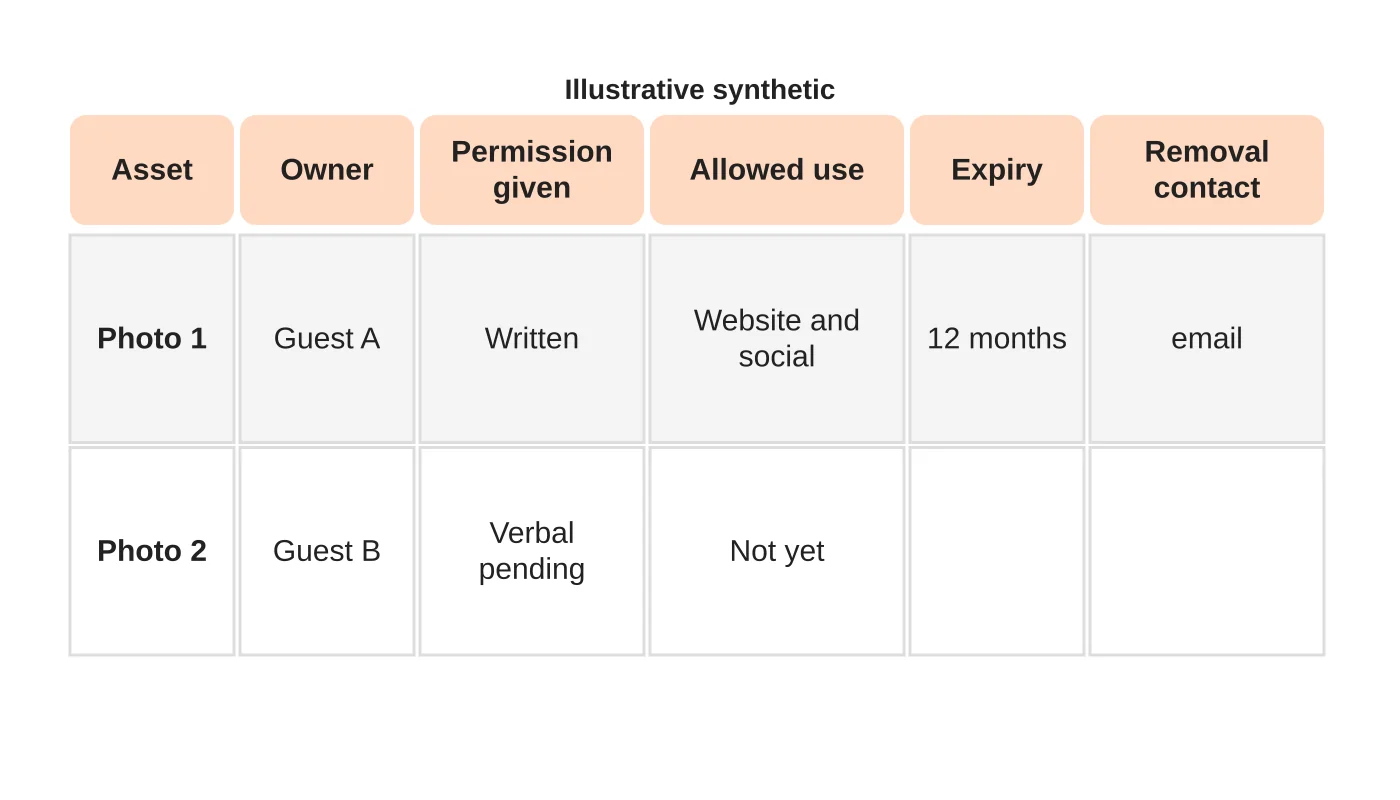
Keep a register: the asset, the owner, how permission was given, the allowed use, the expiry and how to withdraw. Link to the original message. Review the register before reuse. Do not use an asset after expiry without asking again.
Step 4: review sensitive material
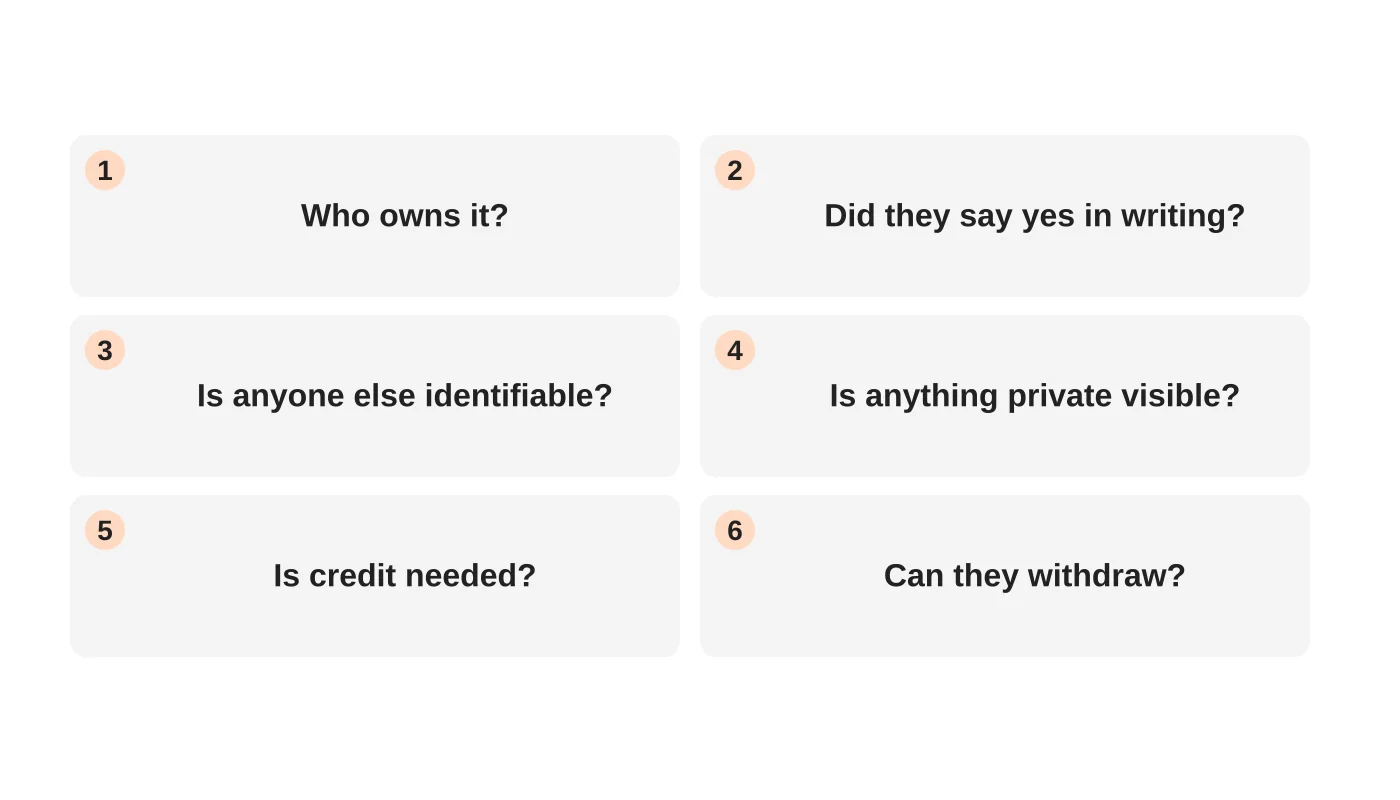
Check for identifiable children, other guests who did not agree, documents, screens, number plates, medical or legal settings, and anything that implies a relationship or endorsement. Do not use images that expose private information. For a business such as a clinic, do not use patient photos or comments without a specific, well-founded basis and legal review.
Step 5: credit and context
Credit the owner if you agreed to. Do not edit the photo in a way that changes its meaning. Do not use customer content to imply endorsement of something they did not say. Do not alter reviews.
Step 6: honour withdrawals
If someone asks you to remove their content, act promptly: remove it from your website and social accounts, and remove scheduled posts and saved copies where possible. Keep the record of the request. Know that content shared elsewhere may remain. Say so honestly.
Step 7: connect to your content process
Include the permission check in your approval workflow. See a social media approval workflow. For planning photos for a website, see a brief for your photographer.
For ideas on formats, see what content works best on social media.
Frequently asked questions
Can I reshare a tagged story?
Platform features may allow resharing within the platform. Do not copy and republish elsewhere without permission.
Do I need written permission?
It is safest and gives you a record. Take advice for your situation.
Can I use photos from reviews?
Ask the owner. A review on a platform does not give you the right to reuse the photo elsewhere.
What about competitions?
Set clear terms, including how entries may be used.
Sources
Build your permission process
Web Design Davao’s social media team can discuss a permission register and review checklist. Get in touch.


