
Quick answer
Run a routine content check: collect URLs from a crawl, your sitemap, analytics and search error reports, classify each failure, and fix it where the link sits. Update links to the final address, restore missing files, and redirect only to a close replacement, never the homepage. Retest every fix and re-run the check monthly or quarterly.
- Include downloads such as price lists, brochures and forms, and record the source page of every broken link.
- Retest server errors before acting, since they may be temporary, and check manually when a site blocks crawlers.
- Before deleting or renaming a page or file, search for links to it, and keep a no-deletion-without-replacement rule.
Content-heavy sites and supplier catalogues accumulate broken links: pages deleted, files replaced, partner sites moved. Visitors hit dead ends and leave. A routine content check finds and fixes them before they pile up.
This is ongoing maintenance, not a one-off link architecture project; for planning how pages connect, see internal linking for a small business website. It supports a content audit and a maintenance plan. Tool names are not recommended here; use any reputable crawler or your platform’s reports.
Step 1: collect the URLs
Gather links from a crawl of your own site, your sitemap, your analytics’ most visited pages and your search tool’s error reports. Include links to downloads, such as price lists, brochures and forms, and external references. Record the source page for every broken link, since that is where the fix is made. Also check links in emails, social profiles and printed QR codes that point to your site.
Step 2: classify the failures
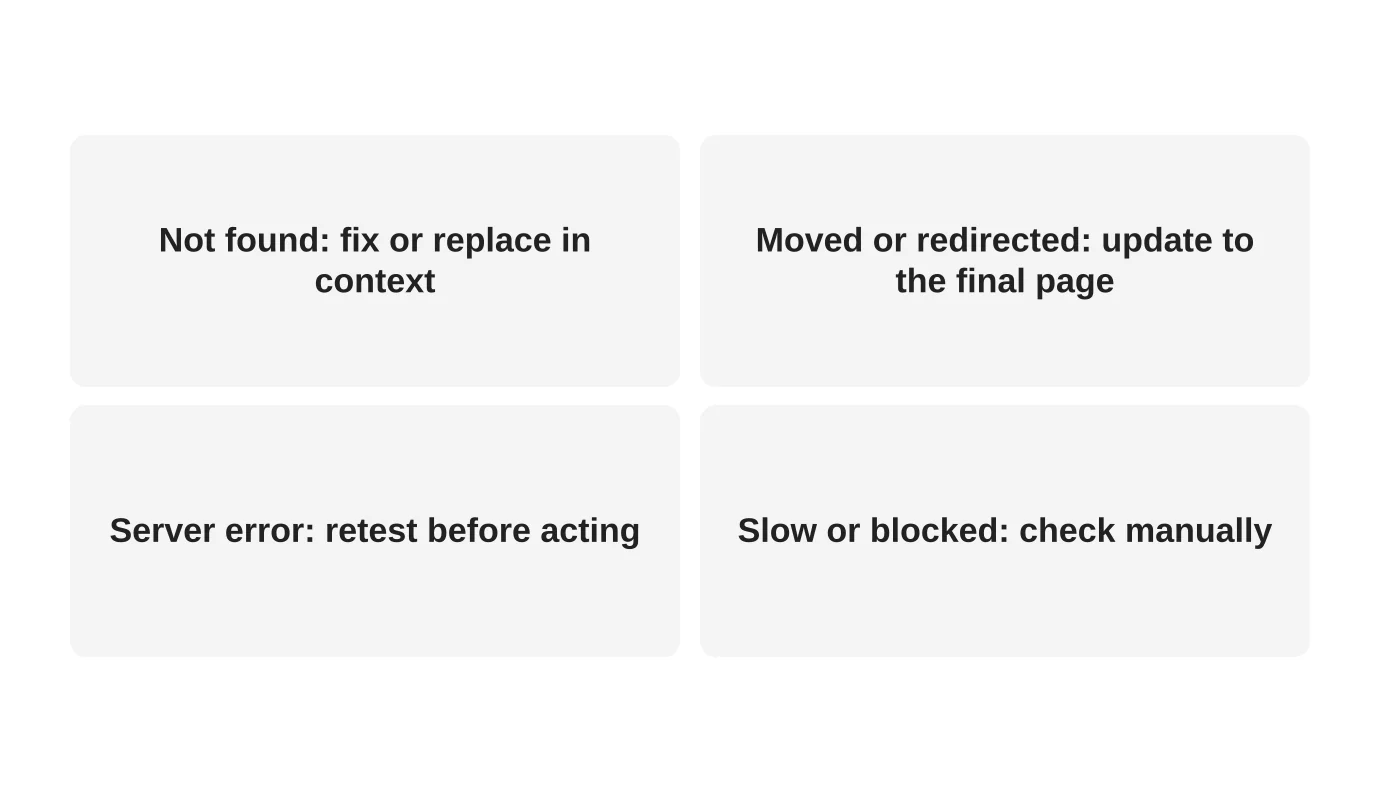
- Not found: the target is gone or the address is wrong.
- Moved or redirected: the target exists elsewhere; update the link to the final address.
- Server error: may be temporary; retest before acting.
- Slow or blocked: some sites block crawlers; check manually.
Prioritise by importance: key pages and downloads first, old blog links later.
Step 3: fix or replace in context
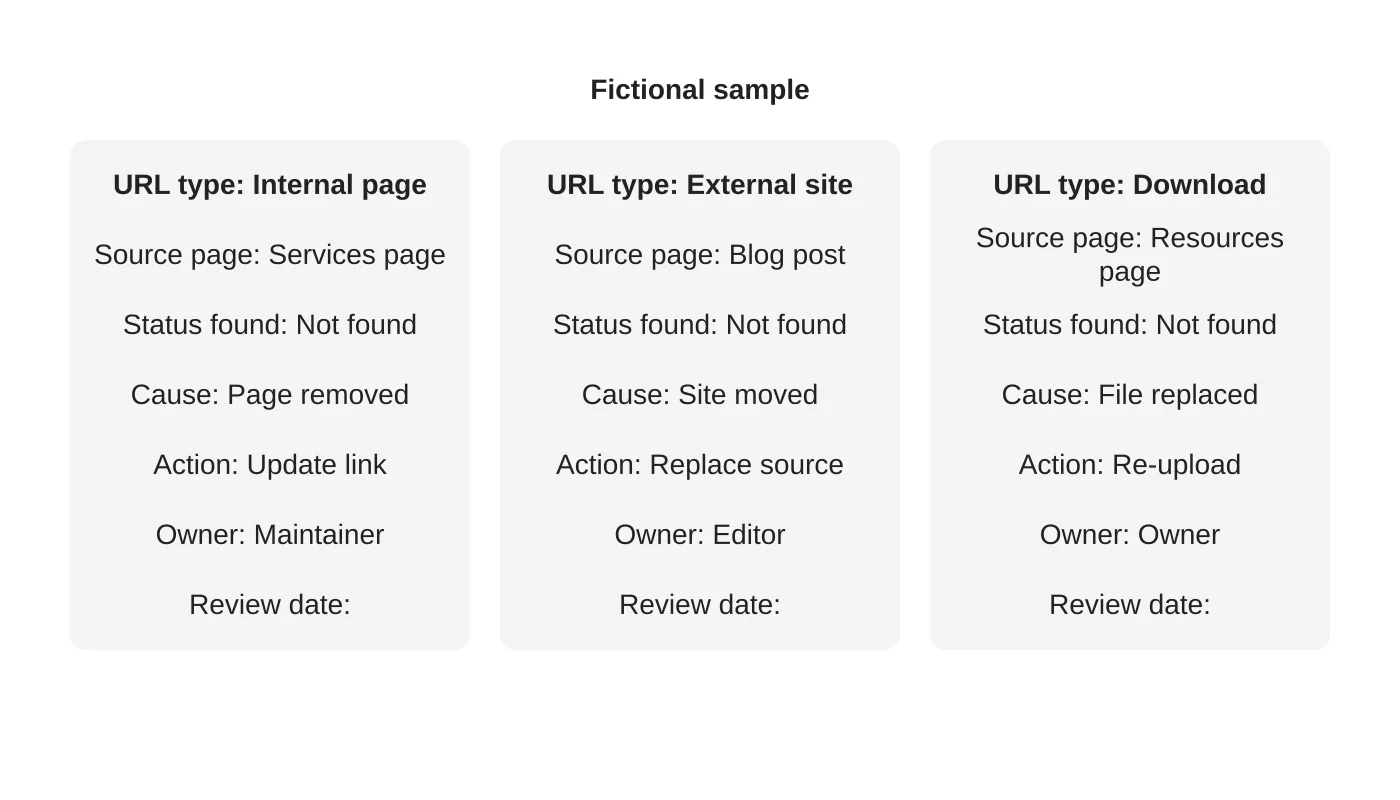
For each failure choose the most useful fix. Update the link to the right page, replace the source with a better one, restore a missing file or remove the link and rewrite the sentence. If a page you removed has a close replacement, set a redirect to that specific page. Do not redirect unrelated failures to the homepage; it hides the problem and confuses visitors. Where no relevant page exists, let it return a proper not-found page with helpful navigation.
Step 4: retest and assign review dates
Retest every fix, in a browser as well as in the tool. Record the result in the log with an owner and a review date. Check downloads open and are the right version. Re-run the crawl monthly or quarterly depending on how often your content changes. Add the log to your monthly report. See what a monthly report should show.
Related reading: HTTPS Warnings and Mixed Content: What Website Owners Should Check.
Step 5: prevent new breakage
Before deleting or renaming a page or file, search for links to it. Keep a rule: no deletion without a replacement plan. Use consistent file names. See a content update QA checklist.
Frequently asked questions
How often should I check?
Monthly for busy sites, quarterly for small ones.
Do broken links hurt rankings?
They harm user experience, and visitors may leave. Do not expect a precise effect.
Should I fix every external link?
Prioritise those that matter to visitors.
What about old PDFs?
Review whether they are still needed, current and accessible.
Sources
Keep content working
Web Design Davao’s website maintenance team can discuss ongoing website care and clear support responsibilities. Get in touch.


