
Quick answer
Before buying a bigger hosting plan, read the resource report to see which limit is hit, how often and when. Match spikes to traffic, scheduled jobs, bots, heavy pages or updates, then test one fix at a time. Upgrade only if load stays near the limit after reasonable fixes.
- Keep dated screenshots of the resource report, noting whether a spike is brief or steady use near the limit.
- Try caching, replacing heavy plugins, limiting abusive bots, scheduling jobs for quiet hours and compressing large images, retesting after each.
- Ask each provider how limits are measured and what happens at the limit, and compare responsibility as well as price.
A host says your account hit a resource limit, or your site slows at certain times. The easy answer is “buy a bigger plan”. Sometimes that is right. Often the real cause is a heavy page, a plugin, a bot or a scheduled job. This guide shows how to read the limits and test the cause before you pay for more.
It is for growing service websites and small online shops. The dashboard is illustrative. Terms and tools differ by host, so check your provider’s documentation.
What the limits usually mean
Shared and managed plans share a server’s resources among accounts. A plan may limit processor use (CPU), memory (RAM), the number of simultaneous processes and sometimes input and output. When your account reaches a limit, the host may slow or pause requests, and visitors may see errors or slow pages.
Step 1: read the resource report
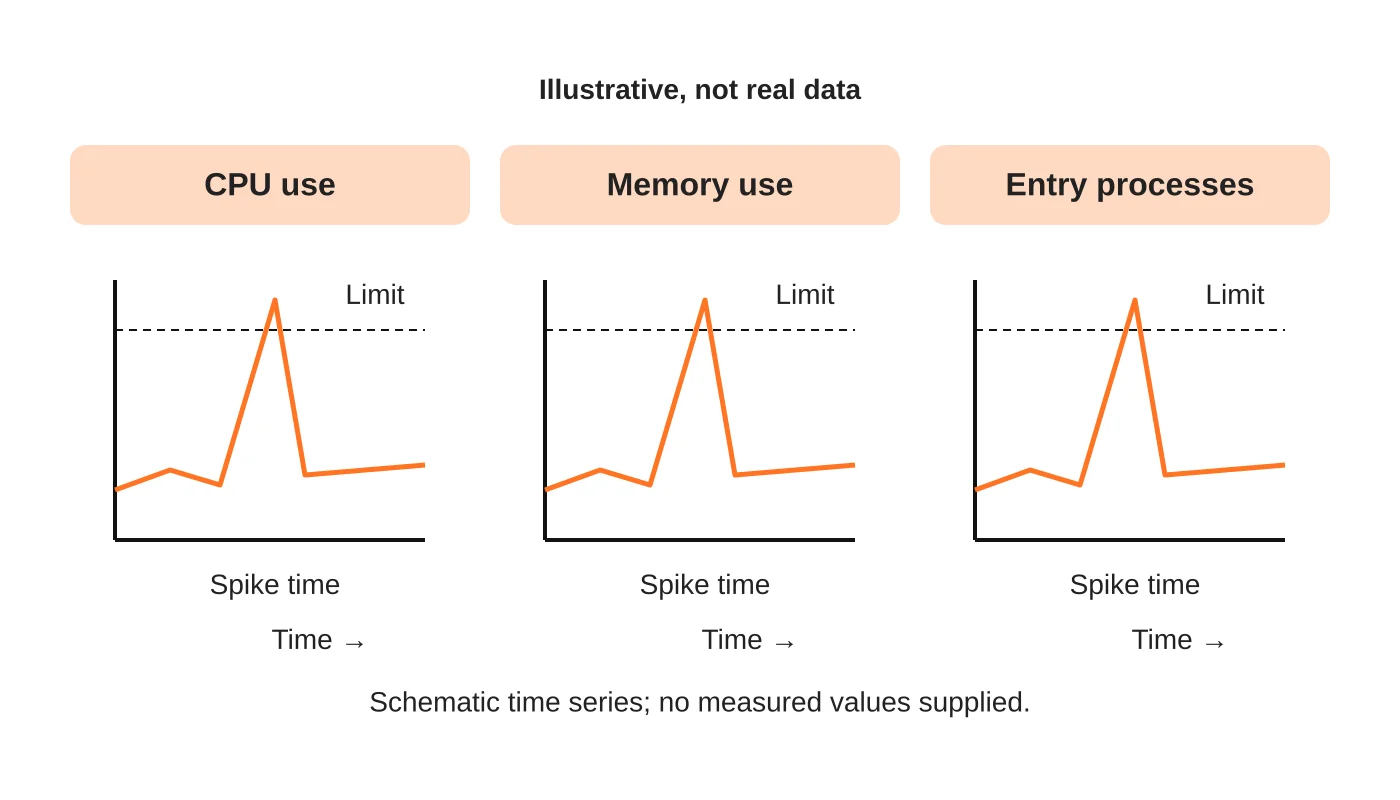
Look for the report in your control panel. Note which resource hits its limit, how often and at what time. A single short spike differs from steady use near the limit. Keep screenshots with dates.
Step 2: match spikes to events
Compare spike times with:
- Traffic: a campaign, a post or a seasonal surge. See preparing for a surge.
- Scheduled jobs: backups, imports or plugin tasks.
- Bots and crawlers: high request counts from automated visitors.
- Heavy pages: search results, filters, checkout or large reports.
- Updates: a plugin or theme change.
Traffic alone does not explain load. A small number of expensive requests can use more than many cheap ones.
Related reading: Preparing Your Website and Hosting Before Running Paid Advertising.
Step 3: test the bottlenecks
Try one change at a time: enable caching for pages that can be cached, remove or replace a heavy plugin, limit abusive bots, schedule jobs for quiet hours and compress large images. Retest and compare the report. For the delivery side, see CDN, cache or better hosting.
Step 4: compare upgrade options
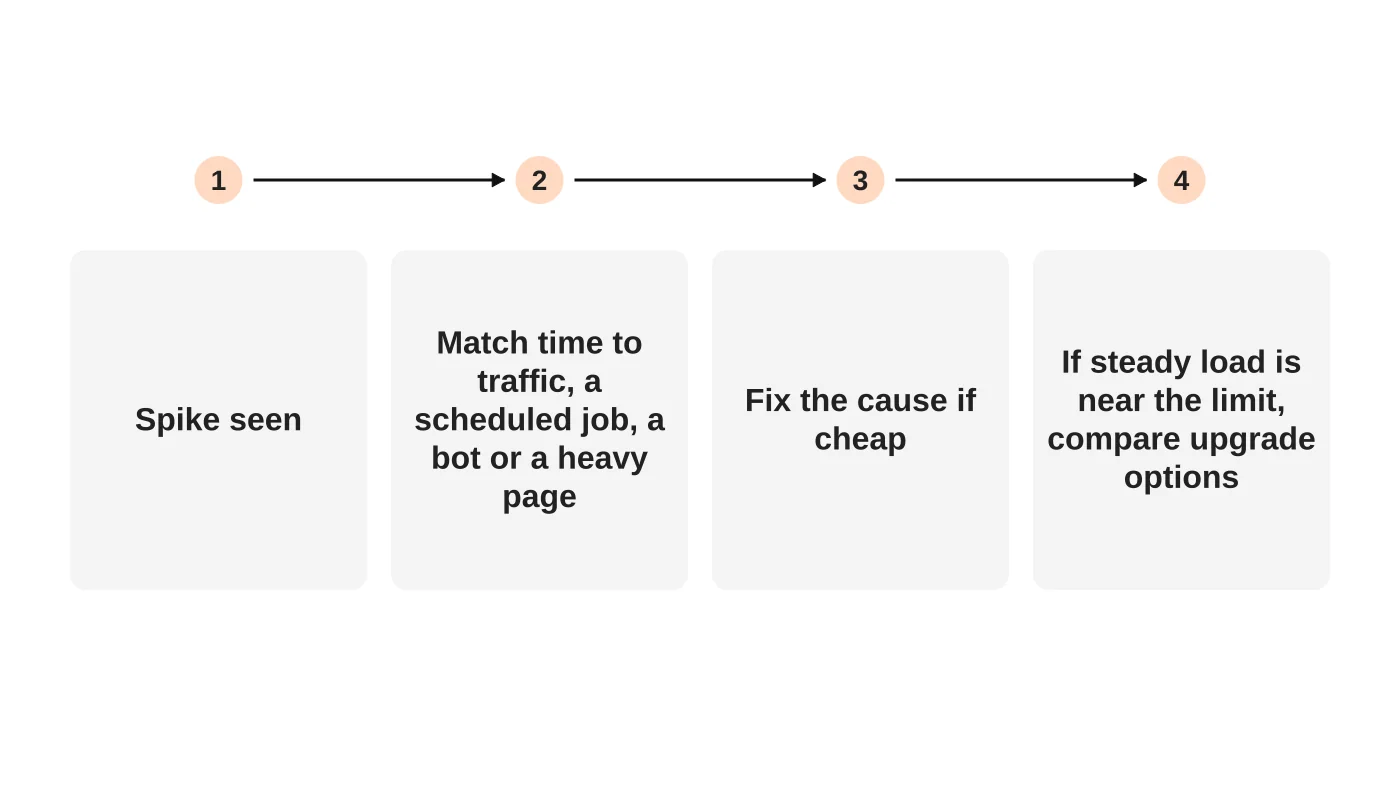
If steady load stays near the limit after reasonable fixes, compare options: a higher shared tier, managed hosting or a virtual server. Ask each provider what the limits are, how they are measured and what happens at the limit. Compare responsibility as well as price. See managed WordPress hosting versus a VPS.
Step 5: plan for growth
Review resources quarterly and before campaigns. Ask your host for alerts before limits. For strategic thinking, see is your website built to scale and advanced security in web hosting.
Do not guess from traffic
Page views alone do not tell you what plan you need. Two sites with the same traffic can have very different loads, depending on how they are built.
Frequently asked questions
Is “unlimited” really unlimited?
Read the fair-use or resource terms. Most plans have limits somewhere.
Will a CDN fix it?
It can reduce load for static files, but not always for dynamic pages.
Should I upgrade immediately?
Only after you know the cause. A bigger plan can hide a problem.
How do I know it is a bot?
Look at access logs or ask your host to help identify unusual traffic.
Sources
Check your hosting fit
Web Design Davao’s hosting team can discuss your site’s resource needs. Get in touch.


