
Quick answer
After launch, someone must own the web app, because it becomes a business dependency once customers and staff rely on it. Ownership covers patching, monitoring, backups and recovery, security, bug fixes, user support and data handling. Settle what you run, who watches it, who can fix it and whether you can recover it.
- Keep an inventory of hosting, code location, customer data storage and outside services, with an owner for each account.
- Ask when the app was last successfully restored from backup, not merely whether backups exist.
- Ask any support provider for response times by severity, what is covered, reporting and exit terms including code handover.
A web application can be built quickly now, sometimes over a weekend with AI help. The harder question comes six months later: who is responsible for it? Once customers book through it, staff rely on it and it holds personal data, an app is no longer an experiment. It is a dependency.
This guide explains what looking after an app means, which support models exist, what a support agreement should cover and what drives the cost.
What changes the day an app goes live
A prototype becomes business infrastructure quietly. You try it yourself. A colleague starts using it. You send a customer the link. Before long it holds information you cannot afford to lose and supports a process your team expects to work every day.
At that point, maintaining it becomes part of the service you provide. That is true whether an agency built it, a developer wrote it or someone assembled it through prompts. The way it was created does not decide whether ongoing responsibility exists.
The newsletter issue You Built the App. Who’s Looking After It? puts it plainly: AI makes it easier to turn an idea into working software, but every application still needs someone responsible after launch. A companion issue, Your Website Still Works. That Doesn’t Mean It’s Safe., explains why a site or app that still runs is not necessarily safe, because the software underneath may be unpatched.
If forms still submit but follow-up work stops, check scheduled jobs and webhooks.
Related reading: Make your website work harder for your business.
What post-launch care covers
Think of care as seven jobs that need an owner.
- Patching and dependency updates. Operating system, language runtime, frameworks and libraries all receive security fixes. Apps built on them need those fixes applied and tested.
- Monitoring. Knowing when the app is down, slow, or failing in a specific way, such as confirmation emails not sending.
- Backups and recovery. Database, uploaded files, code and configuration, with restore tests.
- Security. Access control, secrets management, reviewing security notices and responding to incidents.
- Bug fixes and small changes. Things break at the edges, and users ask for adjustments.
- User support. Someone answers staff and customers when they are stuck.
- Compliance and data handling. Retention, privacy notices and breach response if the app holds personal data. See what a breach costs and what the Data Privacy Act expects.
Related reading: Website Maintenance & Security: Key Tasks for Optimal Performance.
Four questions every app needs answered
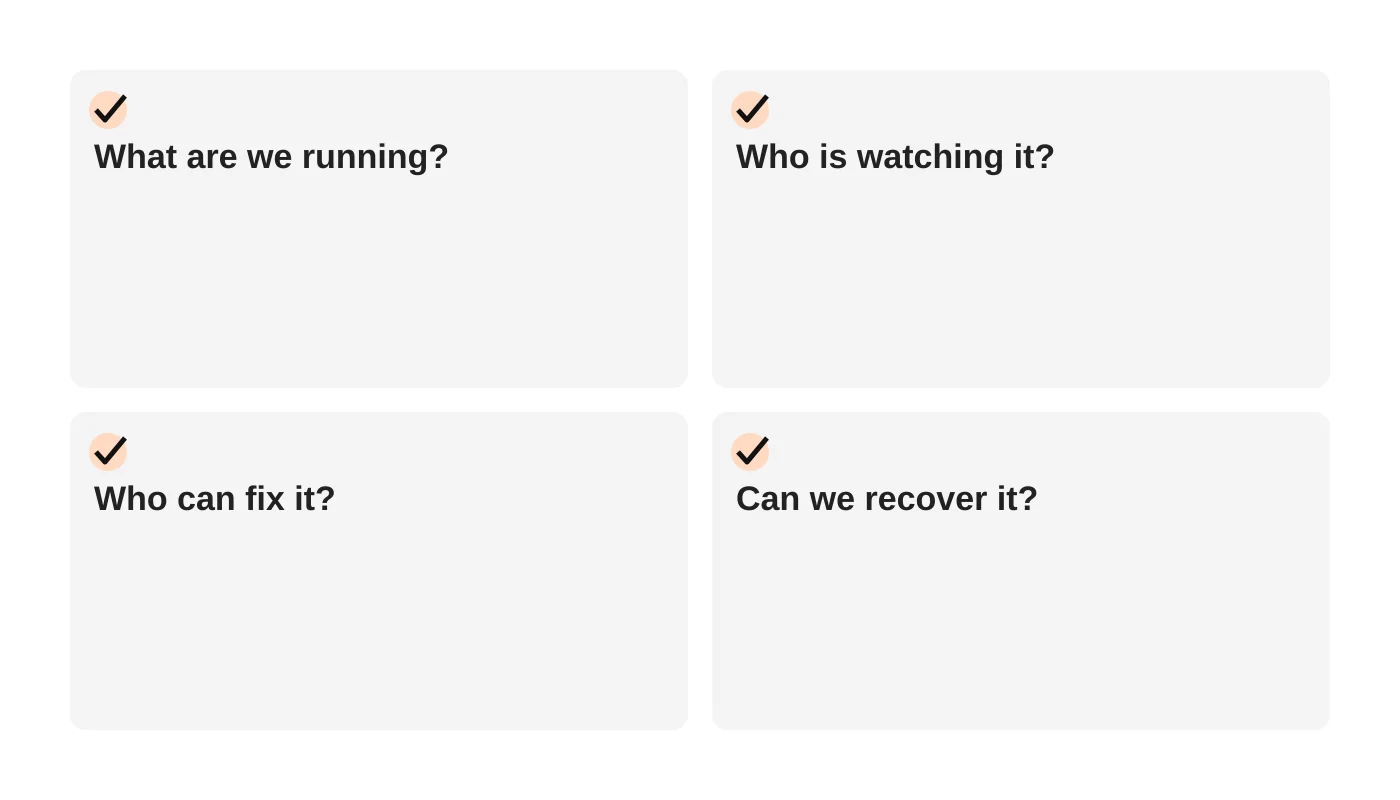
You do not need to become a developer to own an app. You need written answers to four questions.
1. What are we running?
Keep a short inventory: where the app is hosted, where the code lives, where customer data is stored and which outside services make it work. A booking app might depend on a database, an email provider, a payment service and a calendar integration. Each one has something to renew, monitor or maintain. Record who owns each account and keep credentials in a password manager.
2. Who is watching it?
A customer complaint should not be your monitoring system. A page loading does not prove that its booking form, payment step or confirmation email works, so monitor what customers actually need to complete.
3. Who can fix it?
“The developer will handle it” is only a plan if the developer has agreed to support the app. Spell out who receives urgent requests, what response time is agreed, who can approve changes and whether the support team has the access and documentation it needs. Hosting providers often manage the server while a developer manages the app, so confirm where each boundary sits in writing.
4. Can we recover it?
Ask when the app was last successfully restored from backup. That tells you far more than asking whether backups exist. Also decide how much recent data you could afford to lose and how long you could be offline, then shape the backup arrangements around those answers.
If clients need to share files or track work with you, compare a client portal with email first.
Related reading: Web Maintenance: Essential for Your Site’s Success and Security.
Support models
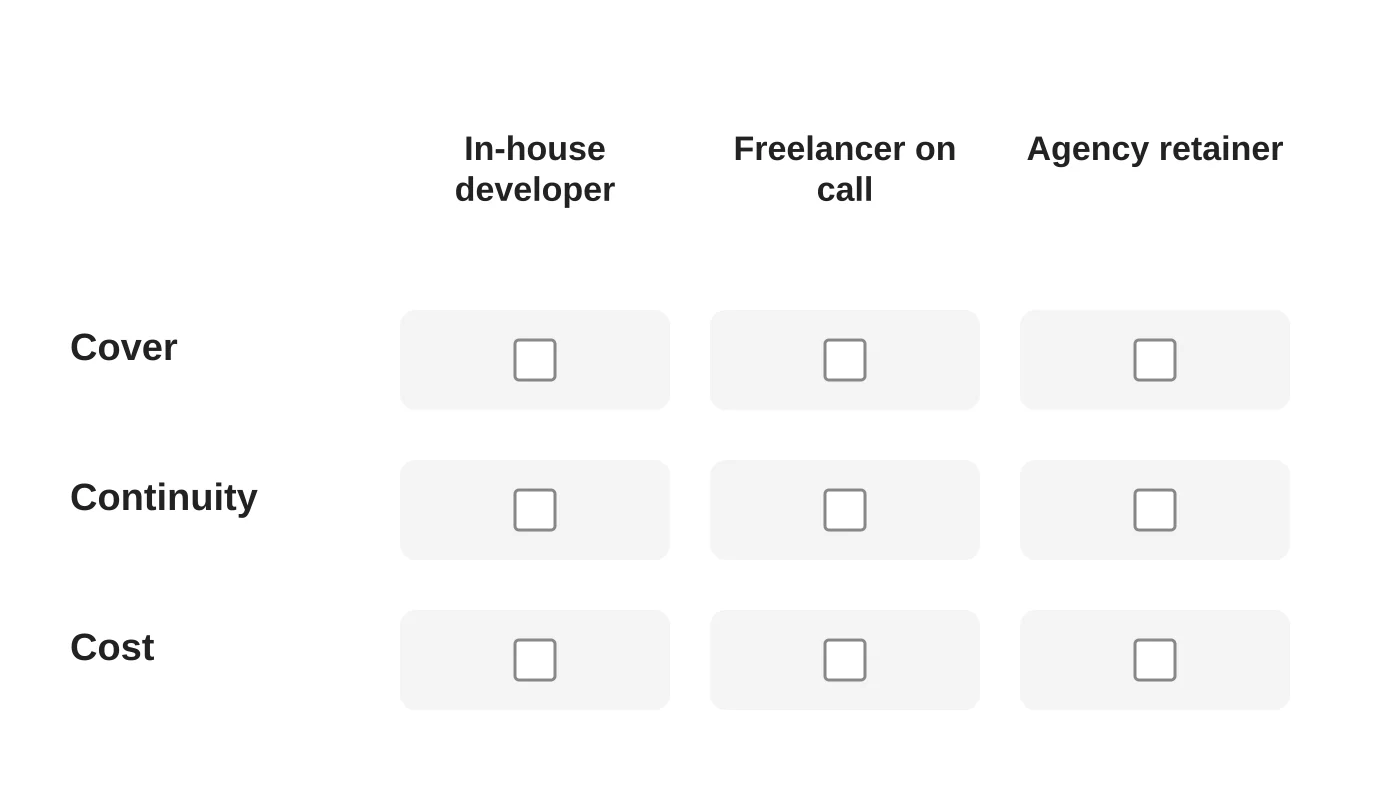
| Model | Strengths | Weaknesses | Best for |
|---|---|---|---|
| In-house developer | Close to the business, fast to respond | Single point of failure, cost of a full hire, hard to cover leave | Large or fast-changing apps |
| Freelancer on call | Flexible, often lower cost | Availability not guaranteed, knowledge can walk out the door | Small, stable apps with a clear handover |
| Agency retainer | Shared team, documented process, defined response times | Higher monthly cost, you rely on the agency’s processes | Business-critical apps where continuity matters |
Whichever you choose, insist on documentation so another competent developer could take over.
It is worth agreeing in advance who responds when your website breaks.
Service level basics to ask for
A service level agreement (SLA) does not need to be complicated. Ask for:
- Support hours, in your time zone and the provider’s.
- Response times, split by severity: a total outage versus a cosmetic bug.
- Resolution targets for serious problems, or at least a commitment to keep you updated.
- What is covered (security patches, bug fixes, monitoring) and what is billed separately (new features).
- Backup and recovery commitments, including how often restores are tested.
- Reporting, such as a monthly summary of incidents, updates and uptime.
- Exit terms, including handover of code, documentation and credentials.
What drives the cost
- The size and complexity of the app and its integrations.
- How critical it is, and the response time you need.
- The amount of personal or financial data it handles.
- How often it changes.
- The technology it is built on and how well it is documented.
- Support hours, particularly out-of-hours cover for Australian or US users.
Pricing depends on your site and what you need. Contact us for a quote.
An example: the booking tool that grew up
Imagine a small business creates an appointment tool with AI assistance. It works well, so staff stop using the old spreadsheet, and over several months it becomes the main record of customer bookings. Then a deployment fails, and the business discovers its backup contained the code but not the booking database. The person who built it assumed the platform handled everything.
The tool delivered real value. The problem was that its responsibilities grew without anyone reviewing the support arrangements. A short ownership review when staff began depending on it would have exposed the gap. Review an app’s maintenance needs whenever its role in your business changes.
Planning for the next person
If AI helped you build, ask whether another developer could understand the result. Can they find the code, see how it is deployed, identify the dependencies, test an important workflow and recover the data? Keep that information current as the app changes. If you have built with AI tools and want a pre-launch review, see our checklist for AI-built apps.
For a wider look at how apps sit alongside your site, read building scalable websites, how to plan a website that can grow with your business and whether your website is built to scale.
Frequently asked questions
Do I need a support agreement if the app is small?
If people depend on it, yes, even a light one. The agreement can be simple, as long as it names who responds and how.
Is hosting the same as support?
No. Hosting keeps the server running. Support looks after the application’s code, updates, data and users.
What if the original developer is no longer available?
Get a code and documentation handover as early as possible. A new developer can usually take over if the code, deployment steps and credentials are available.
How often should an app be updated?
Security updates should be applied promptly, with other updates on a regular schedule. The right rhythm depends on how critical the app is.
Can AI tools look after the app?
They can help with alerts, summaries and routine checks. A person still needs to own the outcome.
From the Wired for Growth newsletter
This guide expands on You Built the App. Who’s Looking After It? from Duarne Bernhagen’s LinkedIn newsletter, Wired for Growth, about who looks after an application once it launches. See also Your Website Still Works. That Doesn’t Mean It’s Safe. on why a working site is not the same as a safe one.
Talk to us about support
Web Design Davao builds and supports web applications, with custom web design and development and ongoing maintenance and security. Ask about a support retainer and we will review what you run today.


