

Quick answer
Core Web Vitals are three Google measures of how a page feels: Largest Contentful Paint for loading (2.5 seconds or less is good), Interaction to Next Paint for responsiveness (200 milliseconds or less) and Cumulative Layout Shift for stability (0.1 or less). Check them free in PageSpeed Insights and Search Console.
- Compress and size images to the width they are shown at; this is usually the biggest single gain.
- Remove unused plugins, delay heavy third-party scripts and reserve space for images, embeds and banners so pages do not jump.
- Test your homepage, top service page and contact page on a phone, and make one change at a time.
Slow websites lose visitors, and many of your visitors are on a phone, on a mobile connection that is not always strong. Google publishes simple targets for how fast and stable a page should feel. They are called Core Web Vitals, and they are easier to understand than the name suggests.
This guide explains the three measures, how to check them for free and what usually fixes a slow business site.
The three measures
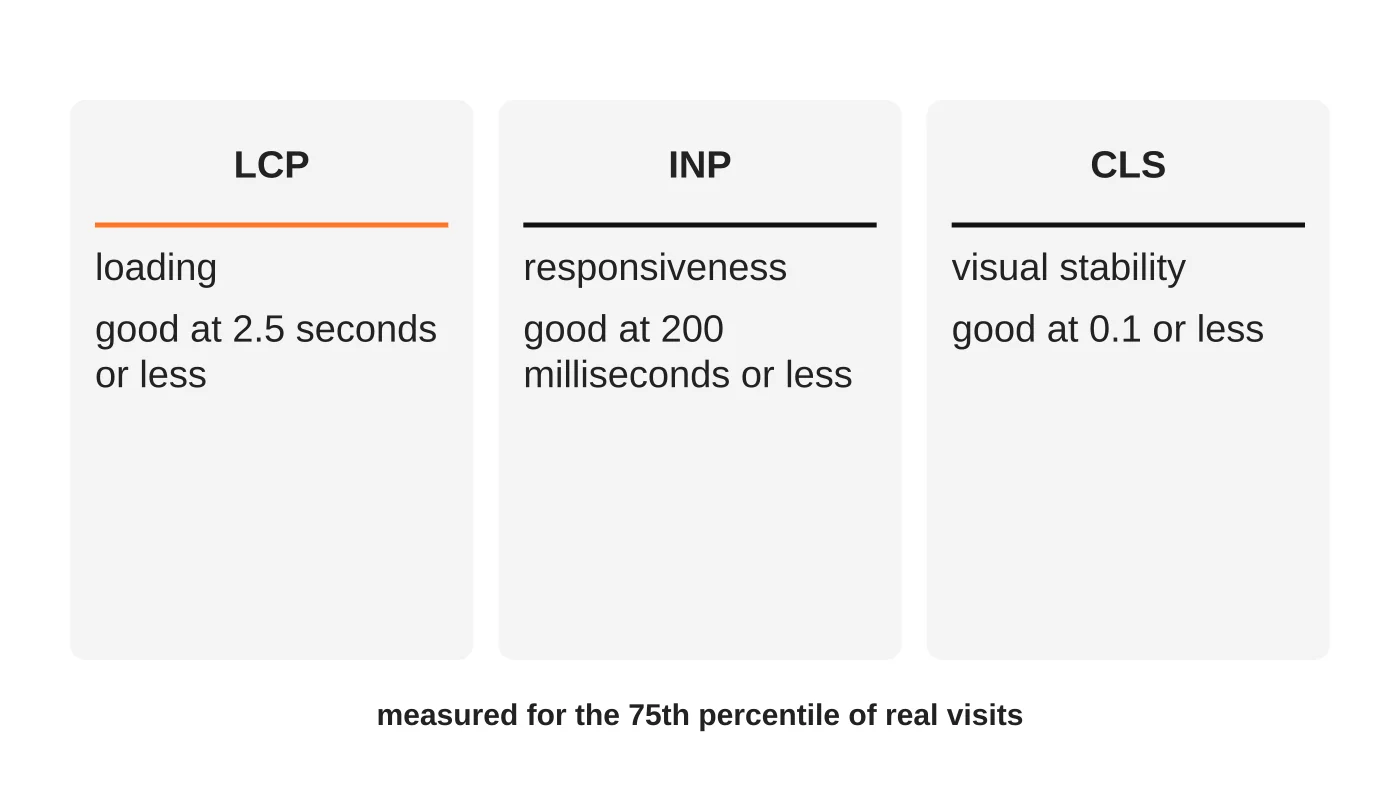
Google’s web.dev documentation names three Core Web Vitals:
- Largest Contentful Paint (LCP) measures loading. It marks when the main content of the page has likely appeared. A good result is 2.5 seconds or less.
- Interaction to Next Paint (INP) measures responsiveness: how quickly the page reacts when someone taps or clicks. A good result is 200 milliseconds or less.
- Cumulative Layout Shift (CLS) measures visual stability: whether things jump around while loading. A good result is 0.1 or less.
The poor thresholds are above 4 seconds for LCP, above 500 milliseconds for INP and above 0.25 for CLS. In between, a page “needs improvement”. Google assesses each at the 75th percentile of real visits, which means three quarters of visits should meet the target. INP replaced an older measure called First Input Delay in March 2024.
Related reading: 5 Core Elements of Search Engine Optimised Content for Websites.
Why this matters for a Davao business
- Visitors leave slow pages. A site that takes too long on a phone loses the enquiry before it starts.
- It affects search. Google has described these measures as part of page experience. Treat them as one of many factors, not a magic ranking lever. Content and relevance still come first.
- Mobile is the main audience. See mobile-first design. Test on a mid-range phone and a normal connection, not on your office fibre.
- It reduces cost. Lighter pages use less data for the people visiting your site.
Speed also supports conversion: a faster page helps more visitors reach the enquiry form.
Related reading: The Power of UX: How Smart Web Design Converts Visitors into Loyal Customers.
How to check your site for free
- PageSpeed Insights. Enter a page address. It shows field data from real Chrome users where available, and lab test results with suggestions.
- Search Console. The Core Web Vitals report groups your pages as good, needing improvement or poor, using real-user data.
- Your own phone. Open your top pages on mobile data. If you wait, so do your customers.
Field data (real users) is what matters most. Lab tests are useful for finding causes but vary from run to run. Check your homepage, your top service page and your contact page, not only the homepage.
What usually makes a business site slow
- Oversized images. A photo straight from a camera can be many times larger than needed.
- Too many plugins and scripts. Each adds files and work for the browser.
- Cheap, overloaded hosting and no caching. See secure web hosting for better SEO performance.
- Heavy third-party add-ons: chat widgets, trackers, video embeds and social feeds.
- A bloated theme or page builder that loads far more than the page uses.
- Layout jumps from images and ads with no reserved space.
Before paying for an upgrade, work out whether a CDN, cache or better hosting is the right fix.
A short fix list
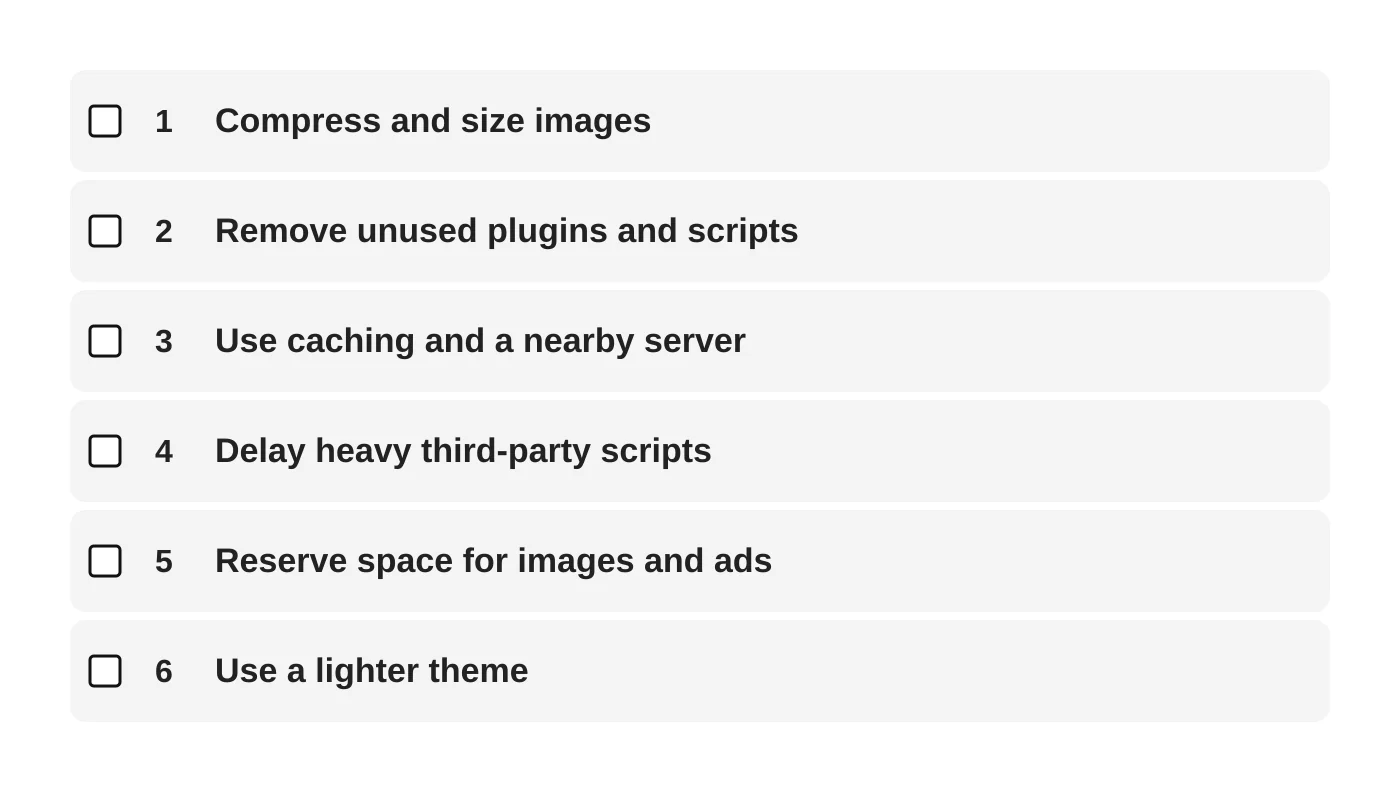
- Compress and size images to the width they are shown at, and use modern formats. This is usually the biggest single gain.
- Remove unused plugins and scripts. If nobody can say what it does, check it before removing.
- Use caching and a server close to your visitors, or a content delivery network.
- Delay or remove heavy third-party scripts, especially on the pages that matter for enquiries.
- Reserve space for images, embeds and banners so the page does not jump.
- Use a lighter theme or simplify page-builder sections.
Make one change at a time and retest, so you know what helped. Keep a backup before each change.
Do not trade away security for speed
Some quick fixes remove protection, such as turning off security plugins or skipping updates. Speed and safety belong together. The monthly routine in the one-hour security audit includes performance and uptime checks, and website maintenance keeps speed from slipping over time.
If a sale or booking rush is coming, use this hosting traffic surge checklist first.
When to ask for help
Ask a professional if your Core Web Vitals report shows many “poor” pages, if the site is built on a heavy page builder, if your hosting is the bottleneck or if you are planning a redesign. Build speed targets into the brief. See what a business website costs and how to redesign without losing rankings.
Choosing where to host? Compare Philippine and overseas hosting for speed, data location and support.
Frequently asked questions
Do I need perfect scores?
No. Aim to meet the “good” thresholds for your key pages, then focus on content and conversion.
Why does my score change every time I test?
Lab tests depend on the network and the test server. Look at real-user field data for the true picture.
Does a CDN always help?
Often, especially for visitors far from your server. It does not fix oversized images or heavy scripts.
Is a faster site always a higher-ranking site?
Not by itself. Speed is one part of a good experience. It helps users and supports other efforts.
How often should I check?
Monthly for your top pages, and after any major update or new feature.
Sources
Get your site tested
Web Design Davao’s web design and development team can test your key pages on mobile and fix the biggest causes of slowness. Ask for a speed check.


