

Quick answer
Prepare for a sale or booking surge by estimating demand from your own history, caching and simplifying the site, knowing your hosting limits and testing only your own systems with your host’s agreement. Set uptime alerts to a named person, plan a rollback such as switching to a simple enquiry form, and review the peak afterwards.
- Estimate a normal case and a strong case from past campaigns, enquiry counts and booking patterns, not a competitor’s numbers.
- Ask your host whether limits can be raised temporarily and with what notice; check payment, booking and email limits.
- Take a fresh backup before changes and know how to turn off a heavy feature or pause an ad.
A resort launches a seasonal offer, a shop announces a sale or a school opens enrolment. The site that handled normal days now sees many visitors at once. If it fails during the peak, the campaign money is wasted. This guide gives a checklist to prepare, test safely and recover.
It is about your own site and planned events. Do not load-test third-party systems without permission. The checklist is generic, so adapt it to your setup.
Step 1: estimate demand carefully
Use your own history: past campaigns, enquiry counts and booking patterns. Estimate a normal case and a strong case rather than a single figure. Consider timing, since visitors arrive in bursts after an email, post or advert goes out. Do not guess from a competitor’s numbers. If you have no history, plan conservatively and monitor.
Related reading: Maintaining a Detailing Website: Packages, Galleries and Booking Checks.
Step 2: prepare the site
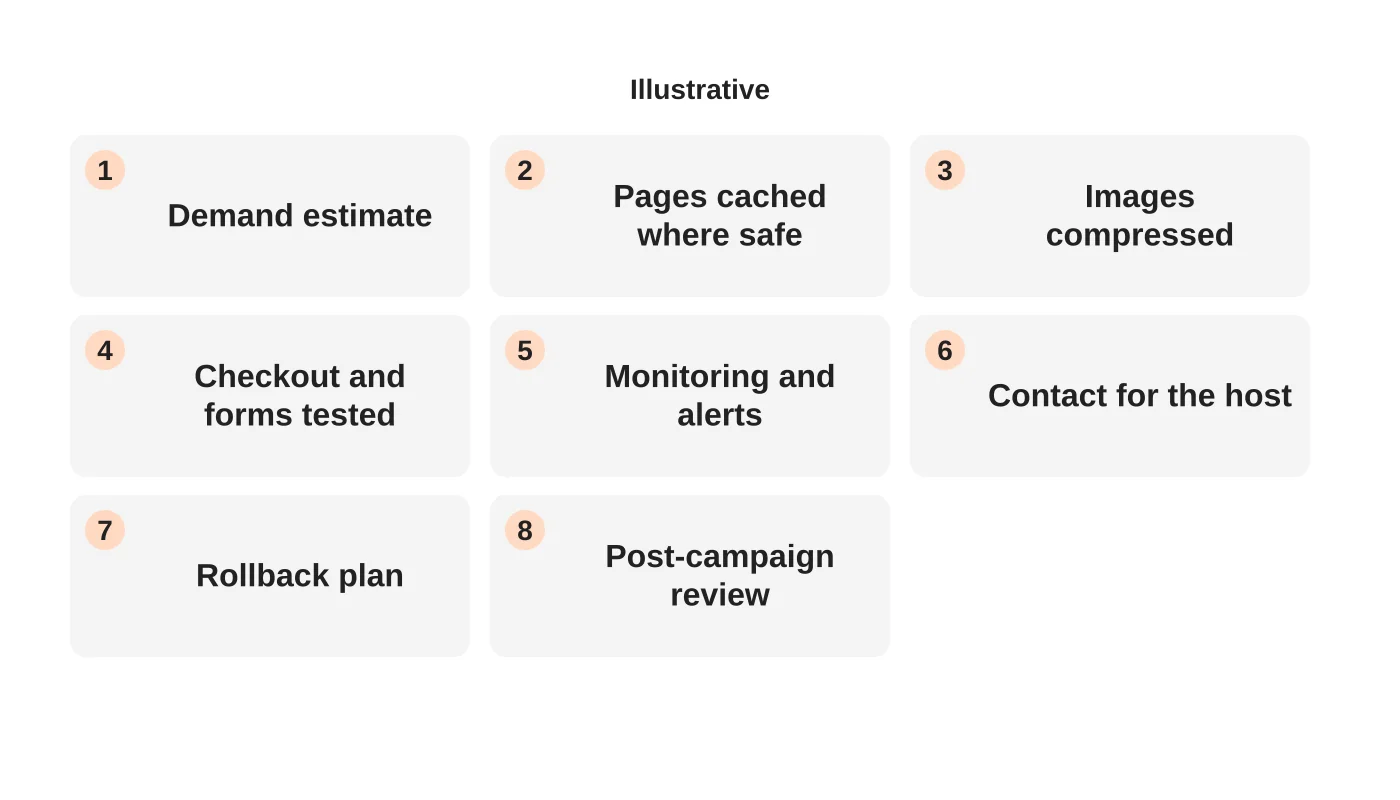
- Cache pages that can be cached, such as offer and information pages.
- Compress images and remove unnecessary scripts.
- Simplify the key path. Fewer steps mean fewer requests.
- Check what is dynamic, such as search, availability checks and checkout, because these use more resources. See CDN, cache or better hosting.
Step 3: check capacity and limits
Know your plan’s resource limits and what happens when they are reached. See understanding hosting resource limits. Ask your host whether they can raise limits temporarily, and what notice they need. Check payment, booking and email services too, since they may have their own limits.
Step 4: test safely
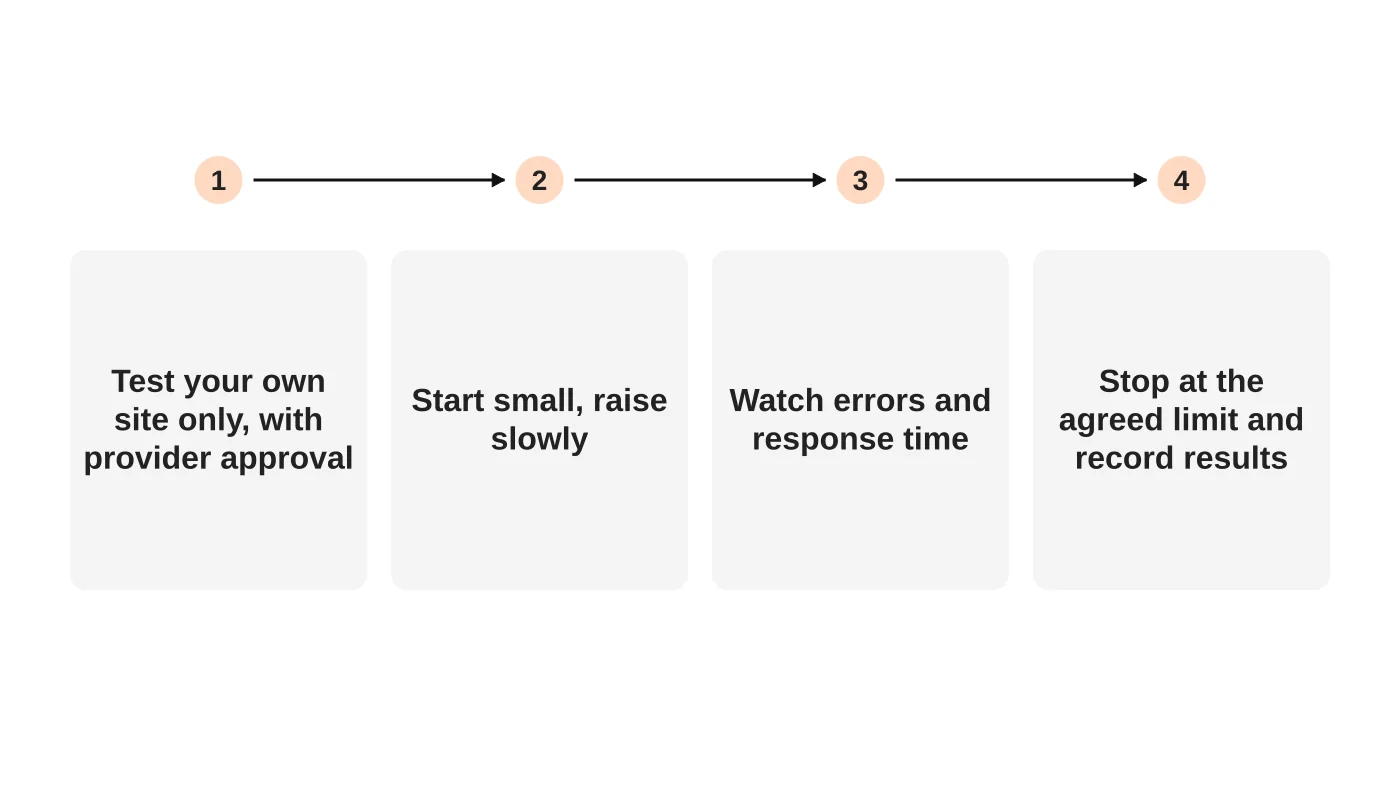
Test only your own systems and get your host’s agreement first. Start small and raise the load slowly while watching errors and response times. Stop at the agreed limit. Record the results. A test cannot reproduce real behaviour exactly, so treat it as a guide. See is your website built to scale.
For more on load times, see website speed for Philippine mobile visitors.
Step 5: set monitoring and a response plan
Set uptime and error alerts to reach a named person. Agree who watches during the campaign, who contacts the host and what the host’s support route is. Keep the host’s contact details handy. See who responds when your website breaks.
Step 6: prepare a rollback
Know how to turn off a heavy feature, pause an ad or switch to a simple enquiry form if the site struggles. Take a fresh backup before changes. Plan a message to customers if you need one.
Step 7: review afterwards
Record peak traffic, errors, response times and what you would change. Update your estimate for next time. For online shops, see the Philippines ecommerce checkout checklist for checkout concerns.
Frequently asked questions
Do I need a bigger plan for a campaign?
Not always. Test and ask your host about temporary options.
Can I test with a free tool?
Be careful. Only test your own site, within your host’s rules.
What if I cannot predict demand?
Plan a safe fallback, such as an enquiry form instead of live booking.
Should I warn customers?
If you expect delays, a short notice helps.
Sources
Prepare for your next peak
Web Design Davao’s hosting team can discuss readiness for your next campaign. Get in touch.


