

Quick answer
Onboard an offshore technician in stages, with access following demonstrated competence. Start with named accounts, the lowest role that supports first tasks and multi-factor authentication where supported, then client runbooks, supervised low-risk tickets and written competency gates. Review access on a schedule and remove it the same day a role changes or ends.
- Create named accounts in each tool, never shared logins, and record acknowledgement of acceptable-use, confidentiality and incident-reporting policies.
- Review each supervised ticket’s notes and actions, not only the outcome, and give feedback the same day.
- Sign off each written competency gate together with the access change, and record the date and evidence.
Giving a new technician full access to your PSA, RMM and documentation on day one is the quickest way to a bad week. Giving too little leaves them idle. A staged plan with gates lets access follow demonstrated competence.
This guide is for MSPs. Confirm tool skills before any plan is agreed. For choosing what to hand over first, see what to delegate to an offshore service desk.
Stage 1: role and tool access
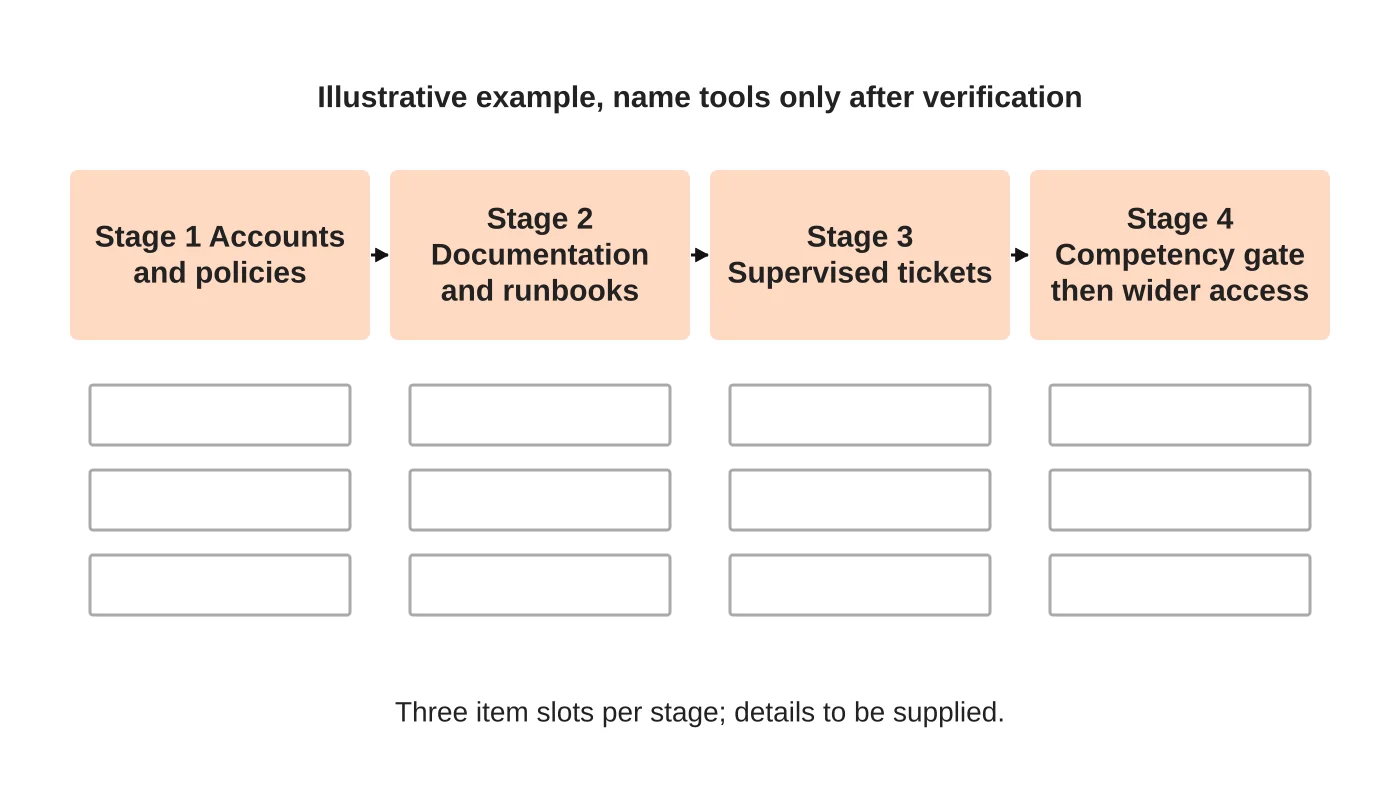
Create named accounts for the technician in each tool, never shared logins. Start with the lowest role that supports the first tasks. Switch on multi-factor authentication where the tool supports it. Provide your acceptable-use, confidentiality and incident-reporting policies, and record acknowledgement. Define what the technician can see in each client’s data.
Check the supporting basics: approved device, secure connection and password manager. See access controls for offshore working for how these combine with the office environment.
Read next: How MSPs in Australia Can Scale Profitably with Outsourced Tech Support from the Philippines.
Stage 2: client context and runbooks
Technicians work better when they understand each client: who the contacts are, what systems exist, what is sensitive and what was agreed in the contract. Provide:
- Client summary pages in your documentation.
- Runbooks for the ticket types in scope, written as steps with expected results.
- A short list of “never do” rules per client.
If runbooks are thin, fix that first. The technician’s first useful contribution may be improving them as they follow them.
Stage 3: supervised first tickets
Start with low-risk ticket types from your delegation matrix. A reviewer checks each ticket’s notes and actions, not only the outcome. Give feedback the same day. Track reopened tickets and corrections. Keep the supervised stage until quality is consistent.
Stage 4: competency gates before wider access
A gate is a written check that must pass before access or responsibility grows. Examples:
- Handled a defined number of tickets of a type with no significant corrections.
- Followed identity verification on every relevant ticket.
- Wrote handovers that the receiving engineer could act on.
The escalation owner signs off the gate and the access change together. Record the date and the evidence. See escalation and handover.
Review and revoke
Review access on a schedule, and remove anything unused. Use a joiner, mover, leaver checklist so access ends the same day a role changes or ends. See the same lifecycle for accounting systems for a parallel approach.
Keep the technician connected
Add them to team channels and stand-ups. Offer a named contact for questions. Assess early: if you hired through an assessment, use its results as the first coaching plan. See assessing an offshore help desk technician.
Frequently asked questions
How much access should a new offshore technician get on day one?
The lowest role that supports their first tasks, on a named account with multi-factor authentication where the tool supports it. Define what they can see in each client’s data, and widen access only after they pass a written competency gate.
What is a competency gate?
A written check that must pass before access or responsibility grows. Examples include handling a defined number of tickets of a type without significant corrections, following identity verification on every relevant ticket and writing handovers the receiving engineer can act on.
What do technicians need to understand about each client?
Client summary pages covering contacts, existing systems, what is sensitive and what the contract says, plus runbooks for in-scope ticket types written as steps with expected results, and a short list of never-do rules per client.
Sources
Talk through the role
Send us your ticket categories, tool stack, required hours and escalation structure so we can discuss the role. Learn about our outsourced staffing service or get in touch.


