

Quick answer
A data cabling quote form should aim to arrange a good site survey, not price blind. Ask about the premises, project type and what needs cabling, capture timing and access constraints, offer secure optional plan uploads, route each request to a named person, and test the form on phone and computer before and after launch.
- Avoid asking for specifications buyers cannot know, such as cable categories; the surveyor recommends them after the visit.
- Explain why you ask about timing and access, because these affect how the work is planned and priced.
- Show a reply time on the form only if you can meet it, and send an automatic acknowledgement.
A cabling quote depends on the site, so the form on your website should aim to arrange a good site survey, not to price blind. A well-designed form filters unsuitable enquiries, gives your surveyor what they need and shows the buyer you run a professional process. This guide explains each field, how to handle plans securely and how to test the form.
1. Ask about premises and project scope
Keep the first questions simple, because buyers often do not know technical terms. Offer options and a free-text box.
- Who is asking: name, company, role and a contact number and email.
- Premises: the type (office, warehouse, retail, school, clinic), the approximate size and the area or city.
- Project type: new installation, extension, relocation, tidy-up or repair.
- What needs to be cabled: office areas, meeting rooms, server or comms room, cameras or access points, if relevant.
Avoid asking for specifications the buyer cannot know, such as cable categories. Your surveyor will recommend them after the visit.
2. Capture timing and access constraints
Ask when the work is needed and whether the building is occupied. Access constraints change both price and method.
- Preferred start and finish dates, and whether they are fixed.
- Working hours allowed, for example after hours only.
- Building rules, such as permits, induction or lift booking.
- Other trades on site.
Tell the buyer why you ask: “These affect how we plan and price the work.” A form that explains itself gets better answers.
3. Handle plans securely
Floor plans and network drawings help a survey, but they can be sensitive. Decide in advance how you will handle them.
- Offer a secure upload rather than asking buyers to attach plans to ordinary email.
- Say who can see uploaded files and how long you keep them.
- Make uploads optional, so a buyer without plans can still ask for a survey.
- Collect only what you need and delete files you no longer need.
4. Route survey requests and technical questions
Decide who receives each submission and by when they will respond. Name a person, not a shared mailbox nobody owns. Set a realistic reply time and show it on the form, for example “We reply within one working day”, only if you can meet it.
A form is not a substitute for judgement. Route requests that raise technical questions to a qualified person, and avoid giving automated statements about what a project will cost or require. Send an automatic acknowledgement that confirms the request was received and says what happens next.
5. Test the form before and after launch
Test on a phone and a computer. Submit a test enquiry with an attached plan and check that:
- required fields work and error messages are clear,
- the right person receives it,
- the buyer receives an acknowledgement,
- uploaded files are stored securely and can be opened,
- the thank-you page tells the buyer what happens next.
Repeat the test every few months and whenever the website or form tool is changed. See service pages for how the form fits into the site, and the main cabling guide for the overall approach.
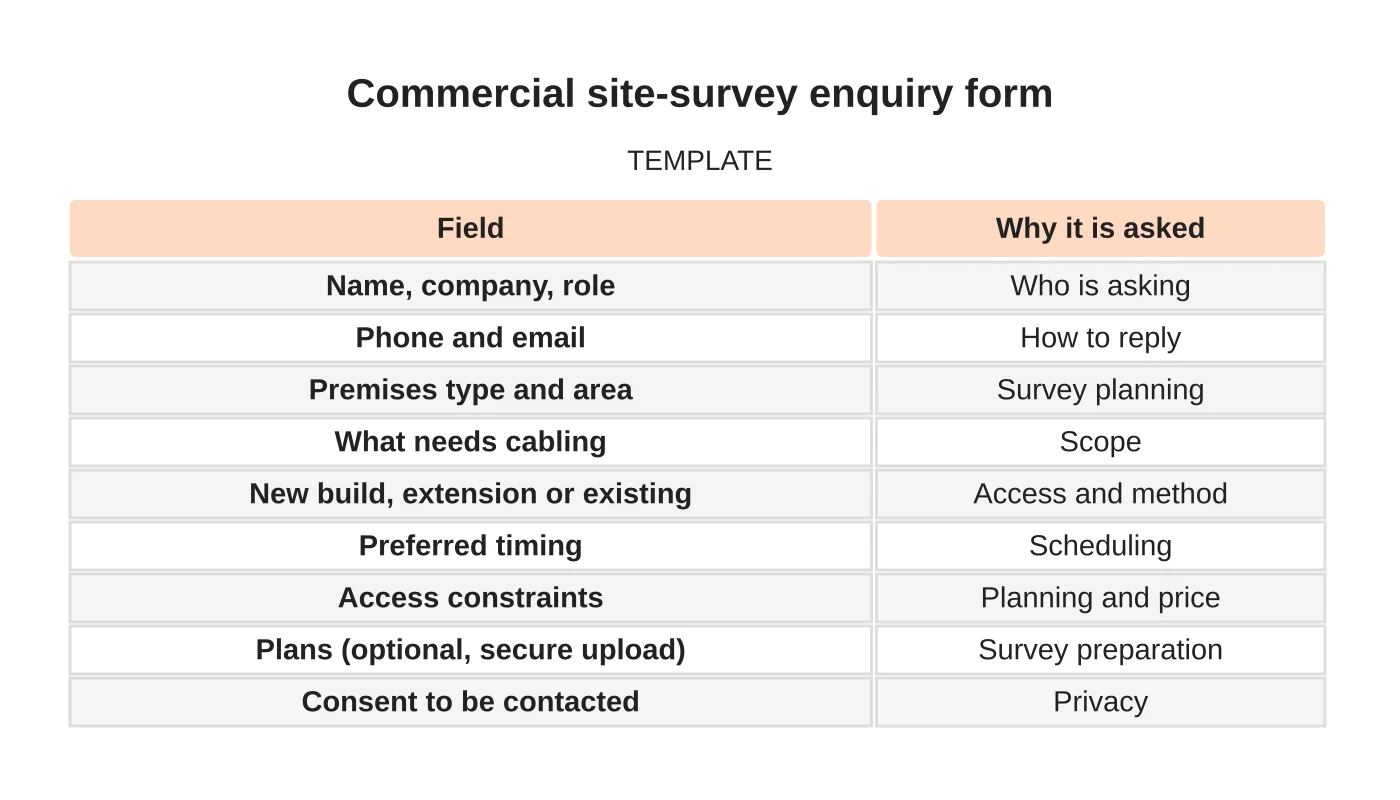
Commercial site-survey enquiry form
| Field | Why it is asked |
|---|---|
| Name, company, role | Who is asking |
| Phone and email | How to reply |
| Premises type and area | Survey planning |
| What needs cabling | Scope |
| New build, extension or existing | Access and method |
| Preferred timing | Scheduling |
| Access constraints | Planning and price |
| Plans (optional, secure upload) | Survey preparation |
| Consent to be contacted | Privacy |
Related reading: Commercial Data Cabling Case Studies: Scope, Testing and Handover Evidence.
Common mistakes
- Asking for too many technical details up front.
- No explanation of why information is requested.
- Accepting plans by ordinary email without a policy.
- No owner for submissions.
- Not testing the form after website changes.
Next step
Request a website review or discuss the pages and enquiry workflow your business needs. Read about our web design service or contact us.
Frequently asked questions
What should a data cabling quote form ask?
Ask who is enquiring, the premises type, approximate size and area, the project type and what needs cabling. Add preferred timing, access constraints and optional plans. Keep first questions simple with options and a free-text box, and include consent to be contacted.
How should floor plans be handled on a quote form?
Floor plans can be sensitive, so offer a secure upload rather than ordinary email, and say who can see the files and how long you keep them. Make uploads optional, collect only what you need and delete files you no longer need.
How do you test a cabling quote form?
Test on a phone and a computer by submitting an enquiry with an attached plan. Check required fields and error messages, that the right person receives it, that the buyer gets an acknowledgement, that files are stored securely, and that the thank-you page explains what happens next. Repeat every few months.
Sources and notes
Last updated 21 November 2026. This guide is general information based on Web Design Davao’s web design and digital marketing practice. It cites no statistics and makes no promise about rankings, enquiries or contracts. Web Design Davao is not licensed or certified in this industry, so check technical, safety, legal and regulatory matters with a suitably qualified professional. Examples are templates or illustrations, not client results.


