

Quick answer
Choose between a project coordinator and an executive assistant by listing the recurring work first. An executive assistant usually handles the owner’s own time, such as calendar and inbox, acting with high trust. A project coordinator keeps team projects moving by tracking tasks and chasing deliverables, with authority over process.
- Group tasks into scheduling, communication, tracking, reporting and personal admin, with the time each takes, before choosing a title.
- Define for either role what triggers a task, the result format, who approves and where updates go.
- Trial defined outputs for a few weeks, such as a weekly status report, and give executive-level access in steps.
A growing service business needs help with “organisation” but cannot tell whether that means a project coordinator or an executive assistant. They overlap, and hiring the wrong one leaves work undone. This guide starts from the work instead of the title.
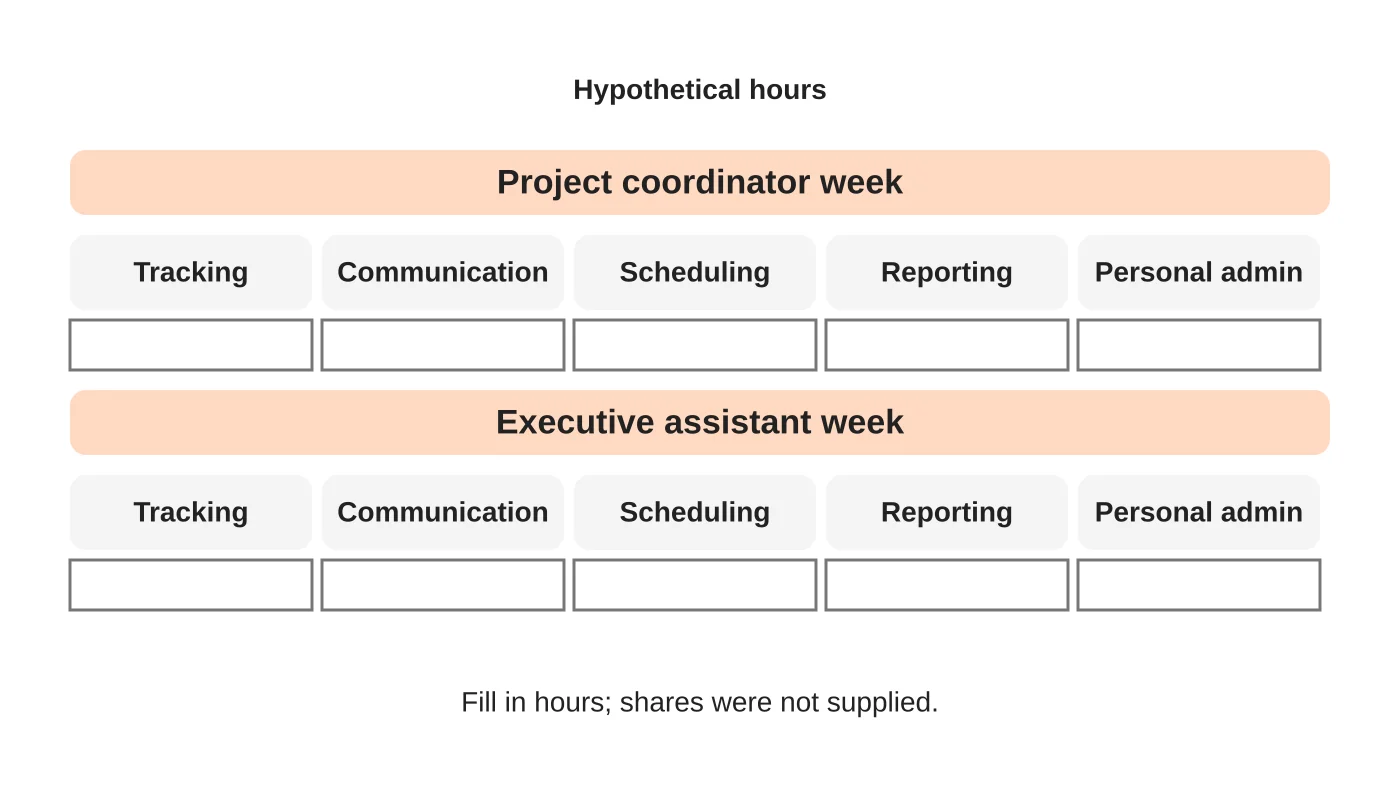
Titles vary between employers, so use the matrix as a starting point. For related reading, see how US service businesses use offshore project coordinators and the executive virtual assistant. The hours shown are hypothetical.
Step 1: list recurring work
Write down what you want off your plate: tasks that repeat weekly or monthly, with the time each takes. Group them: scheduling, communication, tracking, reporting, personal admin. Do not start with the job title. Ask which tasks are about the owner’s own time and which are about moving projects forward.
Step 2: compare decision authority
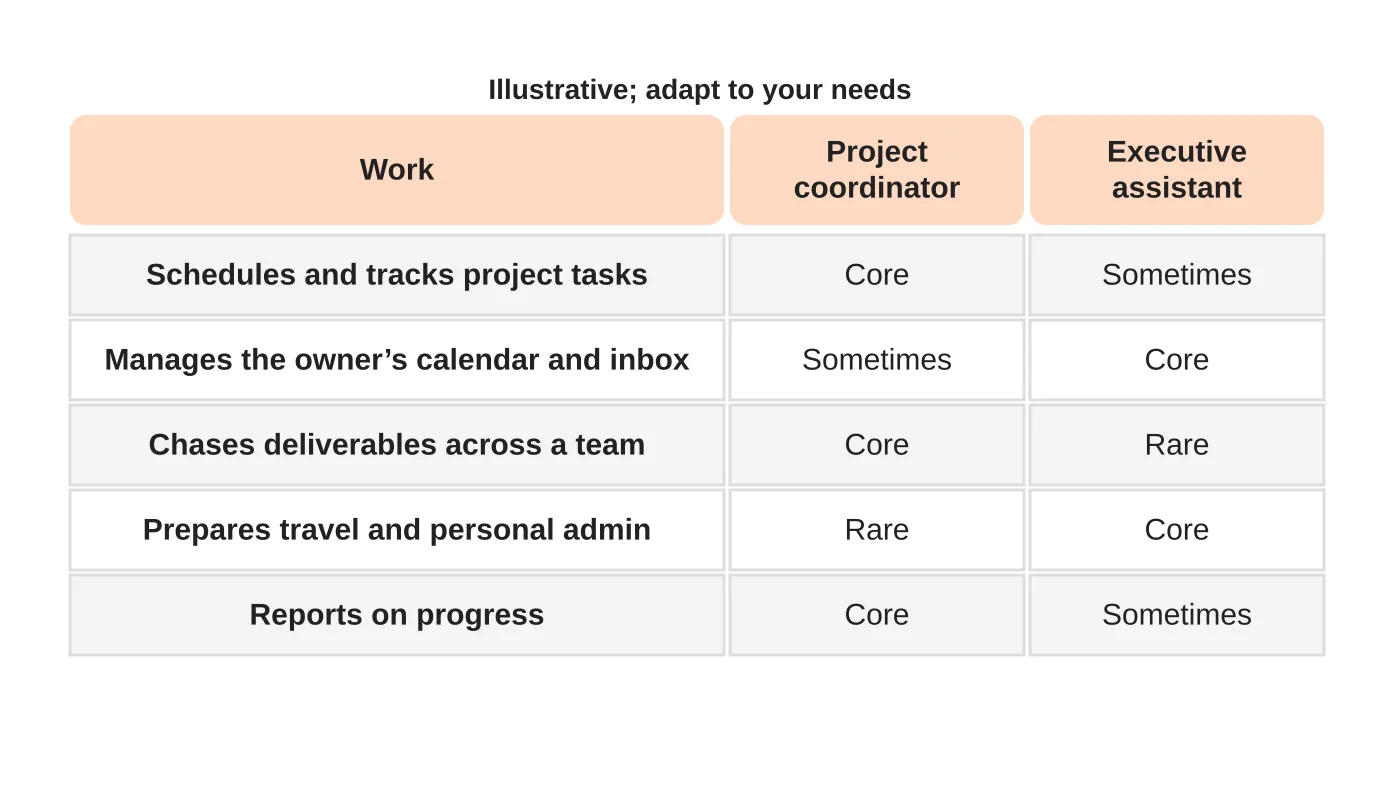
An executive assistant often acts on the owner’s behalf: managing the calendar, inbox and preferences, usually with high trust and access. A project coordinator often works across a team: tracking tasks, chasing deliverables and reporting progress, with authority over process rather than the owner’s affairs. Decide what each may decide, approve or only prepare.
Step 3: define handoffs
Whichever role you choose, define how work reaches them and how it leaves. What triggers a task? What is the format of the result? Who approves? Where do updates go? Roles fail more often from unclear handoffs than from skills. See how to delegate to a virtual assistant.
Step 4: choose scope and trial outputs
Write the role scope from the work you listed. If it mixes both, decide the main focus, or consider two part-time roles. Trial with defined outputs for a few weeks, such as a weekly project status report or a managed calendar for the owner. See part-time, full-time or shared support for capacity choices, and a KPI scorecard for review.
Step 5: review the fit
After the trial, compare what was done with what you needed. Adjust the role, split it or change the person. Write the final scope down.
A caution on access
Executive-level roles often need access to email, calendars and sensitive data. Give access in steps. See a role-based access checklist.
Frequently asked questions
Can one person do both?
For a small workload, perhaps. Watch for overload.
Which is cheaper?
It depends on the work and arrangement. Compare written scopes, not titles.
Does an EA manage projects?
Sometimes, but it is a different skill from coordinating a team.
What if I am unsure?
Trial a defined set of tasks first.
Sources
Define the role first
Web Design Davao’s outsourced staffing team can discuss which role fits your work. Get in touch.


