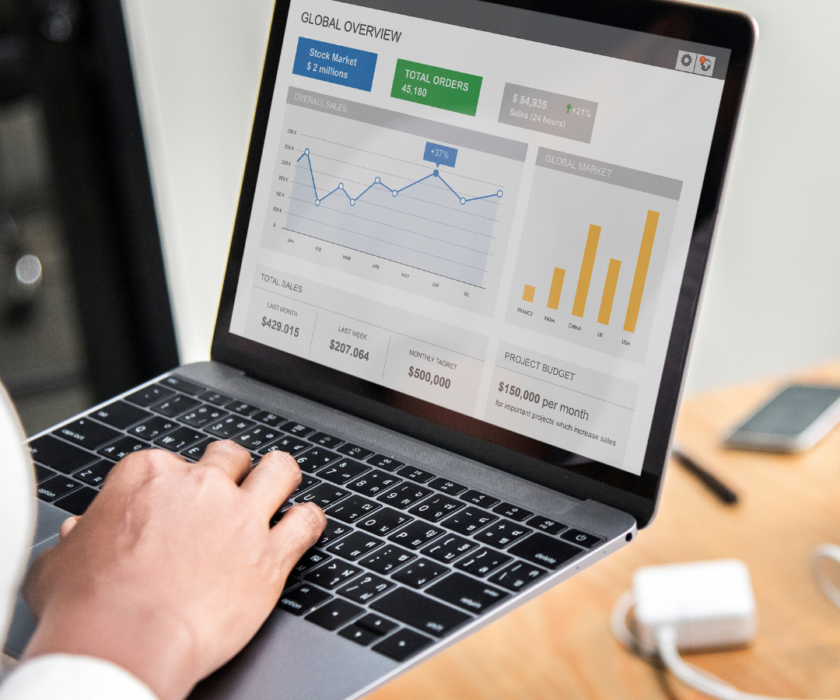


Analytics and Tools
Do you know what your website data is really telling you?
Most business owners check their traffic numbers — but few know how to turn those numbers into
actions that grow revenue.
The truth is, website analytics is more than just graphs and charts. When you know what to look for, it
becomes your most powerful marketing decision-making tool.
At Web Design Davao, we help businesses go beyond vanity metrics and uncover insights that lead to
real results — more leads, more conversions, and more growth.
1. Why Analytics Matters for Every Business
Your website is constantly collecting data — from how people find you to how they interact with your
pages.
This data reveals:
- Who your visitors are (location, device, demographics).
- What content they engage with most.
- Where they drop off in your sales funnel.
By tracking the right metrics, you can identify opportunities, fix weak points, and invest in what’s
working.
Fact: Businesses that make data-driven decisions are 23 times more likely to acquire customers
(McKinsey, 2024).
Pro Tip: Data doesn’t lie — it shows where your marketing budget delivers real ROI.
2. The Key Website Metrics That Matter Most
It’s easy to get overwhelmed by analytics dashboards. Instead, focus on the numbers that directly affect
your bottom line.
Here are the top metrics every business should monitor:
- Traffic Sources
Shows where your visitors come from — search, social, ads, or referrals.
Use it to identify which channels deserve more investment. - Bounce Rate
Measures how many people leave after visiting one page.
A high bounce rate means your content or design needs improvement. - Average Session Duration
Shows how long visitors stay on your site.
Longer sessions = higher engagement and stronger trust. - Conversion Rate
Tracks how many visitors complete a goal — a contact form, purchase, or sign-up.
The ultimate indicator of website effectiveness. - Exit Pages
Reveals where visitors most often leave your site.
Use this data to fix problem pages and improve flow.
3. How to Use Analytics to Improve Marketing Performance
Collecting data is just step one — the real value comes from applying it.
Here’s how to turn numbers into action:
Optimise for Top-Performing Channels
If most of your traffic comes from organic search, double down on SEO. If social media drives
conversions, invest in ads or boosted posts.
Identify Drop-Off Points
Use tools like Google Analytics 4 or Hotjar to find where users stop engaging. Then tweak layout,
messaging, or CTAs to improve flow.
Test and Refine CTAs
A/B testing buttons, colours, and wording can dramatically lift conversion rates.
Enhance User Experience (UX)
If session duration is low, your website design might be confusing. Simplify navigation and speed up
loading times.
Example: A Davao real estate company increased lead submissions by 42% after identifying and
fixing a poorly performing contact form
4. Connecting Analytics to Real Business Goals
Data means nothing without context. Every metric you track should tie back to a goal
| Business Goal | Metric to Track | What It Tells You |
| Increase leads | Conversion rate | How effective your site is at generating inquiries |
| Grow visibility | Organic traffic | How your SEO and content strategies perform |
| Build authority | Returning visitors | How loyal and engaged your audience is |
| Reduce costs | Cost per conversion | How efficiently you use ad spend |
Pro Tip: Set up SMART goals (Specific, Measurable, Achievable, Relevant, Time-bound) in
Google Analytics to stay focused on growth.
5. Tools That Simplify Analytics for Small Businesses
You don’t need an enterprise setup to make data work for you. Here are a few free and affordable tools
that help simplify website analytics:
- Google Analytics 4 (GA4): Tracks all user activity and conversions.
- Google Search Console: Shows keyword performance and site health.
- Hotjar / Microsoft Clarity: Provides heatmaps and user recordings for UX insights.
- Google Data Studio: Creates easy-to-read reports and dashboards.
Insight from Our Team:
“Data isn’t about numbers — it’s about stories. Every click tells you something about your
customer.” — Duarne Bernhagen, Founder of Web Design Davao
6. Turning Data Insights into Long-Term Growth
Analytics shouldn’t just guide short-term fixes — it should shape your overall marketing strategy.
When used effectively, data helps you:
- Allocate your marketing budget more effectively.
- Understand your audience’s true needs.
- Improve content quality and targeting.
- Forecast seasonal trends and future growth.
Fact: Companies that consistently analyse data outperform competitors by 85% in sales growth
(Forbes, 2025).
Ready to Turn Your Website Data into Growth?
Stop guessing and start deciding with data.
Book a free website analytics consultation with Web Design Davao.
We’ll help you identify your key metrics, interpret them clearly, and build a strategy that turns data into
real marketing results.
Contact Web Design Davao to get started today.
FAQs
- What’s the difference between traffic and conversions?
Traffic is how many people visit; conversions are how many take action. Both are crucial but serve
different insights. - How often should I check my website analytics?
At least once a week to track trends and monthly for in-depth analysis. - Can analytics help improve SEO?
Yes — by identifying which pages rank, where visitors come from, and what content drives clicks. - What if I don’t understand analytics reports?
Web Design Davao offers guided walkthroughs and simplified dashboards tailored for your business
goals. - How long before I see results from analytics-driven changes?
Typically within 30–90 days, depending on the changes implemented and your website’s current
performance.