Practical help for your business
Step-by-step guides to help you manage your website, marketing and everyday business tasks.
Browse a topic or search for the task you want to complete.
 Websites & enquiriesMake it easier for customers to find information and contact you.
 SEO & digital marketingUnderstand how people find your business and which visits become enquiries.
 Social mediaPlan your content, manage access and follow up customer messages.
 Hosting & domainsUnderstand who manages your website and prepare for hosting changes.
 Website care & securityCheck your website, manage access and prepare for recovery.
 Virtual assistants & adminDelegate recurring work with clear instructions and ownership.
Try a shorter phrase or clear your filters. You can also ask our team for help.
Practical guide
Make website forms usable for everyone: label every control, explain and recover from errors, test the keyboard flow and check confirmation states.
Read the guide: Accessible Website Forms: Labels, Error Messages and Keyboard Use That WorkPractical guide
A vendor-neutral workflow for sending website enquiries into a CRM: essential fields, assigning staff, handling duplicates and failures.
Read the guide: Connecting Your Website to a CRM: From Enquiry Form to Assigned Follow-UpPractical guide
A card-sort exercise for firms, clinics and logistics companies with many services: group by buyer task, test labels and connect overview and detail pages.
Read the guide: How to Organise a Website with Many Services Without Overwhelming VisitorsPractical guide
A plan for owner-operated Davao businesses moving from a Facebook Page to a first website: minimum pages, reusing assets, contact routes and launch tests.
Read the guide: Moving from a Facebook Page to Your First Business Website: A Practical Launch PlanStep-by-step guide
A 12-point Google Business Profile checklist for Davao: categories, services, photos, reviews, service areas and mistakes that get profiles suspended.
Read the guide: Google Business Profile Optimisation for Davao Businesses: A Practical ChecklistPractical guide
Suspended Google Business Profile? Read the notice, check your details and access, gather genuine evidence and follow Google’s official appeal steps.
Read the guide: Google Business Profile Suspended? What to Check Before You AppealPractical guide
A dated worksheet to compare your service page with a competitor’s: record the query and location, compare purpose, proof and page experience.
Read the guide: Why a Competitor Outranks Your Service Page: A Practical Comparison WorksheetPractical guide
Separate branded from non-branded search in SEO reports: define brand variants, segment queries, note attribution limits and compare trends with enquiries.
Read the guide: Branded vs Non-Branded Search: Read SEO Reports Without Mistaking Awareness for New DemandPractical guide
Set up a social media approval process: assign reviewers, separate corrections from new scope, define approval states and handle urgent changes.
Read the guide: A Social Media Approval Workflow That Keeps Content MovingPractical guide
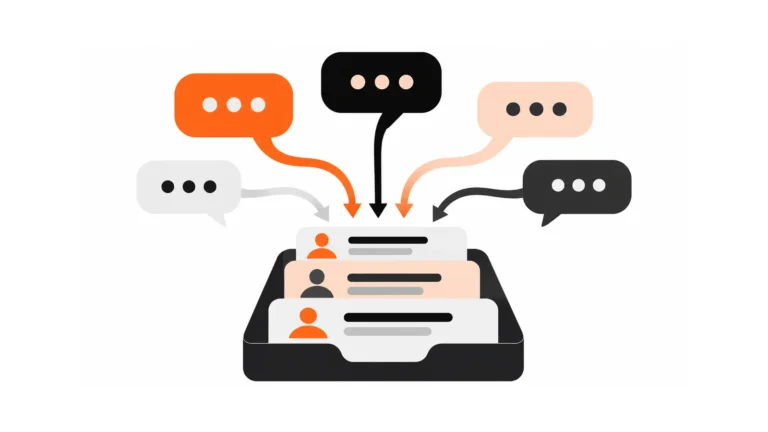
Turn social media messages into tracked enquiries: define an enquiry, record the essentials, assign owners, avoid duplicates and close the loop.
Read the guide: Turn Social Media Messages into Tracked Enquiries Without Losing the ConversationPractical guide
Inventory pages and ad accounts, confirm owner and admin access, test recovery and complete a documented handover when staff or agencies change.
Read the guide: Who Owns Your Business Social Accounts? Access and Agency Handover ChecklistPractical guide
Organic, boosted or Ads Manager? Choose by outcome, control and effort, align the landing destination and judge lead quality with current documentation.
Read the guide: Organic Posts, Boosted Posts or Ads Manager? Choose the Right Social CampaignPractical guide
Understand registrar, DNS, web hosting and email hosting, assign ownership and keep a simple account register, with synthetic entries and no passwords.
Read the guide: Domain, Website Hosting and Email: Which Service Controls What?Practical guide
Plan a host move: inventory services, test a staged copy, plan DNS and email, verify the result and keep a rollback. No zero-downtime promise.
Read the guide: Moving Your Website to a New Host: A Plan to Reduce Downtime and Protect EmailPractical guide
A pre-renewal hosting checklist: review usage, confirm inclusions, test backup and export access and compare renewal and migration costs from written offers.
Read the guide: Before You Renew Hosting: Check Backups, Support, Exit Terms and Hidden CostsPractical guide
Agree severity levels, ownership, access and contacts before a website incident, coordinate recovery across providers and close with evidence.
Read the guide: When Your Website Breaks, Who Responds? Agree Support Roles Before an IncidentPractical guide
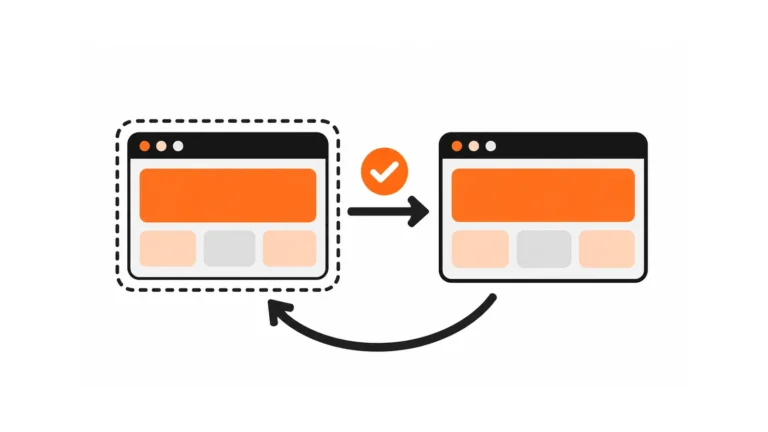
A repeatable WordPress update workflow: check scope, prepare staging and a tested backup, apply and test, then approve the release or roll back.
Read the guide: Update WordPress Safely: Staging, Backups and Post-Update ChecksPractical guide
Plugin update broke your site? Capture symptoms and timing, isolate the conflict safely on a copy, test compatibility and document the fix.
Read the guide: A Plugin Update Broke Your Website: How to Diagnose the ConflictPractical guide
Tell certificate errors from mixed-content warnings: identify the message, check the certificate and hostnames, find insecure assets and test forms.
Read the guide: HTTPS Warnings and Mixed Content: What Website Owners Should CheckPractical guide
Collect URLs, classify link failures, fix or replace them in context and retest on a schedule, with a link log and no blanket homepage redirects.
Read the guide: Broken Links and Missing Downloads: A Routine Website Content CheckStep-by-step guide
Learn how to delegate to a virtual assistant with a briefing note template, ownership levels, a feedback loop and tips for working with Filipino teams.
Read the guide: How to Delegate to a Virtual Assistant: The Briefing Note, Ownership and TrustStep-by-step guide
A practical guide to writing standard operating procedures for a virtual assistant: format, screenshots, decision rules, examples and how to test them.
Read the guide: How to Write SOPs a Virtual Assistant Can Actually FollowPractical guide
Define approved responses, restricted decisions and urgent routes for virtual assistants, with an escalation matrix and a message quality check.
Read the guide: Client Communication for Virtual Assistants: What to Answer and When to EscalatePractical guide
Build a balanced virtual assistant scorecard: define outputs and quality, set realistic targets, sample evidence and review blockers. Targets are illustrative.
Read the guide: Virtual Assistant KPIs: Measure Quality, Reliability and Completed WorkA little extra support
Tell us what you’re trying to do and where you’re stuck. We’ll help you work out the next step.
Talk to our team